Nintex Community Menu Bar
Question

How to use a SQL Database in the context of the SQL user with Smartobjects in K2

  • May 20, 2026
  • 4 replies
  • 23 views

Forum|alt.badge.img+3

Hello together,

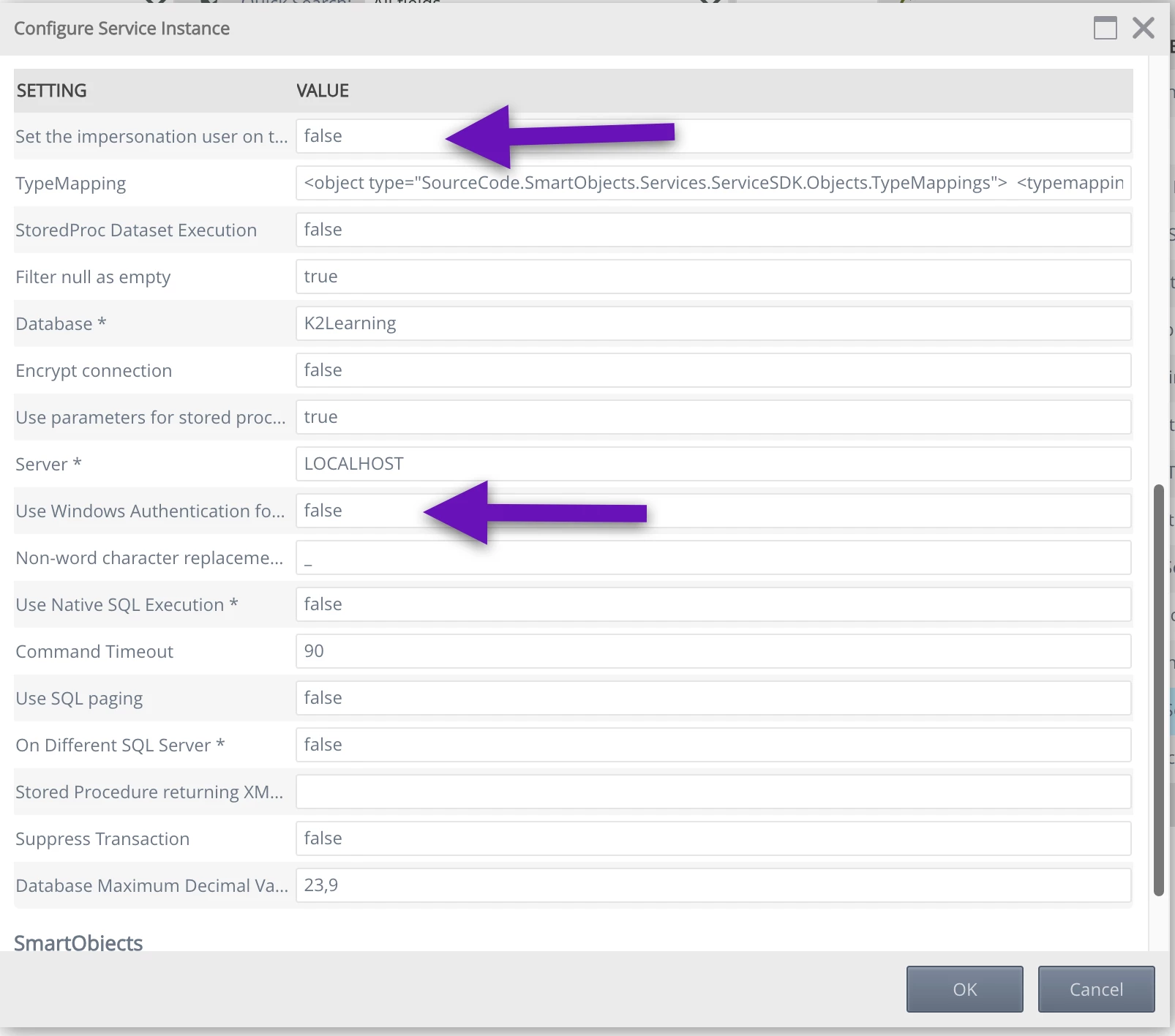
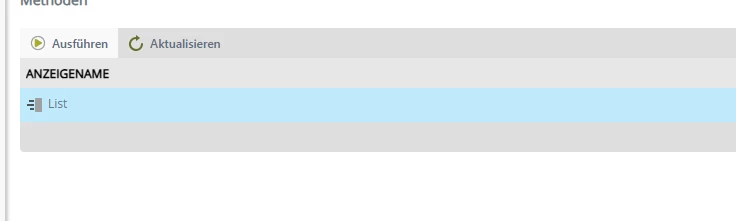
I have a problem with my K2 Smartobject. I have a SQL Database on another Server. When I configure the instance I use “static” authentification method. I connects to the server and no error message. Then when I try to use the method to get all the database entries. I get an error message. I think it uses a different conntext user. How can I use the right context SQL user? I’m also missing the methos for creating and updating a database
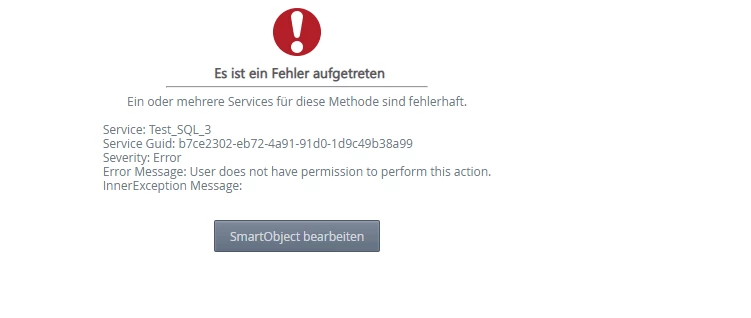
I hope you can help me. 

Best regards

Matthias

4 replies

JRoberts
Nintex Employee
Forum|alt.badge.img+12
  • Nintex Employee
  • May 20, 2026

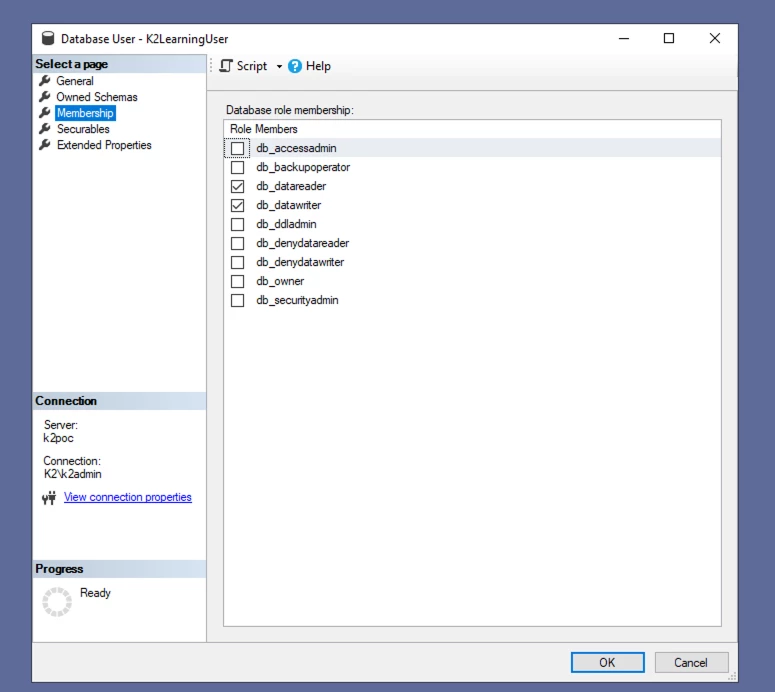
Check the role membership for your static account on databases where it needs access. K2 will always respect the external data source’s security settings based on the authentication method used. Any account that you use when configuring the SQL Server Service Instance for your database(s) needs to have db_datareader in all the databases you want to use so that it can query the schema and data. If you want to write and update data, then it should also have db_datawriter too.


Forum|alt.badge.img+3

Hello JRoberts,


that worked so far, but I still got an error message, when I try to read all the items in the table.

What could that cause? Creating, Updating, and Reading one item works.


Best regards

Matthias


JRoberts
Nintex Employee
Forum|alt.badge.img+12
  • Nintex Employee
  • May 20, 2026

Try refreshing the Service Instance in the Management site and see what happens there. Can you post the error message here too?


JRoberts
Nintex Employee
Forum|alt.badge.img+12
  • Nintex Employee
  • May 20, 2026

Try refreshing the Service Instance in the Management site and see what happens there. You could also regenerate the SmartObjects after that.


Can you post the error message here too?