

Nintex Community Menu Bar
Question

How to make list view not required to press enter?

  • September 3, 2026
  • 1 reply
  • 36 views

Forum|alt.badge.img

when I press enter, although my textbox has value but it cant pass to value to my Smartobject 
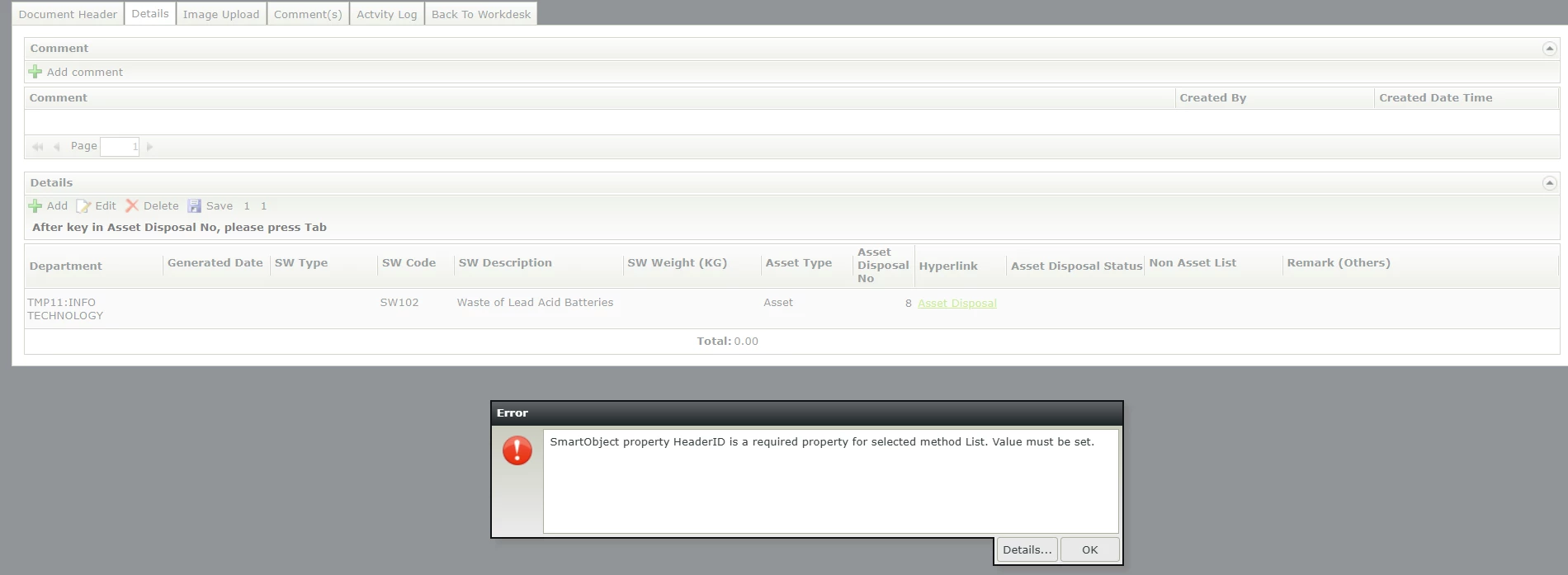
but same input when i click to other place or press tab it will show the correct step
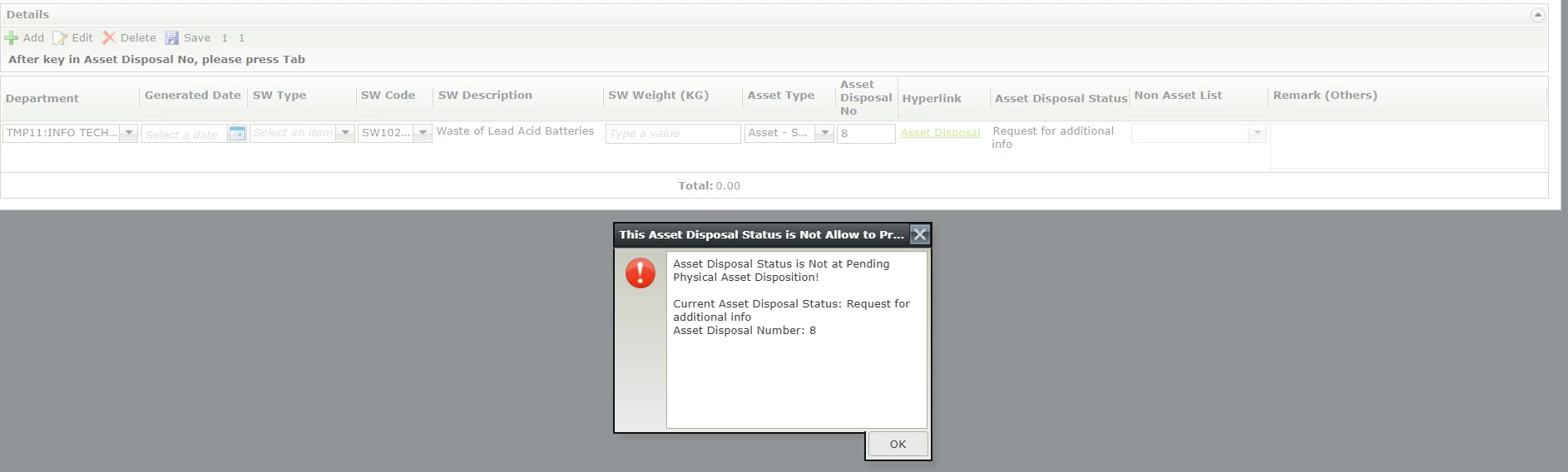

what i do for this is when user key in the asset disposal number, it will pass the number to the smart object and return true or false value. once the data label change, it shows true value, the system will block. the correct example shows at 2nd picture.

however, if the user press enter, this validation will not work

1 reply

ScottCaseIT
Nintex Partner
Forum|alt.badge.img+4
  • Nintex Partner
  • September 17, 2026

If I am understanding correctly, you are using an editable list view, you are adding a new item. You want to type in the Asset Disposal number and press enter to persist the value and then have some other rule validate?


Just typing out loud, there is nuance to the editable list view and editing items in line. What seems like a single line in reality are two distinct control families. One for display and one for editing. What I have generally ran into if you have managed the state.


There is an action rule that you can use to apply the edit states values to your smart object prior to other operations occurring. What I suspect is that pressing enter isn’t applying the edit, so therefore the SmO isn’t being updated with your value whereas tabbing out does trigger the application of the state thus updating your SmO property.


I apologize I cannot be more specific with how to address your issue as I am not certain what exactly it is that you your requirements are that you are trying to accomplish, but that does seem to be the editable list view behavior that is giving you some trouble.


