Nintex Community Menu Bar
Question

Custom Control Files Having Problem

  • July 10, 2026
  • 6 replies
  • 31 views

Forum|alt.badge.img+3

Hi everyone! 

I have 2 custom controls which problems right now. Is it necessary to have .aspx format file for custom control? Do you guys know how to solve this issue? All the forms and views that are using these custom controls cannot be opened.


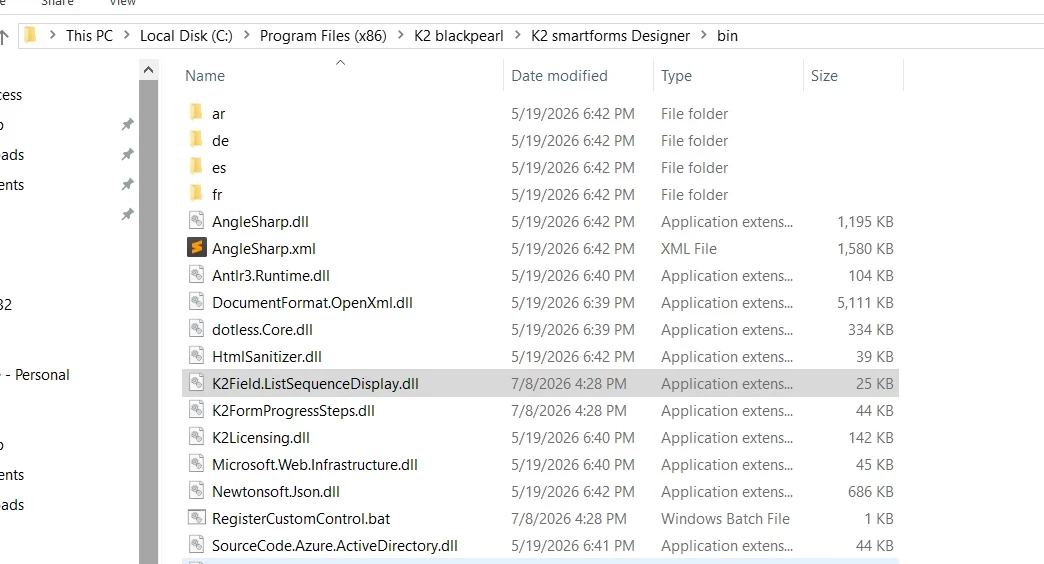
This is custom control .dll files that are impacted:
1) K2Field.ListSequenceDisplay.dll
2) K2FormProgressSteps.dll


6 replies

Forum|alt.badge.img
  • Nintex Employee
  • July 10, 2026

Hi ​@AinaSyazzween 

Have you attempted to deregister the controls and then re-registering them? 

There are a few troubleshooting steps that I would follow in order to get the to the bottom of the issue.

Most of the time a simple re-registering of the controls does the trick in my experience.


Forum|alt.badge.img+3

Hi ​@LouwJ. Thank you very much for your response. Btw, this issue has happened in the internal. Yes, I have re-register the .dll files.


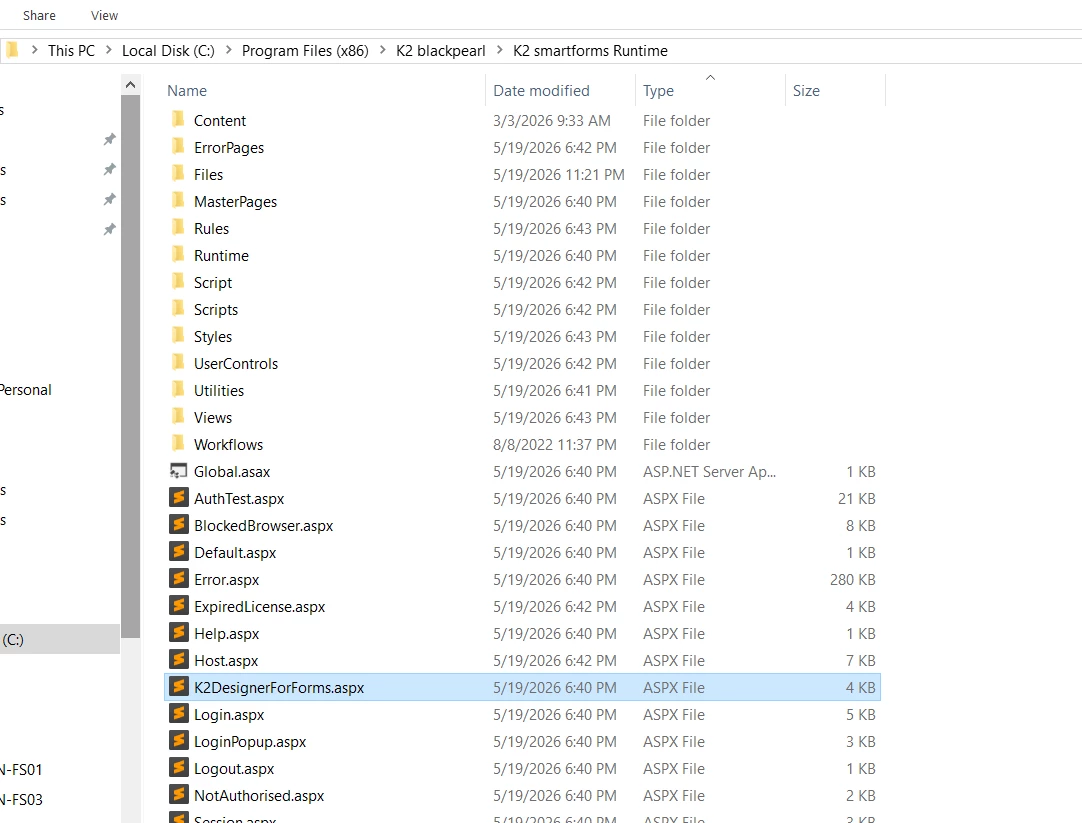
Actually, the files are missing when my team upgraded to the latest version. Unfortunately, the production is not upgrading yet.  So, I just copy from production and paste them in the internal. So, I wonder if .aspx also needs to be in the folder? Do you manage to resolve the issue? How?


Arvindsct
Nintex Partner
Forum|alt.badge.img+3
  • Nintex Partner
  • July 11, 2026

Hello ​@AinaSyazzween 

Which version of K2 you are using?


Forum|alt.badge.img+3

Hi ​@Arvindsct 

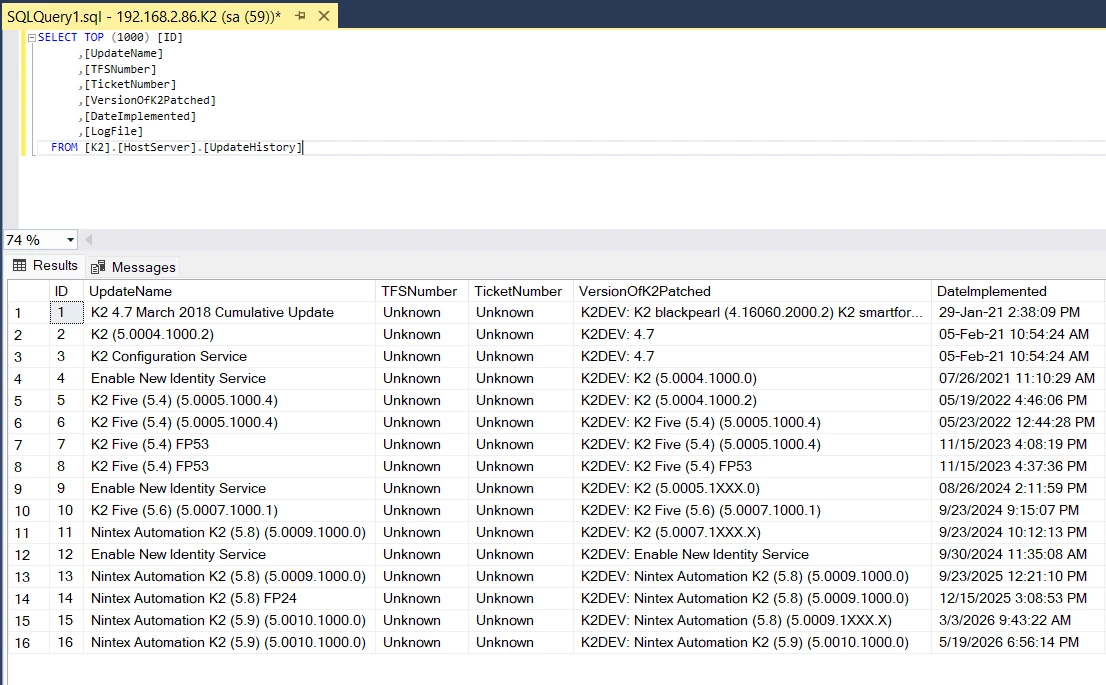
Thanks for the response. Here I provide you the transaction history of K2 version. Currently, I’m using K2 Five 5.9:


Forum|alt.badge.img+11
  • Nintex Employee
  • July 14, 2026

Are the .dll custom controls unblocked?  Check Properties for the files and unblock if applicable.

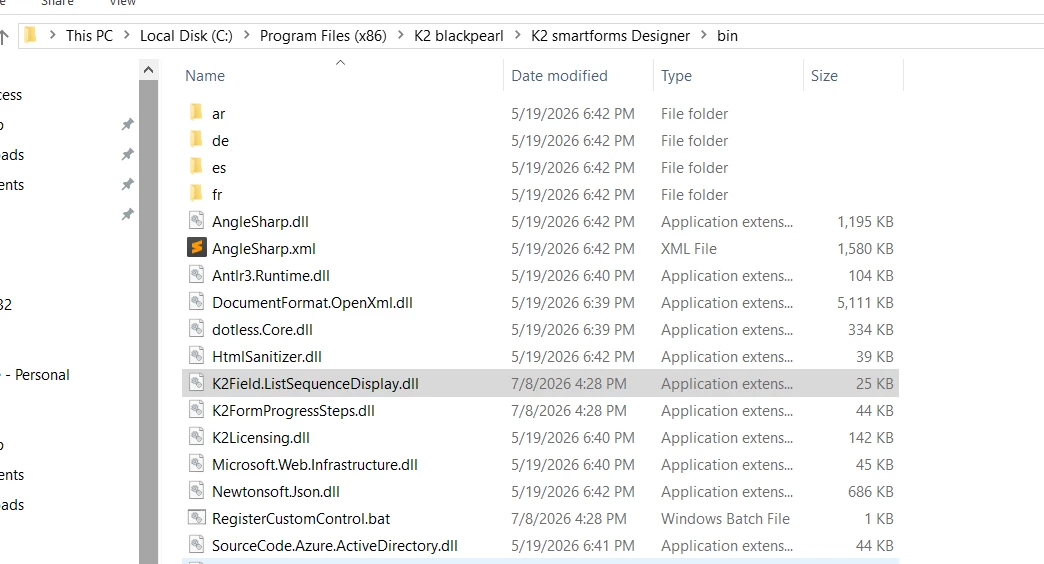
Were the files copied to both Runtime\bin and Designer\Bin?

IISRESET and clear browser cache also?


Forum|alt.badge.img+3

Hi ​@TinTex 

I have check in the properties, .dll custom is not showing unblock or block. I have paste in Runtime\bin, but Designer\bin not yet. Is that necessary to paste in Designer\bin too? That means does the custom control has a file that should be placed in Designer\bin?