




Offline K2 Application cannot be authorised (ADFS)
kbt148715
PRODUCTK2 Five
K2 blackpearl 4.7
BASED ONK2 blackpearl 4.7
SEE ALSOK2 API
API
End User
Administrator
Clean Install
Support
This article was created in response to a support issue logged with K2. The content may include typographical errors and may be revised at any time without notice. This article is not considered official documentation for K2 software and is provided "as is" with no warranties.
Issue
When you have a form that fails authorization, this passes Azure auth. But when logging in using ADFS this fails internally, externally this works as expected. In the environment ADFS is set up to work directly with K2 rather than via Azure.Symptoms
You will see the following error:
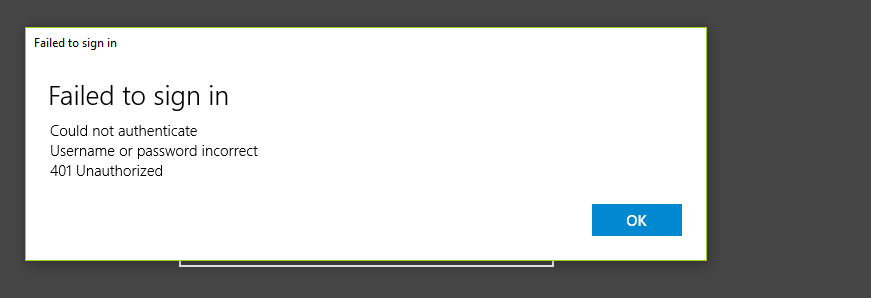
"Failed to sign in, could not authenticate
Username or password incorrect
401 Unauthorized"
Username or password incorrect
401 Unauthorized"
Sample error message screenshot:
Troubleshooting Steps
This appears to be a configuration issue. The best way to help troubleshoot this is to have a look at the K2 API web.config. This can be located within the following directory:
%K2_Installation_Directory%WebservicesK2 ApiWeb.config
Please double check if the settings described in the "Authenticating with AD FS" section of the K2 documentation have been applied to the web.config, particularly steps 26-31 that are mainly related to web.config.