


Topic
There may be a need to store files outside of K2 Smartbox SmartObjects. In this example SQL will be used to store the File and Smartforms will display metadata and the file.
Instructions
1. Create a SQL Table with a varchar(max) property. Make sure that there is a Primary Key column on the table to allow for CRUD methods.
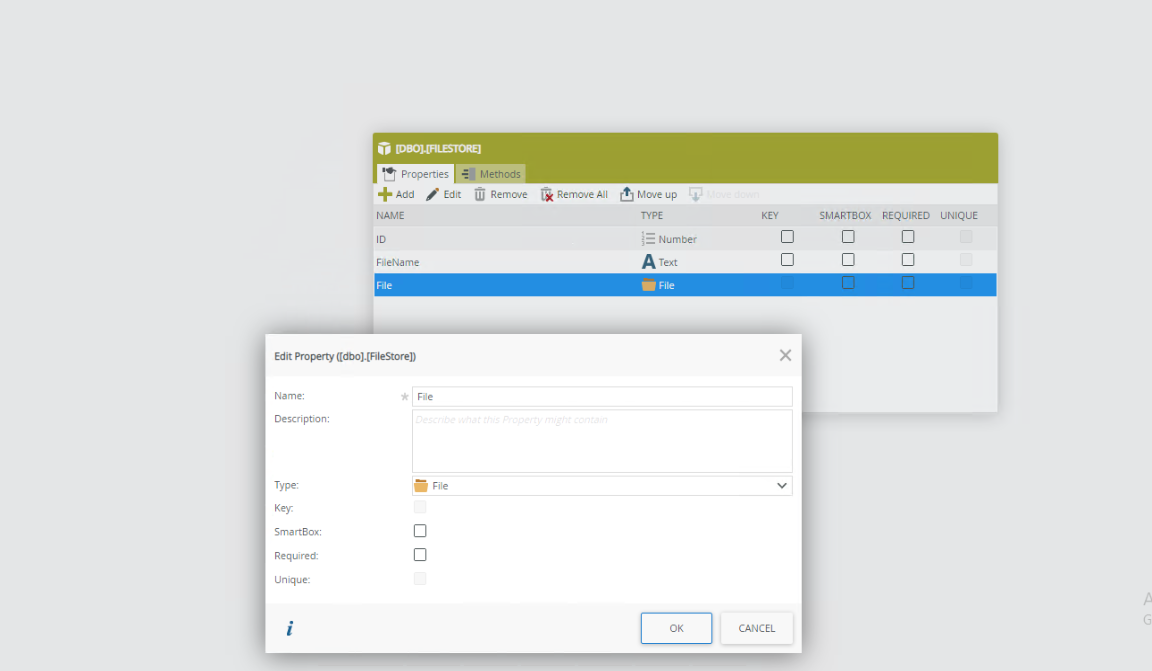
2. Create a SmartObject from the SQL Table. Change the varchar(max) property to be a File property instead of text in K2 Designer.
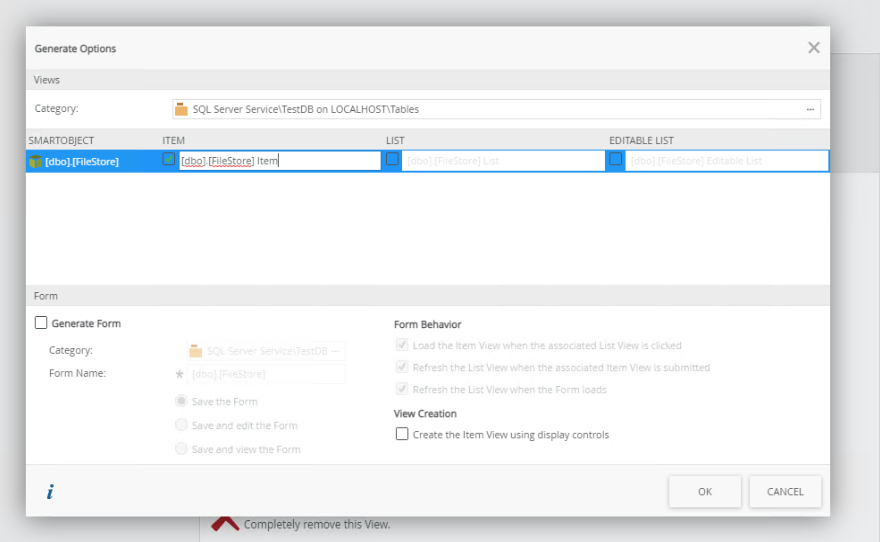
3. Create an Item View from the SQL Table SmartObject.
4. Test the View and ensure files can be uploaded and downloaded.
