Topic
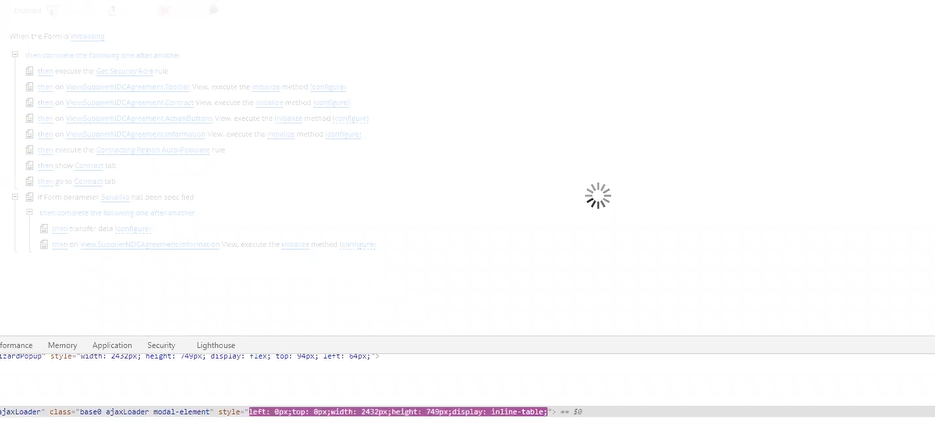
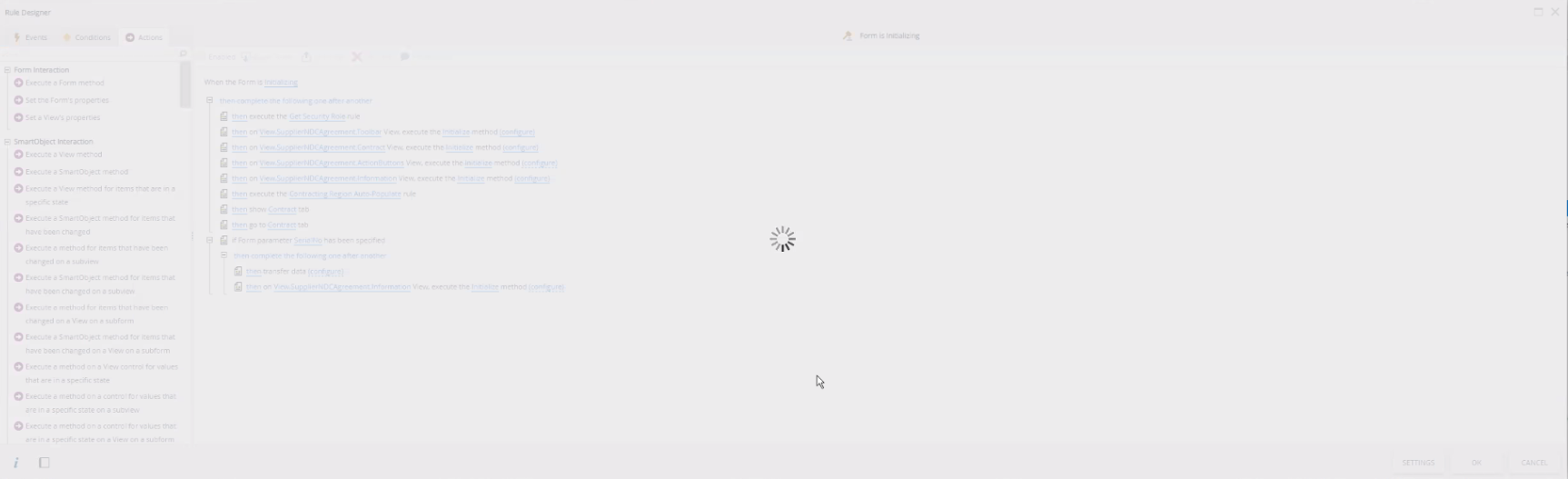
When trying to edit Smartform rule/action, the pop-up screen for rule configuration might freeze up.
Instructions
This is more like a browser session issue. We can clear the browser cache, but that will result in losing the rule. Using Chrome DevTools, we can safely exit/save the rule.
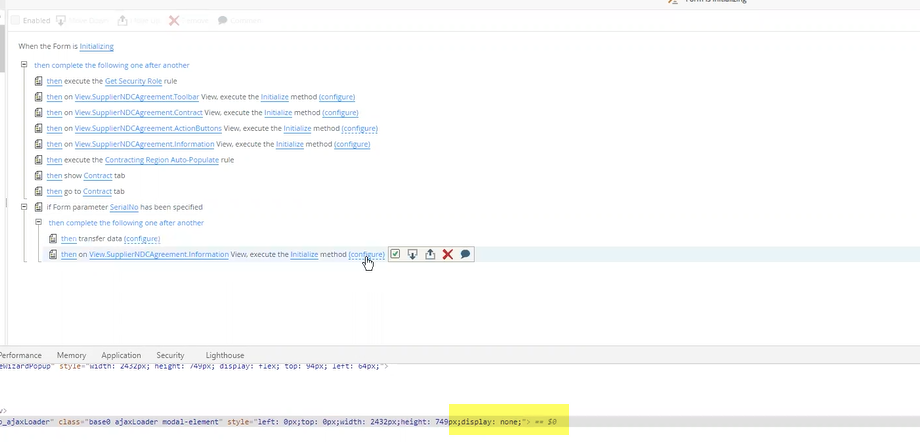
1) Right-click on the spinning donut > select Inspect.
2) Hover over the spinning ajax > add display:none. This allows the screen to recover and you can get out of it to save the current rule.