




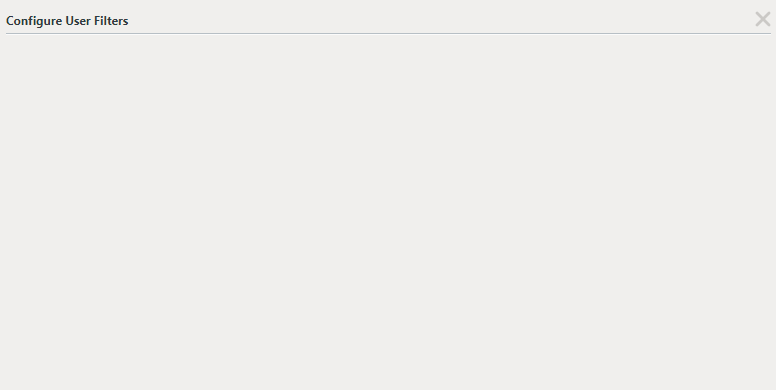
'Configure User Filters' window appears blank
kbt146116
PRODUCTK2 Five 5.0
BASED ONK2 Five 5.0
This article was created in response to a support issue logged with K2. The content may include typographical errors and may be revised at any time without notice. This article is not considered official documentation for K2 software and is provided "as is" with no warranties.
Issue
Unable to configure filters on a List View at Runtime as a blank window appears:
Symptoms
Using the browser's Developer Tools, a Javascript error is shown under the Console tab:
"Uncaught ReferenceError: RuntimeFilterOrderWidget is not defined"

Troubleshooting Steps
To resolve this issue, please follow these steps:
1. Open the web.config in [Drive]:Program Files (x86)K2K2 smartforms Runtime
2. Locate the following keys under <appSettings> and set them to 'False':
<add key="UseBundledFiles" value="true" />
<add key="UseMinifiedFiles" value="true" />
<add key="Forms.PostRenderCombining.Enabled" value="true" />
<add key="UseMinifiedFiles" value="true" />
<add key="Forms.PostRenderCombining.Enabled" value="true" />
3. Save and close the file.
4. Perform an IISRESET and restart the K2 service.