
Nintex Community Menu Bar
Solved

Visual Studio screen shifted to right

  • June 29, 2017
  • 3 replies
  • 84 views
  • Translate All

Hello,


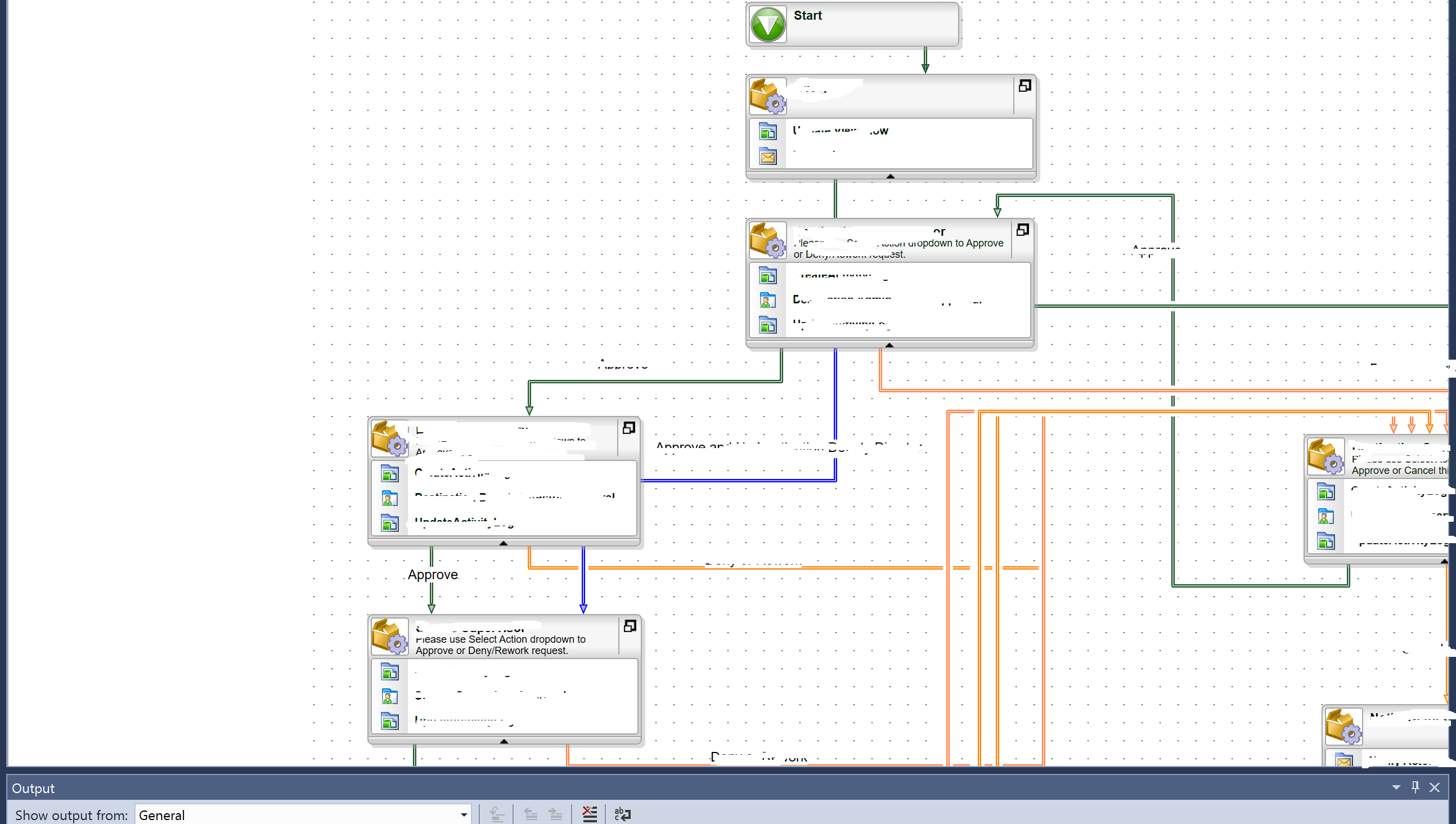
For some strange reason my Visual studio workflow screen is shifted to right , making half of the screen not visible to me and i could not find a horizontal scroll bar to scroll on to content on right side. Has anyone experience this before?


Check attached picture of my screen

17100i637F705C0985C5D5.png

Best answer by lkimberly

Hi,


Can you try increasing the canvas size property on Visual studio as per the article below?


http://help.k2.com/kb001338


View original

3 replies

Forum|alt.badge.img+9
  • June 30, 2017

Hi Arash,


Try to reset your Windows layout.


Click on "window" tab then in menu list select "Reset Window Layout"


let me know if this helps you.

Translate

Forum|alt.badge.img+13

Hi,


Can you try increasing the canvas size property on Visual studio as per the article below?


http://help.k2.com/kb001338


Translate

  • Author
  • Rookie
  • June 30, 2017

This helped thanksd

Translate

