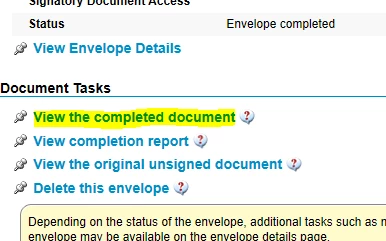
Completed documents may be downloaded by clicking on the completed document link sent by email (if you have configured email notifications to be sent to you when signing is complete) or by clicking on the completed document links in reports.
Steps for accessing completed document:
- Login to your account
- Click on “View Reports”
- Click “Document Search”
- Select the creation date
- Select Document Name
- Click “View the completed document”