
Topic
This article contains information on how to Upgrade the Redis Server.
Issue:
How to upgrade the Redis Server version post installation of RPA.
Cause:
If it becomes corrupted or a patch available due to a vulnerability.
Instructions
Stop all the Nintex Services, this will automatically shut down currently running Redis-Server.
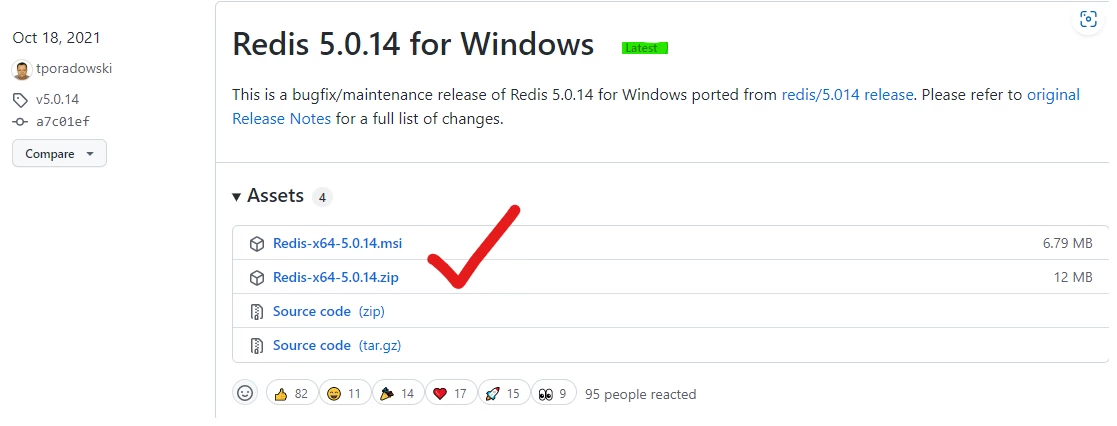
1. Download latest version from the below link:
Redis-Server >> Redis-x64-5.0.14 (zip)
PS: not source code
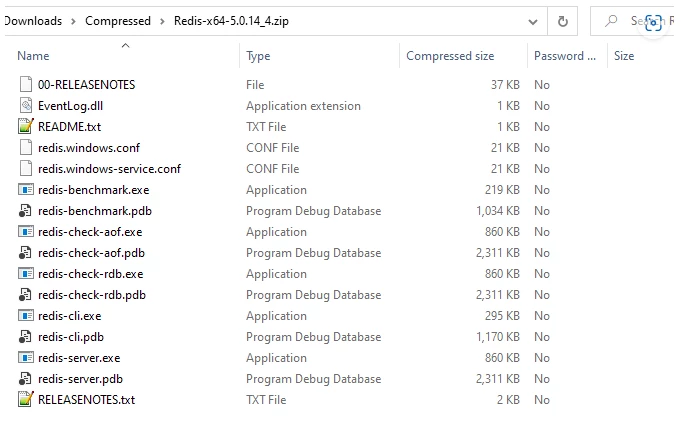
2. Extract the zip file content.
3. Go to the following directory and make a backup of it in another temp directory.
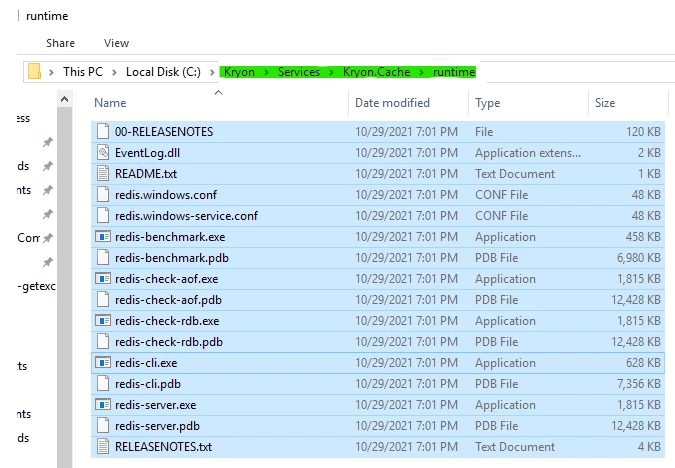
4. Copy the content from step 2 in runtime directory.
{Installation Drive}:\Nintex\Services\Kryon.Cache\runtime
5. Restart Nintex Services.
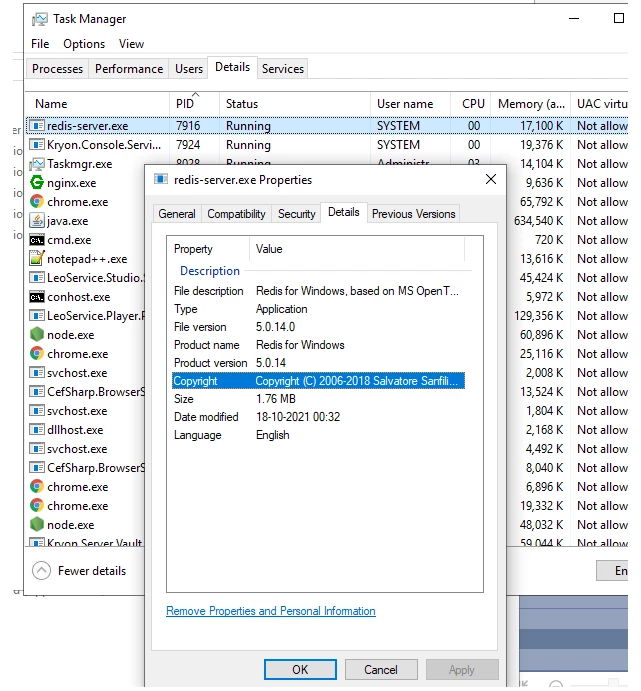
6. Go to details tab, under task manager, and right click on running Redis-Server and check it’s properties.