




Topic
This article shows the location of the log files generated during the installation of the RPA Server. This applies to versions that do not utilize System Manager.
Instructions
In case of any issues experienced during the installation of the RPA Application Server, you can always refer to the logs generated during the installation process. To navigate to them, you will need to:
- Open File Explorer and navigate to
C:\Users\Administrator\AppData\Local\Tempor simply copy and paste the aforementioned in the address bar.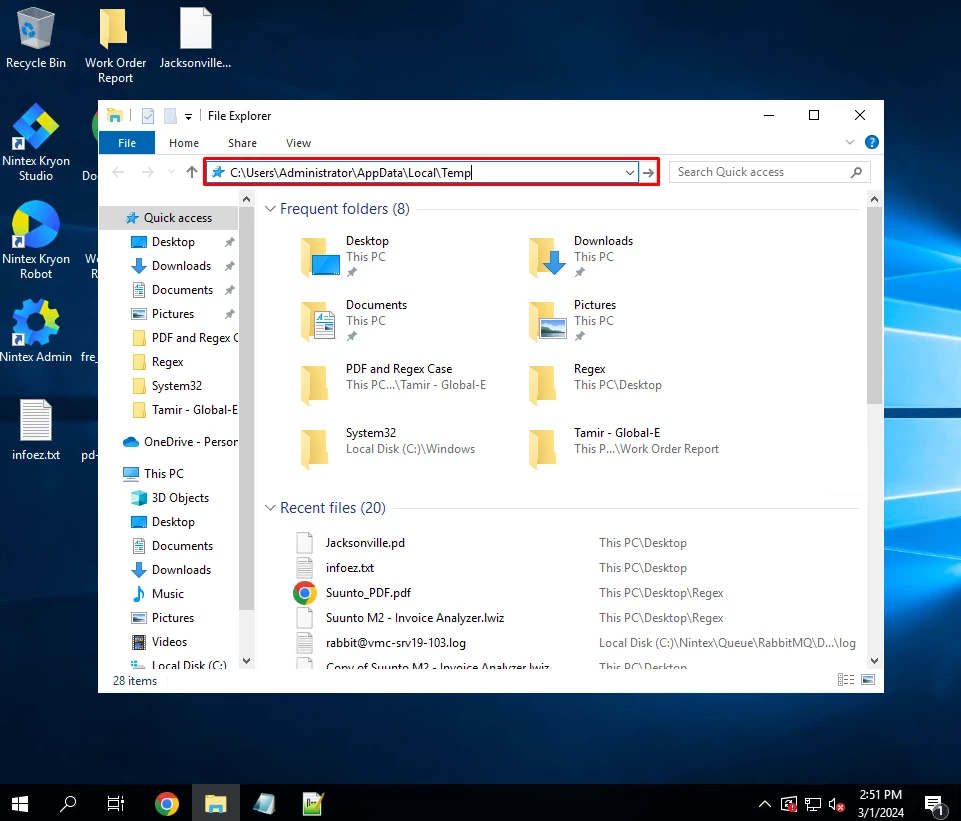
- Once opened, you will see some files with a timestamp from when the installation was initiated. You can open the log files ending with the .Friendly.log suffix and look for errors.
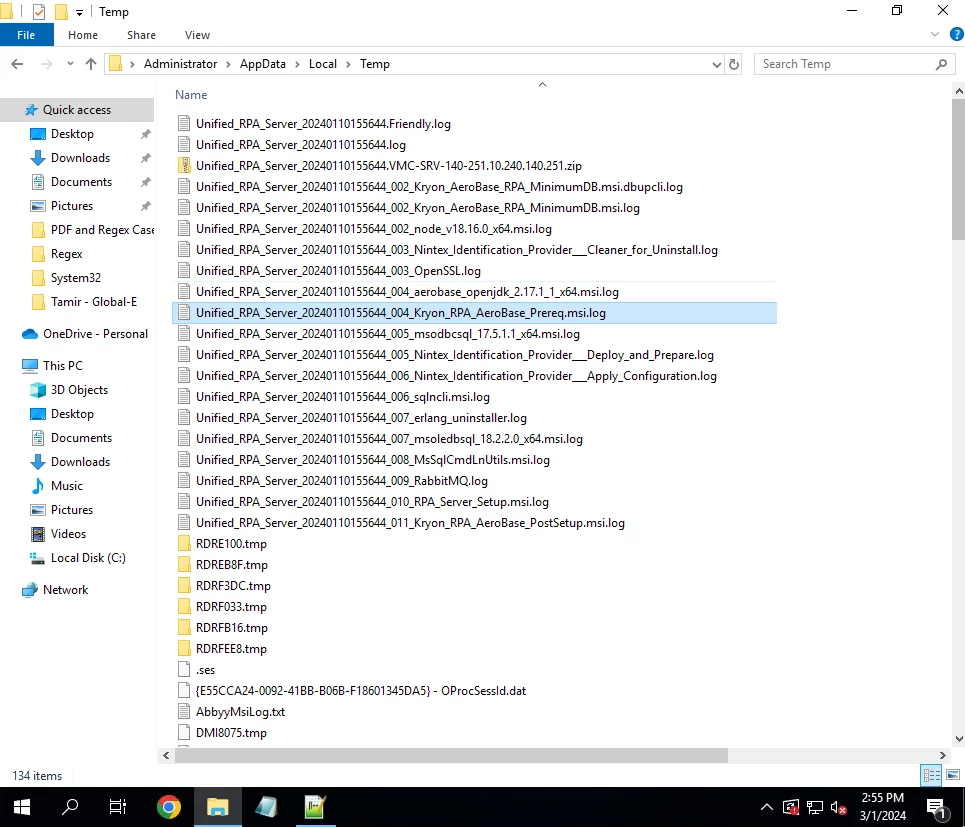
- Once you've checked and located an error message, be sure to include them in the description of your ticket.