



Issue
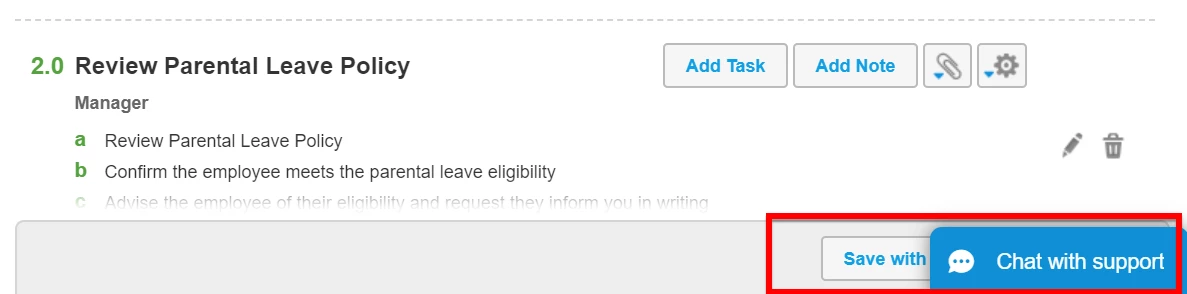
The Chat with Support box is covering the Save buttons on a Process
Resolution
Turn the live chat box off by selecting the option Hide Support Chat from the Help menu.
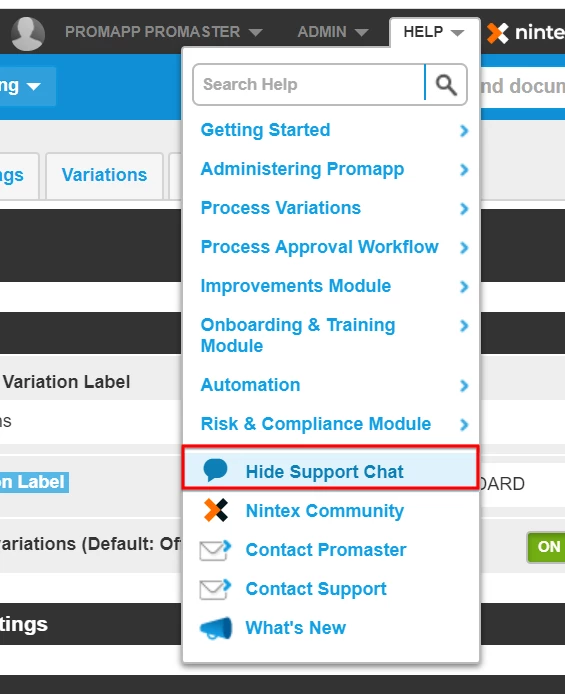
If you wish to chat with support you can do so by selecting the option Show Support Chat from the Help menu.
If you wish to chat with support you can do so by selecting the option Show Support Chat from the Help menu.
Additional Information
This occurs for users using a smaller screen, e.g. a small laptop screen only.