Topic
Adding the current item's URL, within a Document Library using Nintex Workflow for Office 365.
Instructions
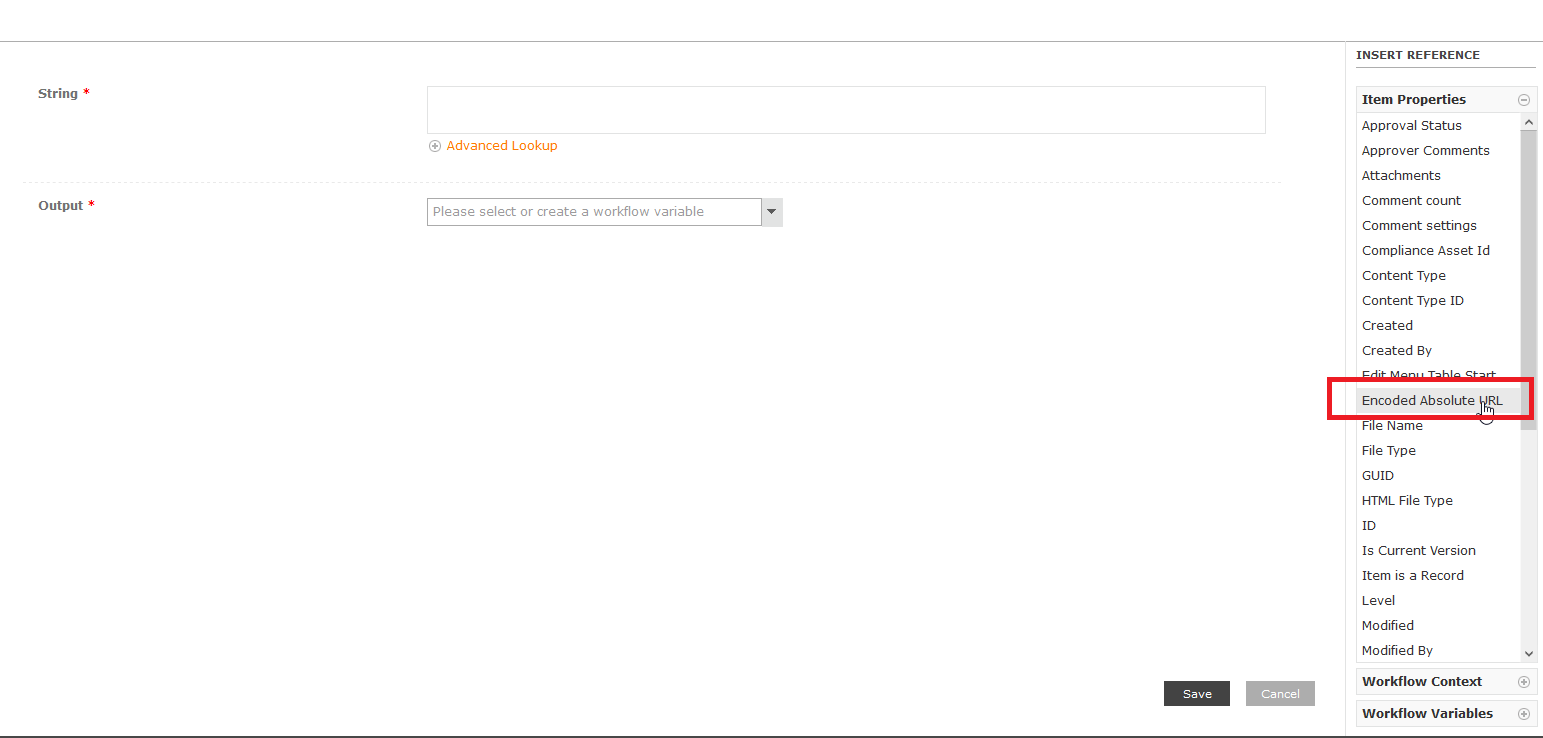
From the right side of the action configuration in Nintex Workflow Designer, go to the Item Properties section then double click the Encoded Absolute URL.