Nintex Community Menu Bar
Solved

Nintex for Office 365 form URL for standard users

  • April 1, 2020
  • 9 replies
  • 176 views
  • Translate All

I have created a Nintex for Office 365 form.  I would like to share the link to form but the current link is very long.  I'd Like to shorten it as much as possible.  For example, in our on-prem environment, the link to a form is rather short:   http://sharepoint.acme.com/projects/_layouts/15/newsbweb.aspx


How can I publish the form with a short URL?  

Best answer by Simon Muntz

The Current Limitations document advises that the New Responsive forms are not compatible with the forms web part.

https://community.nintex.com/t5/Responsive-Forms/New-Resposonsive-Office365-Current-limitations/m-p/89047
View original

9 replies

Simon Muntz
Nintex Partner
Forum|alt.badge.img+23
Hi,

If you create a page and use the nintex forms webpart is the link to the page shorter?
Translate

  • Author
  • April 2, 2020

I created the page but am not sure how to add/embed the Nintex form in the web part?

Translate

Simon Muntz
Nintex Partner
Forum|alt.badge.img+23

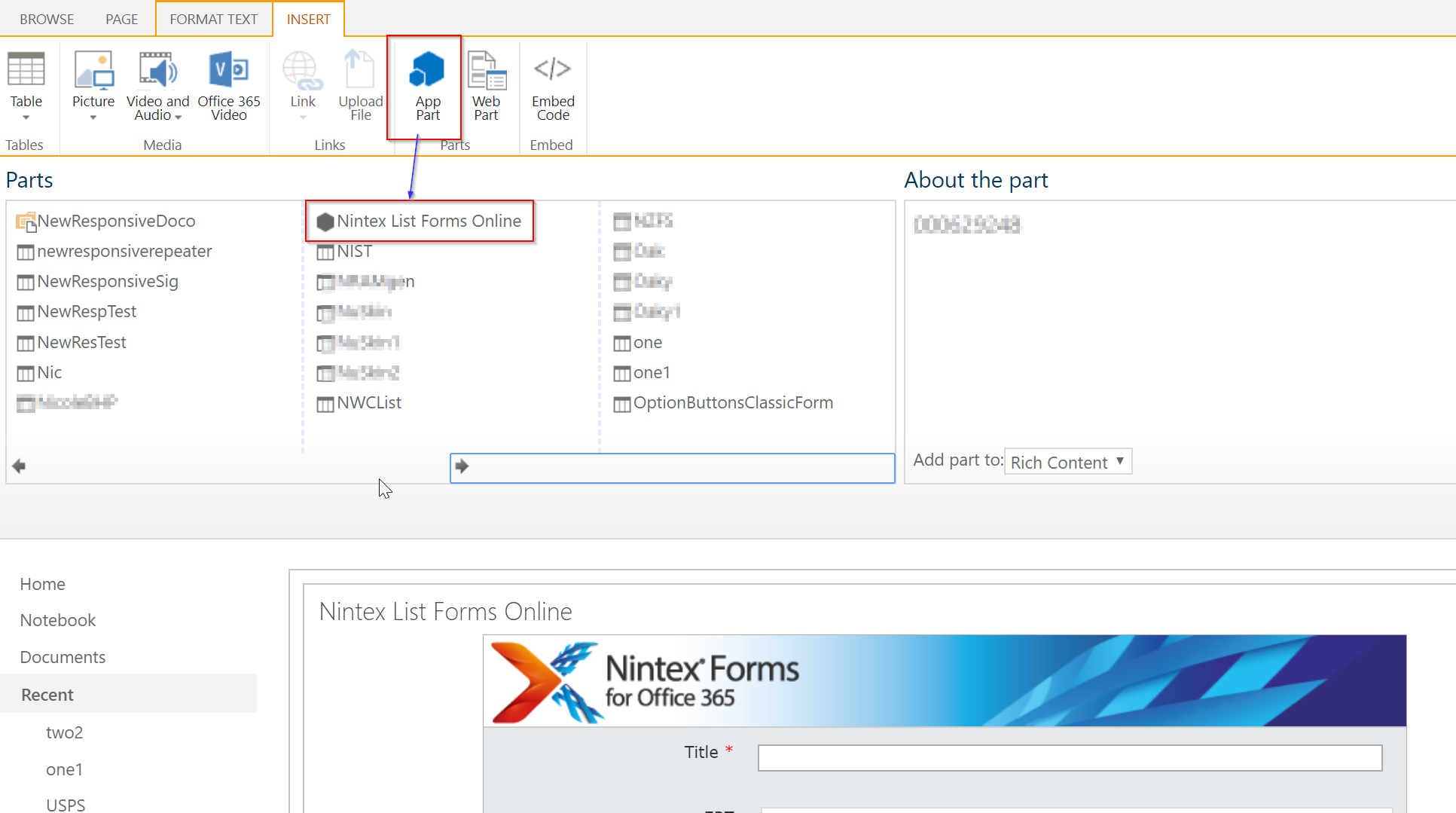
Sorry its actually an app part and not a web part.

Translate

  • Author
  • April 3, 2020

I have been testing and nothing is working.  I keep getting a File not Found error.

I came across the following article.  It looks as if I can't embed the responsive form:


https://community.nintex.com/t5/Nintex-for-Office-365/List-Forms-Online-showing-File-Not-Found/m-p/107504#M12501


Translate

Simon Muntz
Nintex Partner
Forum|alt.badge.img+23

Dont think that is correct.


Translate

  • Author
  • April 6, 2020

The one part I am struggling with is the site URL.  Here are the variations I have tried and the result in bold:


https://acme.sharepoint.com/sites/acme-IT    FILE NOT FOUND

https://acme.sharepoint.com/sites/acme-IT/lists  Web Part configuration incomplete:  • Site Url is not valid.

https://acme.sharepoint.com/sites/acme-IT/lists/testlist/Alltems.aspx  Web Part configuration incomplete:  • Site Url is not valid.


Translate

Simon Muntz
Nintex Partner
Forum|alt.badge.img+23

The first one should work. Maybe the hyphen is causing an issue. Try a site that does not have one.

Is it responsive or New Responsive?  I havent tested New Responsive.

Translate

  • Author
  • April 7, 2020

The form was built using New Responsive.

Translate

Simon Muntz
Nintex Partner
Forum|alt.badge.img+23
  • Nintex Partner
  • Answer
  • April 7, 2020
The Current Limitations document advises that the New Responsive forms are not compatible with the forms web part.

https://community.nintex.com/t5/Responsive-Forms/New-Resposonsive-Office365-Current-limitations/m-p/89047
Translate