Nintex Community Menu Bar
Solved

How to create a custom image header in a responsive form?

  • Sep 28, 2018 9:33 PM UTC
  • 1 reply
  • 220 views
  • Translate All

Forum|alt.badge.img+9

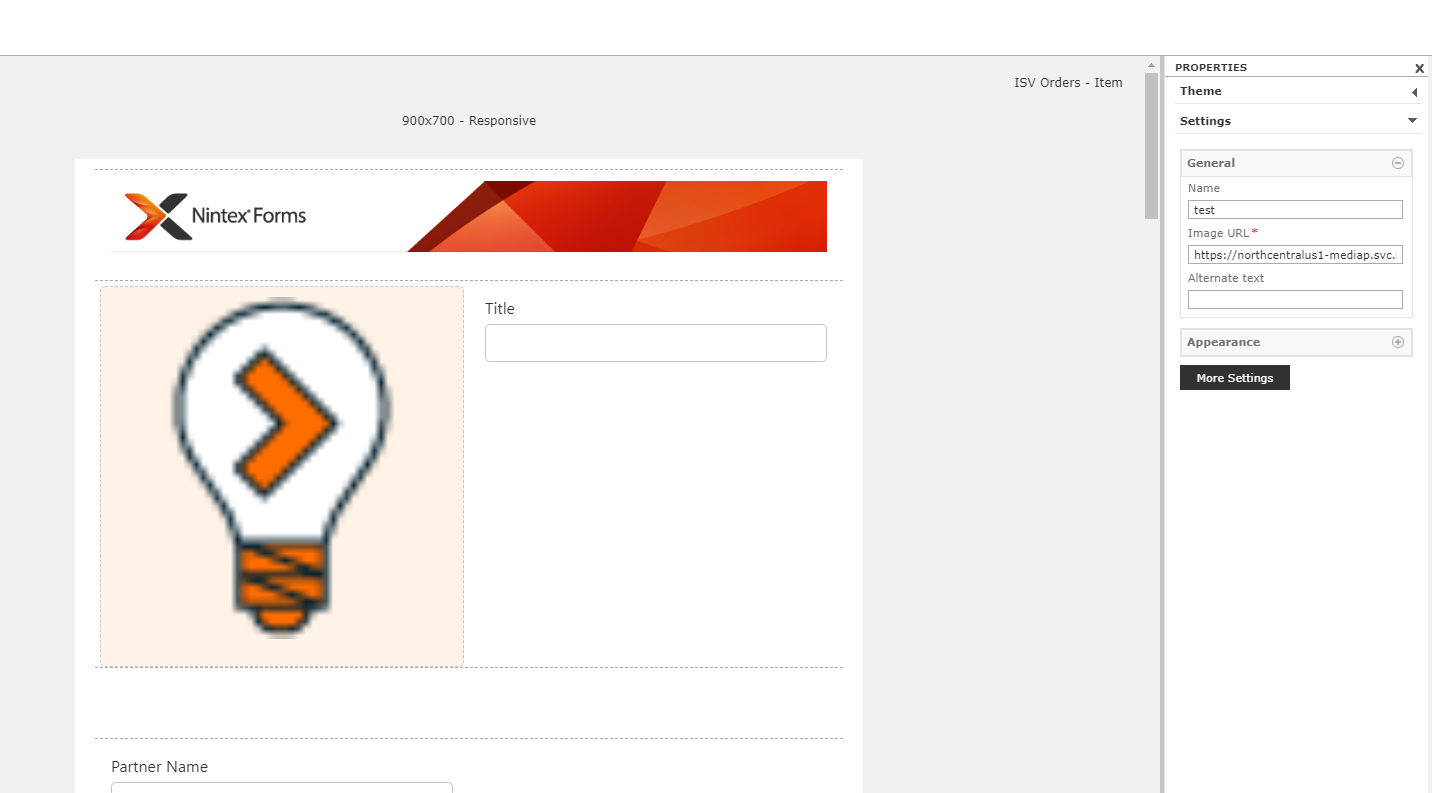
I am creating my first responsive form in O365. I want to change the header image to match our company branding. I have an image in a dedicated assets site collection so I can globally control it for all forms. I tried pasting both absolute and relative URLs but nothing works. Any idea what I am doing wrong?

 

Best answer by eharris04

You're almost there. 


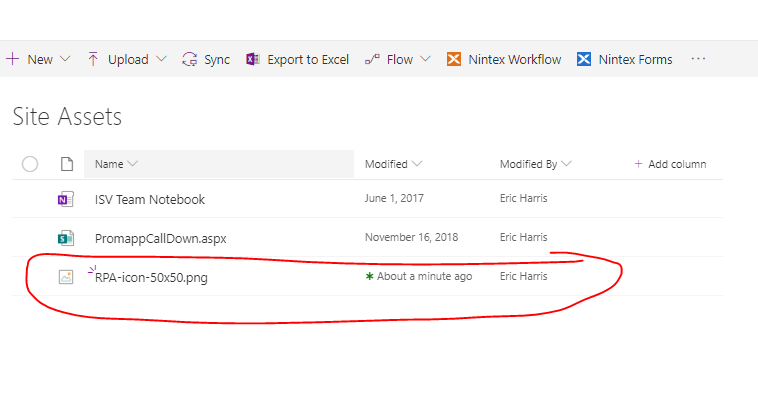
  • Try going to the image, I would suggest maybe the Site Assets folder, but whichever works for you. Upload it there.
  • Then click on the image itself (DO NOT CREATE THE SHARE LINK)

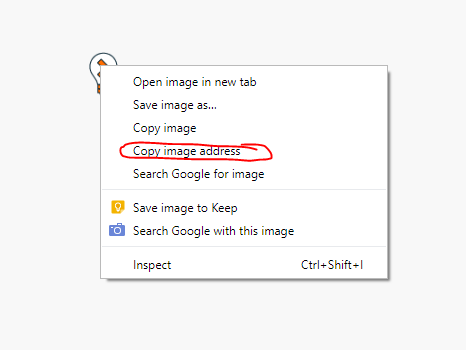
Next Right- click on the image again and "copy the image address"

Paste that into your form and it should work

Hope that works for you.

View original

1 reply

Forum|alt.badge.img+17
  • Answer
  • May 22, 2019 11:15 PM UTC

You're almost there. 


  • Try going to the image, I would suggest maybe the Site Assets folder, but whichever works for you. Upload it there.
  • Then click on the image itself (DO NOT CREATE THE SHARE LINK)

Next Right- click on the image again and "copy the image address"

Paste that into your form and it should work

Hope that works for you.

Translate