Nintex Community Menu Bar
Solved

Entering phone number within a Nintex form

  • January 13, 2020
  • 7 replies
  • 746 views
  • Translate All

Forum|alt.badge.img+1

Hi all,


I have a form where we ask for a customer's phone number to be captured (UK phone number so format is 11 digits eg. 01234 567890). Is there anyway to enforce that a number is captured?

If we have the field as a number within the Sharepoint list rather than single line of text it deletes the proceeding 0 once saved to the list which doesn't work for us.


Any ideas/help welcome :smileyhappy:
Best answer by praios81

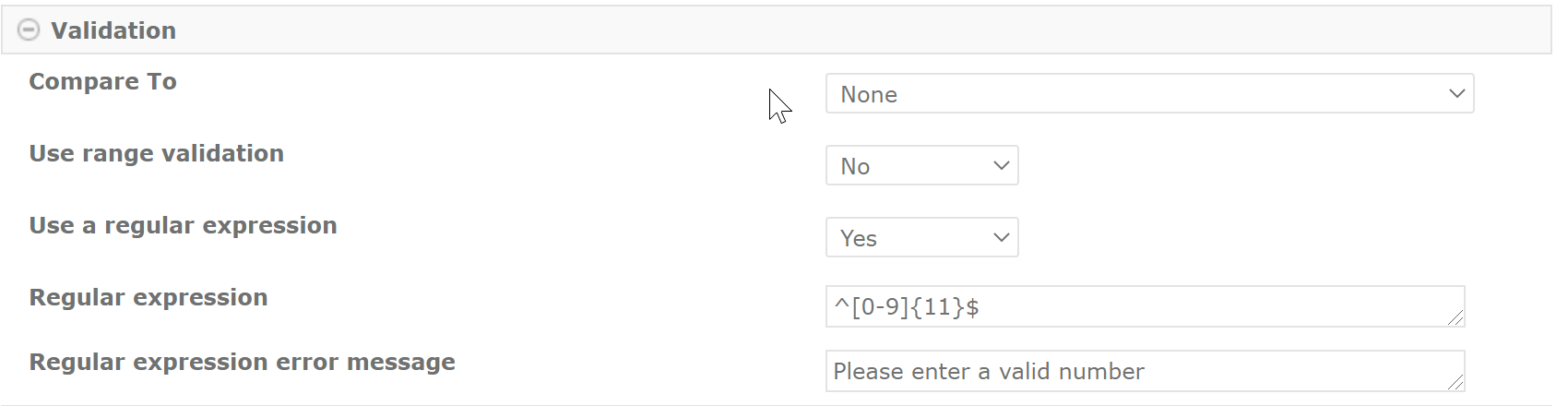
Not with the same fanciness but you should be able to use the regular expression validation on your text box control: ^[0-9]{11}$


It will not directly prevent the user from adding other characters than digits but when saving a validation error will pop up

View original

7 replies

Forum|alt.badge.img+12
  • Nintex Partner
  • January 13, 2020

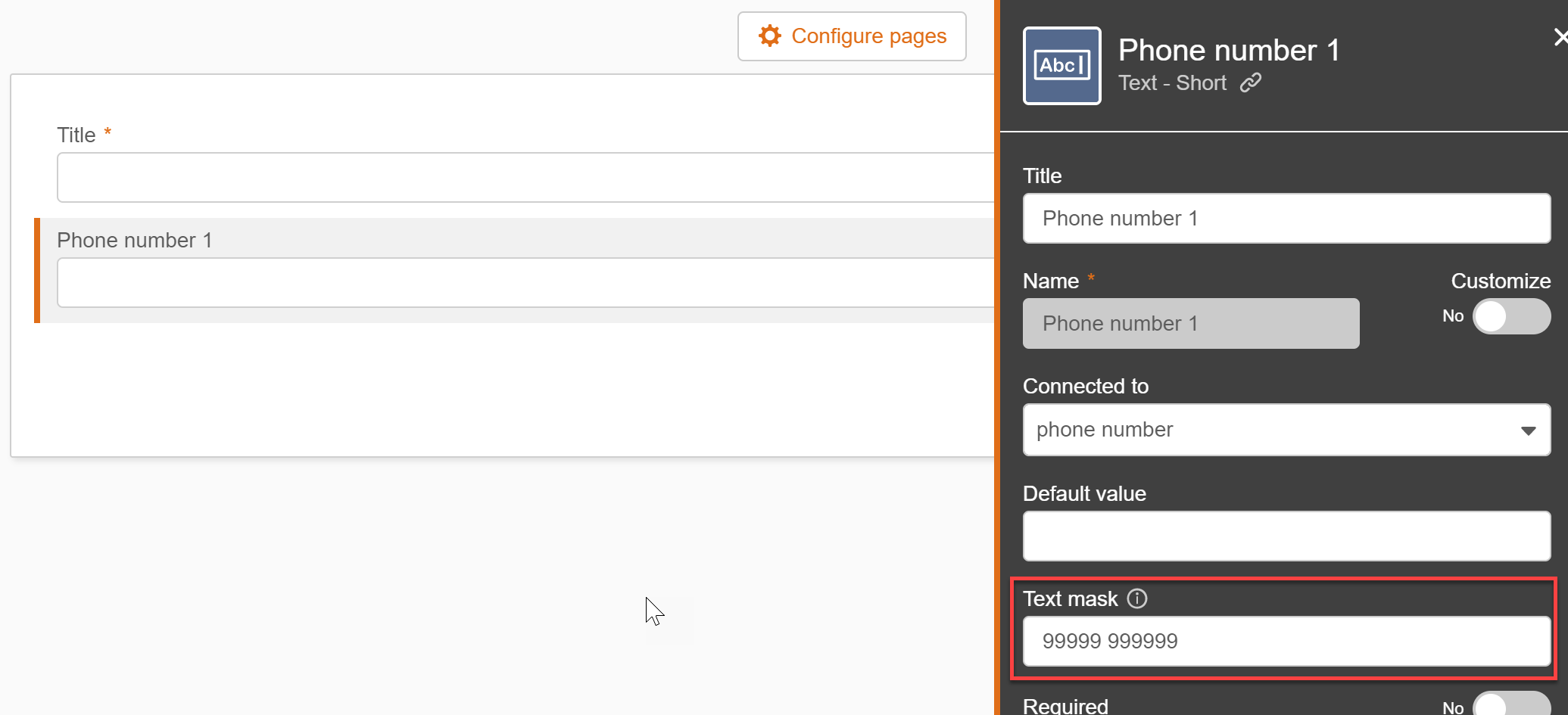
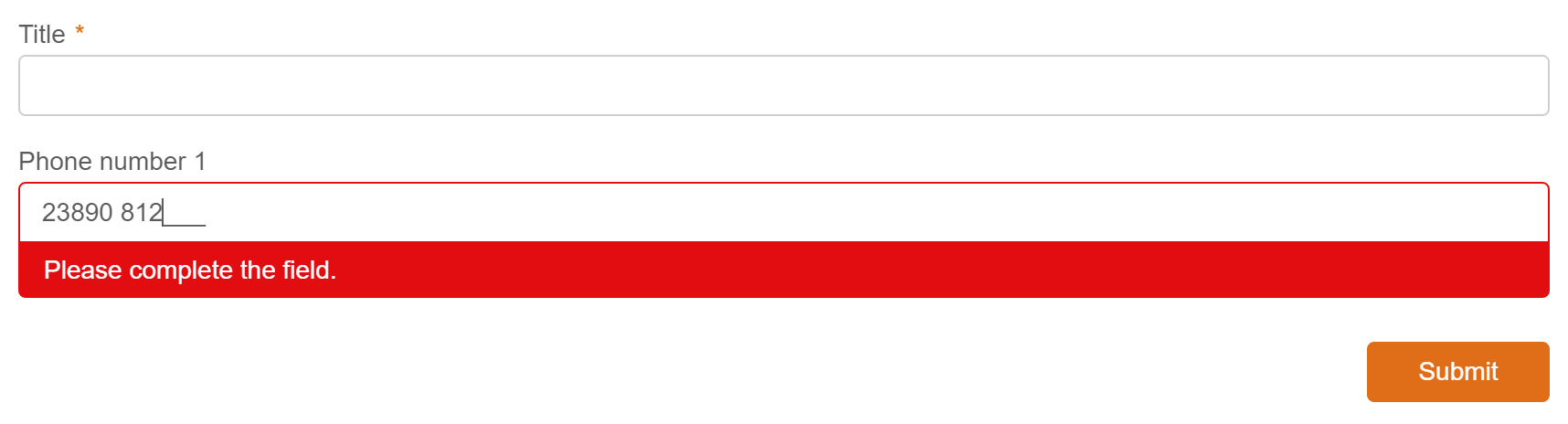
Which form type are you using? When using the new responsive designer you should be able to apply a text mask to ensure a valid phone number. This will automatically prevent users from entering characters and also ensure 11 digits:


Translate

Forum|alt.badge.img+1

Should have included that! We're using Responsive Designer rather than New Responsive Designer. Is it possible within there?

Translate

Forum|alt.badge.img+12
  • Nintex Partner
  • Answer
  • January 13, 2020

Not with the same fanciness but you should be able to use the regular expression validation on your text box control: ^[0-9]{11}$


It will not directly prevent the user from adding other characters than digits but when saving a validation error will pop up

Translate

Forum|alt.badge.img+1

Thank you! Do you know if it's possible to limit by 10 or 11 digits/characters? 

Translate

Forum|alt.badge.img+12
  • Nintex Partner
  • January 13, 2020

This should do the trick: ^[0-9]{10,11}$

Translate

tulasi7373

Nintex Mobile/Tel Validation Control Settings - Single Line Textbox --> Validation -->

Use a regular expression : Yes

Regular Expression :    dddddddddd

Regular expression error message : please enter valid Mobile no

Code :   dddddddddd   

10 digits -->( d for digit)

Translate

Jherschel7
Forum|alt.badge.img+1
sweet! thanks!
Translate