Nintex Community Menu Bar

Workflow parameter form in SP2019

  • March 14, 2019
  • 4 replies
  • 20 views

Forum|alt.badge.img+1

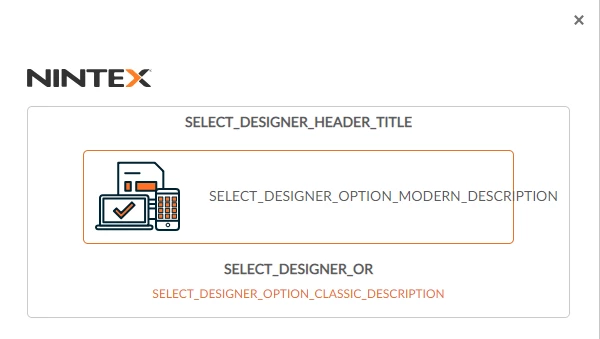
I created a list workflow with a single parameter. I clicked on the Edit Start Form button and got this...
 

968iDF70B3046ED20E4F.png

Is it just me?

4 replies

Forum|alt.badge.img+17
  • March 15, 2019

@mpamplin,


Can you share what your tenant URL is for SharePoint and if you go to Nintex forms or Nintex Workflow in your App Catalog, you should be able to retrieve the tenant ID. That seems to be a one off bug that we've seen before. Its not just you, if that helps. 


Forum|alt.badge.img+1
  • Author
  • March 19, 2019

Sorry to have kept you waiting, yesterday was a bank holiday here. Not sure how to answer your question...

 - What is a "tenant URL".

 - I've also not come across the AppCatalog before

I am using SharePoint 2019 on prem version and have not seen these terms before, all the examples I can find are for 365.


Forum|alt.badge.img+1
  • Author
  • March 25, 2019

All the articles I an find in Google suggest that the Tennant ID you aer looking for is connected with SharePoint OnLine. I am using a SharePoint on prem installation so these do not appear to apply. From Mr Harris' reply this is a known issue and (hopefully) easy to fix. How should I proceed with this?


Forum|alt.badge.img+17
  • April 1, 2019

Please log into customer.nintex.com and submit a support case for this. They will ask what version of Nintex you are running, server license and more info. Just FYI. Let me know if you get this resolved.


