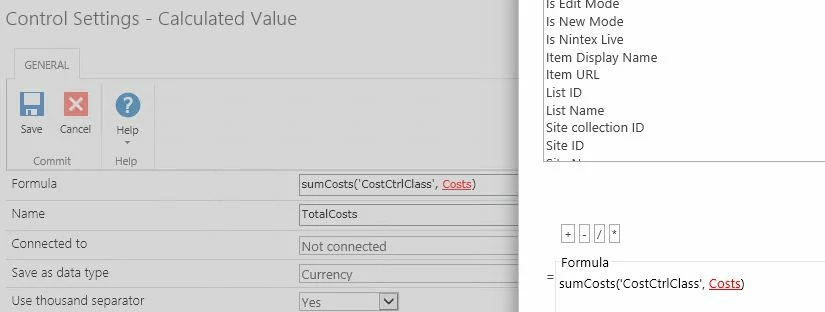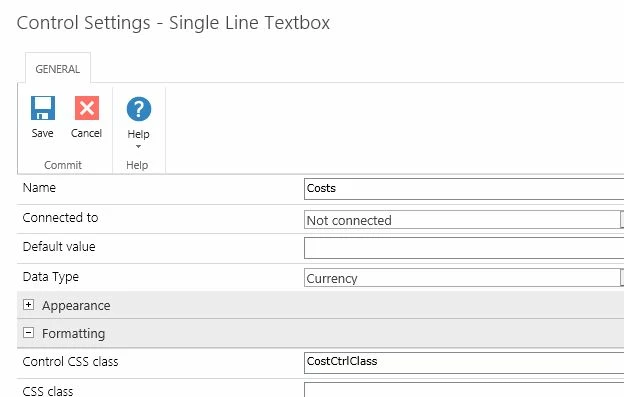

I'm using a slightly older version of SharePoint on prem, and I'm trying to adapt a previous solution I found on this site to suit a business requirement.
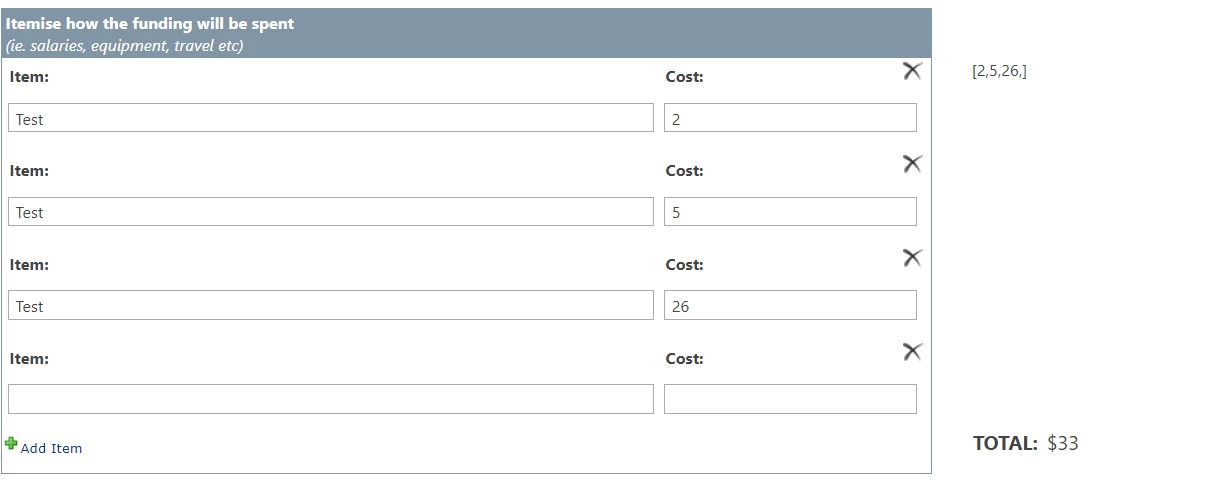
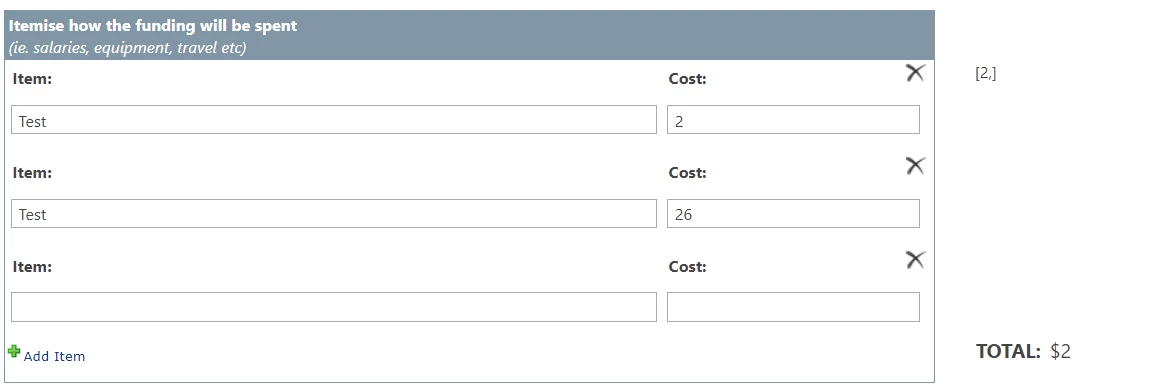
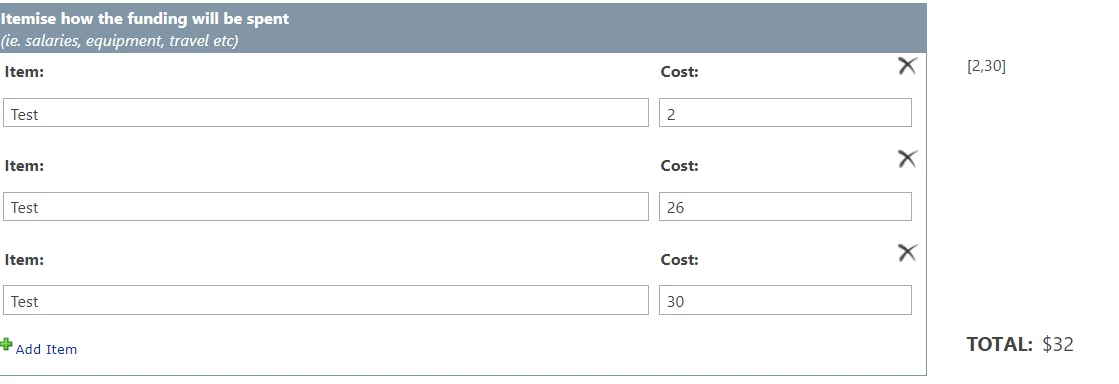
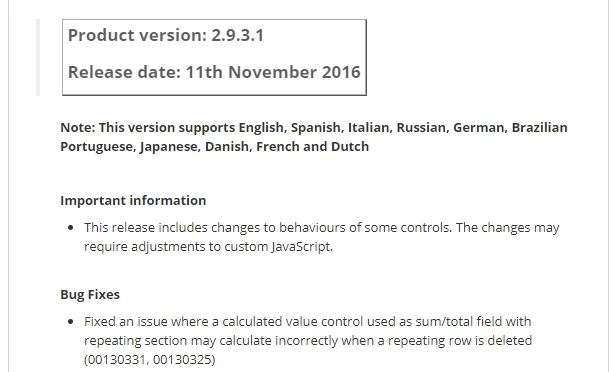
I have a simple text field in a repeating section that I need to total. I've tried the solution using a calculated field and the sum(fieldname) formula, but unfortunately I've found on testing that if a row is deleted or updated in the repeating section, the total shows an incorrect calculation (see below example, where I added/deleted rows.)
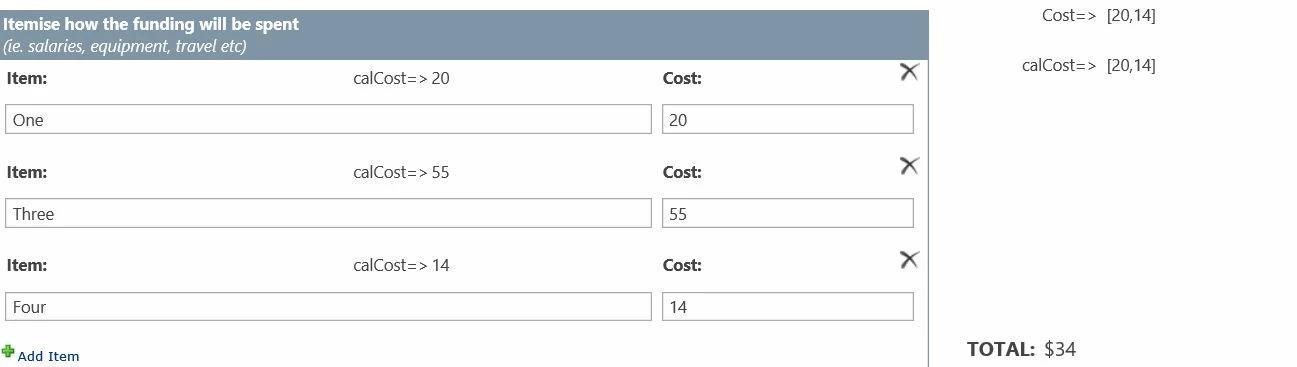
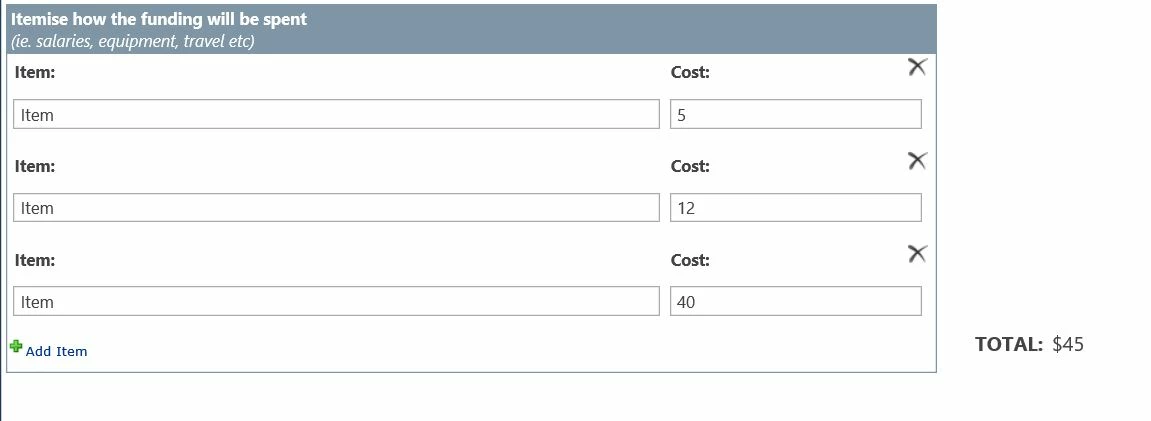 As this solution doesn't appear to be working reliably, I researched and found the below solution on this site and I'm trying to adapt the code from it to suit my much more basic table. I'm having difficulty with the javascript as my coding skills aren't that strong (I'm a newbie.) If someone could please help me simplify the code, I'd appreciate it.
Here is the Javascript.
(function(accountNumbers, countQuantities) {
var currentStateObject = {}; /* Number.isNumber polyfill */
Number.isNaN = Number.isNaN || function(value) {
return value !== value;
};
accountNumbers.forEach(function(accountNumber, accountIndex) {
if (!Number.isNaN(accountNumber) && accountNumber) {
var countQuantity = parseFloat(countQuantities[accountIndex])*100;
if (Number.isNaN(countQuantity) || countQuantity < 1) {
countQuantity = 0;
}
if (currentStateObject.hasOwnProperty(accountNumber)) {
currentStateObject[accountNumber].totalQty = currentStateObject[accountNumber].totalQty + countQuantity;
currentStateObject[accountNumber].totalInstances = currentStateObject[accountNumber].totalInstances += 1;
} else {
currentStateObject[accountNumber] = {
totalQty: countQuantity,
totalInstances: 1
};
}
}
});
var tallyTable = NWF$("#tallyTable");
tallyTable.find("tr[class]").remove();
Object.keys(currentStateObject).forEach(function(accountNumber) {
var newTableRow = NWF$("<tr><td></td><td></td><td></td></tr>");
newTableRow.addClass(accountNumber);
NWF$(newTableRow.children()[0]).text(accountNumber);
NWF$(newTableRow.children()[1]).text(currentStateObject[accountNumber].totalInstances);
NWF$(newTableRow.children()[2]).text(currentStateObject[accountNumber].totalQty/100);
tallyTable.find("tbody").append(newTableRow);
});
return true;
}(parseLookup(choice1), txt1))This is the source code for the rich text control
<table id="tallyTable" style="width:100%">
<tbody>
<tr>
<th>Account Number</th>
<th>Instances</th>
<th>Total Qty</th>
</tr>
</tbody>
</table>