Nintex Community Menu Bar

Repeating Section Row White Space Issue

  • March 22, 2019
  • 1 reply
  • 14 views

Forum|alt.badge.img+7

This question was asked, but never answered:

https://community.nintex.com/t5/Nintex-for-SharePoint/White-Space-in-repeating-section/td-p/55540


I am having a similar issue of extra white space below each row of my repeating section.  I have tried several ways to address but none seem to work.


These are NOT hidden panels and they have no rules associated with them.


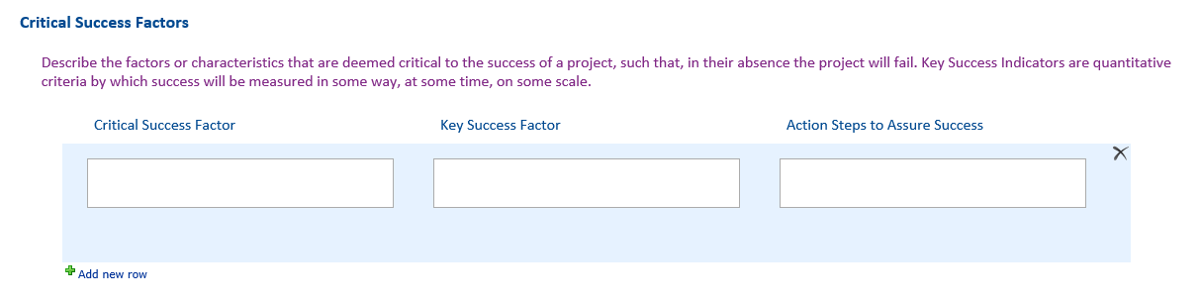
Here is the Deisgner View (none of the borders/lines are touching):1165i0478E6667C3C6A97.png
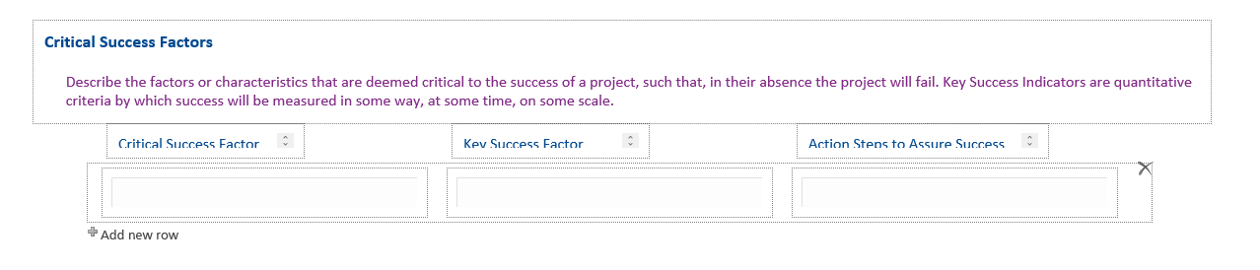
Edit View:1166iF39BE8D012B3E043.png


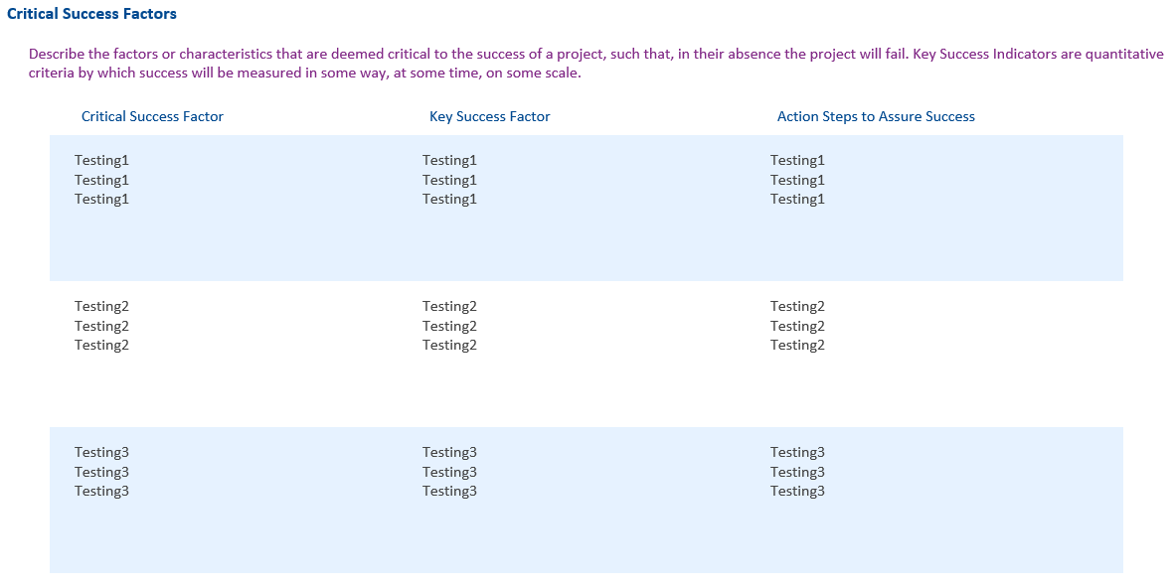
Display view:1167iC914CA617FF0F19C.png


1 reply

Forum|alt.badge.img+3
  • March 22, 2019
Try clicking on the repeating section to select the whole section not just one of the fields. In the ribbon you should have a Repeating Section tab, put a class name in the CSS class field, in this example I am using csfRepeater. Then add the following css to your Customer CSS under settings.

.csfRepeater .nf-repeater-row {
height: 75px !important;
}

You can adjust the height as needed.