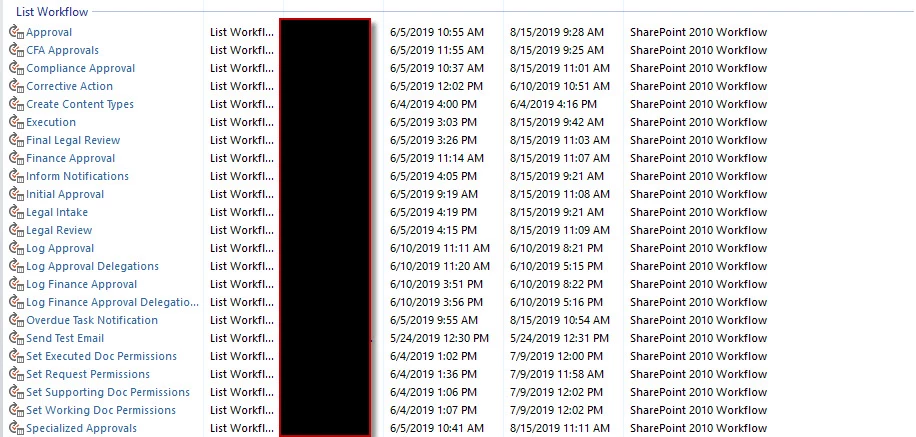
We are getting ready to upgrade Sharepoint to 2019. I have exported/imported the workflows from out 2013 site. Then we had to delete the list and recreate it. So I again imported the workflows. Now I see different versions of the workflow based on where I am looking. It is so confusing.
So in the actual list and Nintex Workflow Library - I see a version that coordinates closer to the 2013 version. 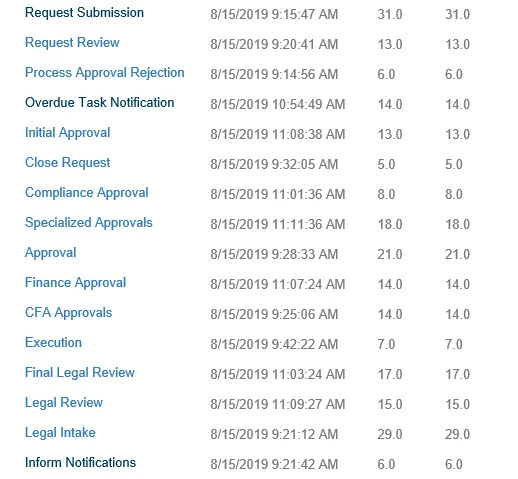
But when I open the Workflow to edit I see the version number that matches what it is in this system (as it was newly imported):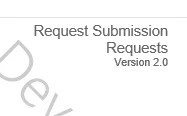
Then I see a THIRD Version (and often duplicate workflows which can't even exist) associated to the UDAs (which were also imported)
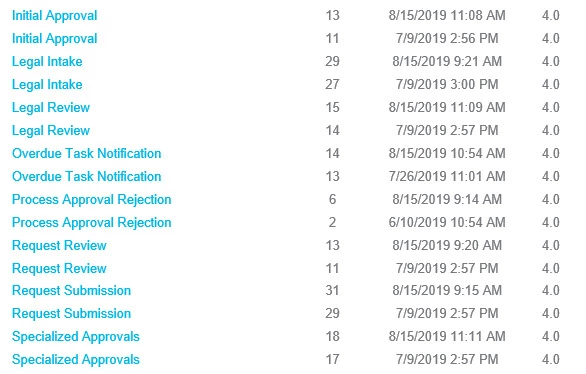
Any idea how to get these to line up without having to recreate each one from scratch? When we deleted and recreated the new lists I went to the Nintex Workflow Library and deleted the associated files, thinking that would clean everything up.