In Nintex Online for Office 365 Classic Form, you can set the backgroud color of choice field but not item wise.
Here is the solution of above issue.
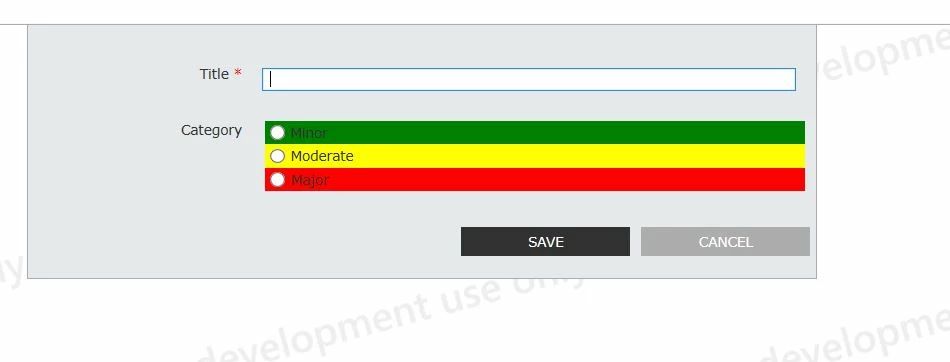
Suppose we have a choice field (Radio Button) "Category" with three values Minor, Moderate and Major.
NWF$(document).ready(function(){
	NWF$("span[data-nfchoicevalue='Minor']").parent().css("background-color","green");
	NWF$("span[data-nfchoicevalue='Moderate']").parent().css("background-color","yellow");
        NWF$("span[data-nfchoicevalue='Major']").parent().css("background-color","red");
})
Output: