Nintex Community Menu Bar

nintex forms tabs doesn't hide appropriate

  • December 3, 2019
  • 3 replies
  • 23 views

Forum|alt.badge.img+1

Hi

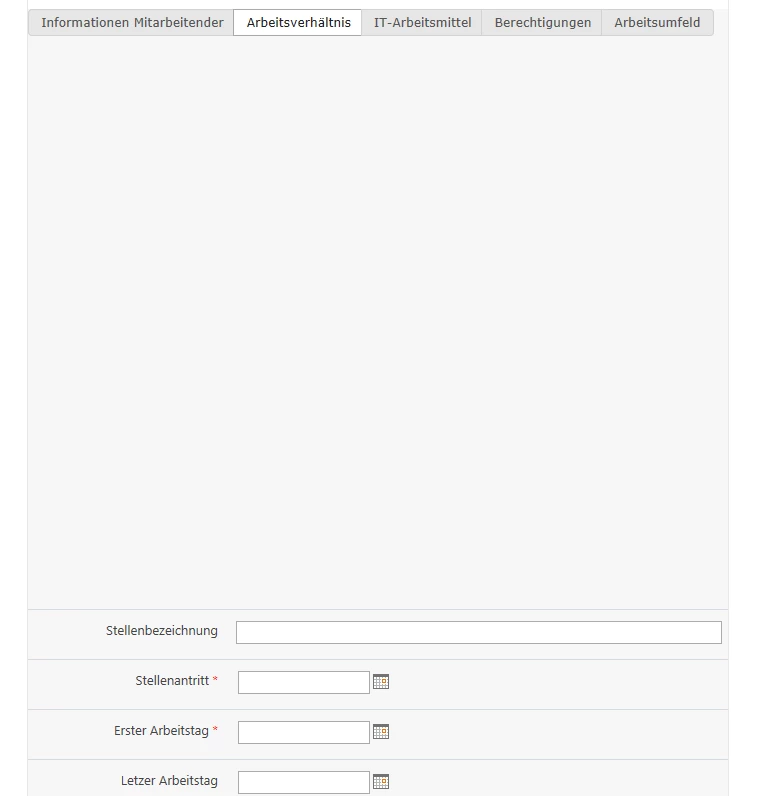
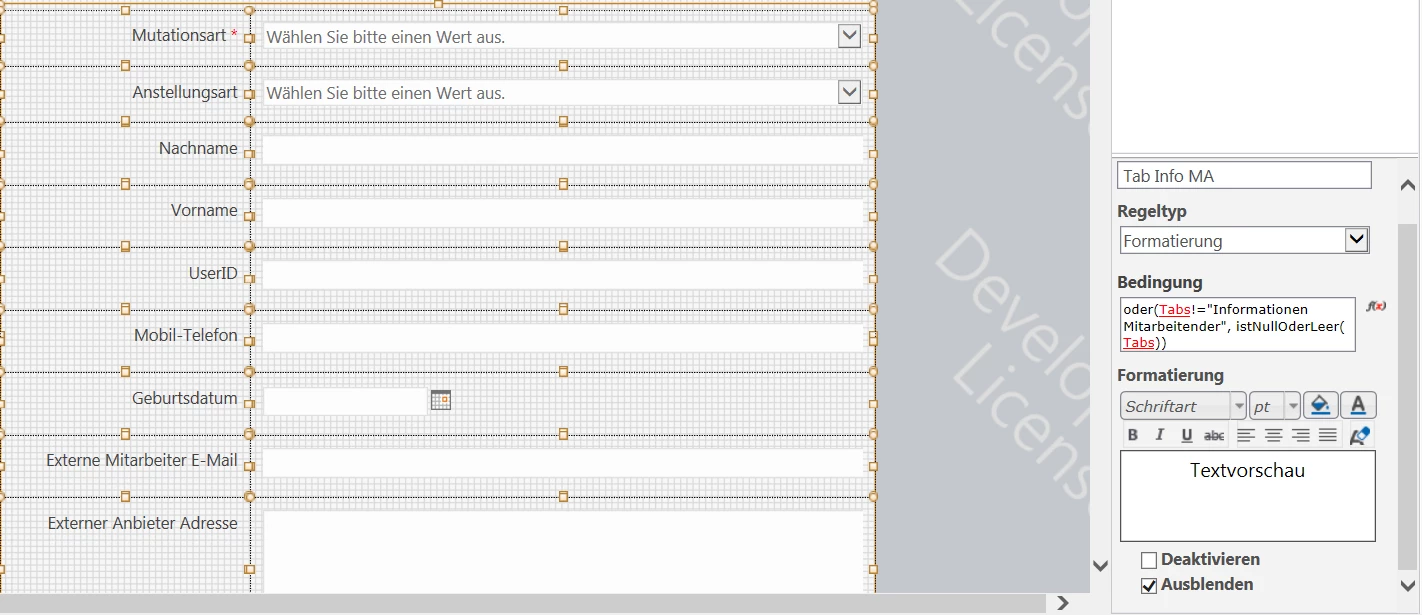
Hope somebody can help. I have the problem, that the rule for hiding my panels for my tabs aren't working appropriate. The problem is, that the panels are hidden when the rule is true but it creates a space between the tab field and the panel. The space is always as big as the panles that are hiden above. I checked my rules, but there souldn't be a mistake in it. The problem is since the update was done on the version 4.5.1.20.

5780i14DE959692A58A98.png5782i51149F50A37402FB.png5781iF83C1D5CABD6B4D0.png

Hope somebody has an idea how to fix it.

3 replies

Forum|alt.badge.img+12
  • Scholar
  • December 3, 2019

@feminjose .....can you check if your panels are resizing or not? And sometimes if 2 panels are touching each other, it messes up the rules too.


Forum|alt.badge.img+1
  • Author
  • December 3, 2019

Yeah this I have checked and non of the panels are touching each other


Simon Muntz
Nintex Partner
Forum|alt.badge.img+23
  • Nintex Partner
  • December 5, 2019
Please provide an export of the form. I have tested tabbed forms in 4.5.1.20. and they behave as expected so I will need to look at your form to find the issue.