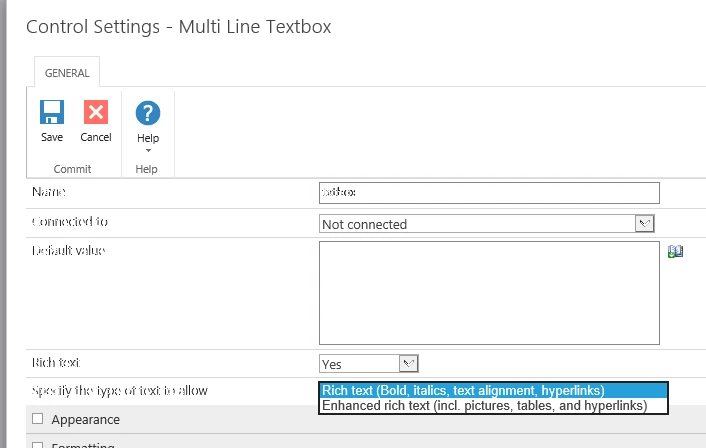
Hi,
Currently I using the on-premise Nintex form 2019 integrate with SharePoint, is it possible to change the ribbon of the multiline text to above of text instead of SharePoint ribbon?

Change each of the multiline text to
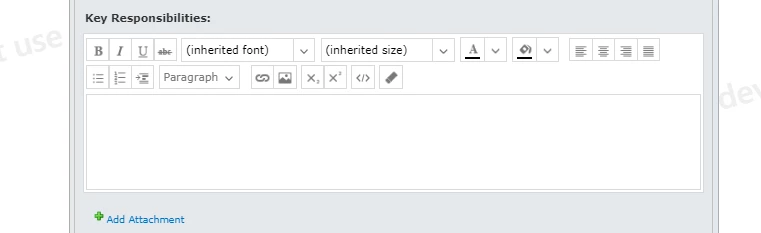

 +1
+1Hi,
Currently I using the on-premise Nintex form 2019 integrate with SharePoint, is it possible to change the ribbon of the multiline text to above of text instead of SharePoint ribbon?
Change each of the multiline text to
Enter your E-mail address. We'll send you an e-mail with instructions to reset your password.