Nintex Community Menu Bar

Need help

  • September 11, 2019
  • 6 replies
  • 9 views

Forum|alt.badge.img+1

Need to understand how to show text box on selecting different values on choice (check-box) option

6 replies

Forum|alt.badge.img+9
  • Scholar
  • September 11, 2019

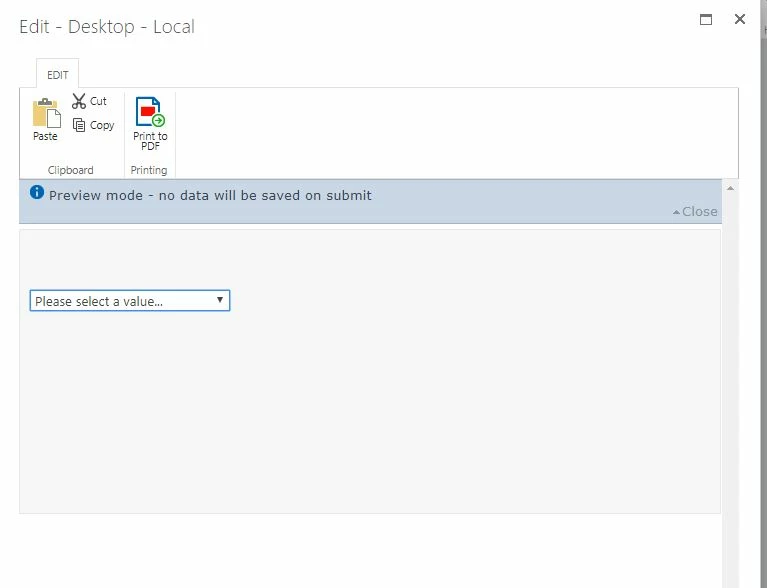
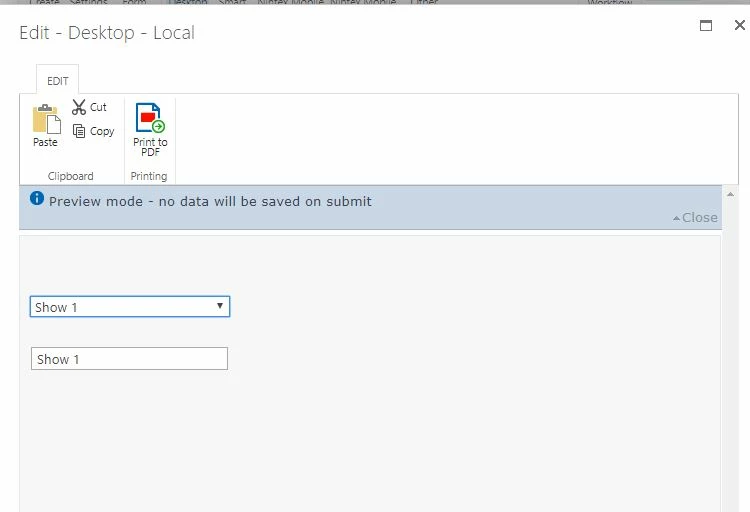
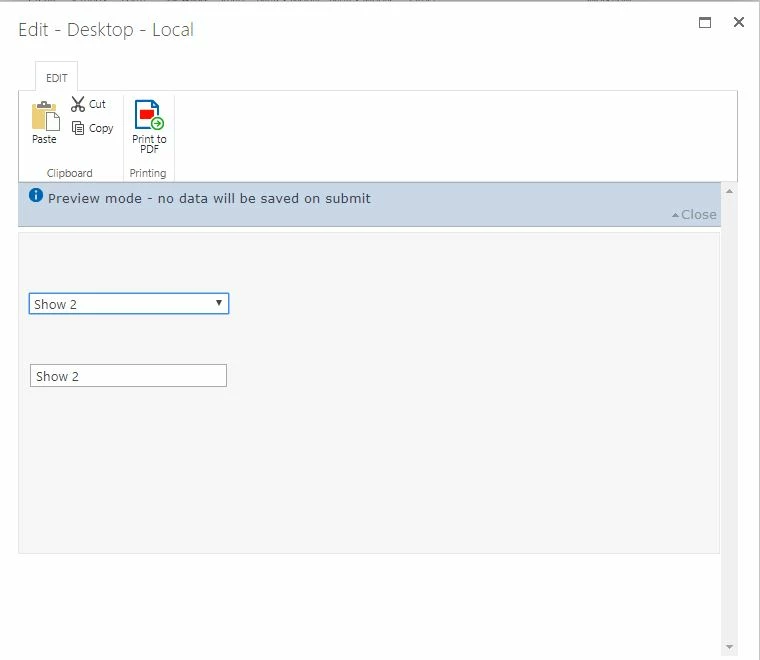
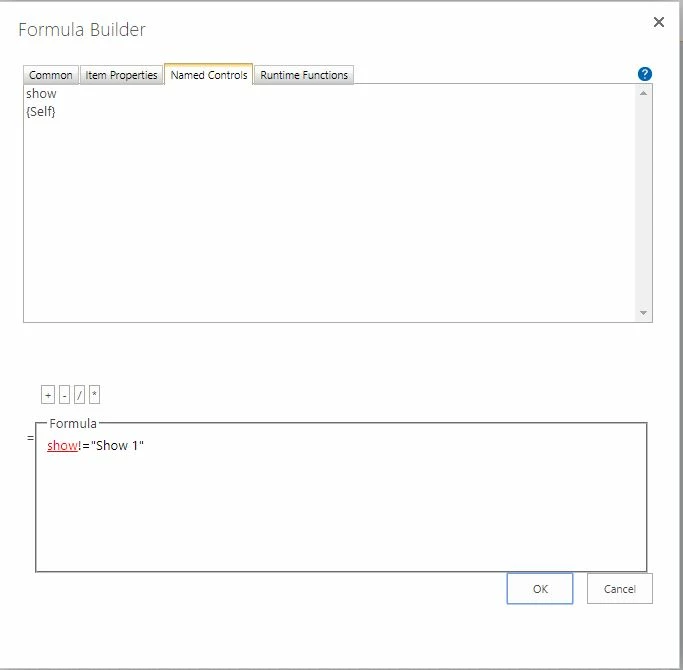
This can easily done with rules.  I put together a quick demo using a drop down control and a three separate single line of text boxes. 

4457i3BF9BABF18572EA8.jpg


4456i0904C37F6563891A.jpg

4458iA5E76AF1096A92D0.jpg

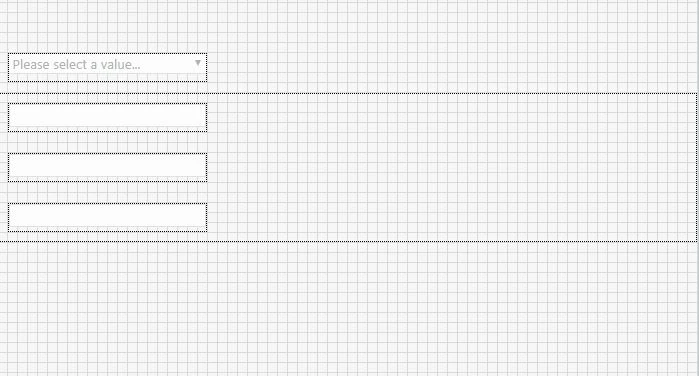
Here is the form:

4459i3DD79005C6DE8F54.jpg


The choice control just has three options "Show 1, Show 2, and Show 3".  The rule on each text box only shows when the choice control has the correct selection.

4460i646ECC1F29136BA9.jpg

Hope this helps.


Forum|alt.badge.img+1
  • Author
  • September 11, 2019

Can you please me arranging checkboxes vertically as well


Forum|alt.badge.img+9
  • Scholar
  • September 11, 2019

Depending on the form type will determine how check boxes will line up.  I have Nintex for on premise Sharepoint 2016.  The classic form style essentially allows you to drag and drop the controls pretty much where ever you want on the form.  The responsive form template, is a little more restrictive when it comes to control placement.  You can stack items on top of each other.  You might have to fiddle with it to get the lineup exactly how you want it.  Does this answer your question?


Simon Muntz
Nintex Partner
Forum|alt.badge.img+23
  • Nintex Partner
  • September 12, 2019
At present it is not possible to make other controls hide/unhide based on a choice control configured as Check Boxes. It works for Drop down and Option Buttons only.

Forum|alt.badge.img+9
  • Scholar
  • September 12, 2019

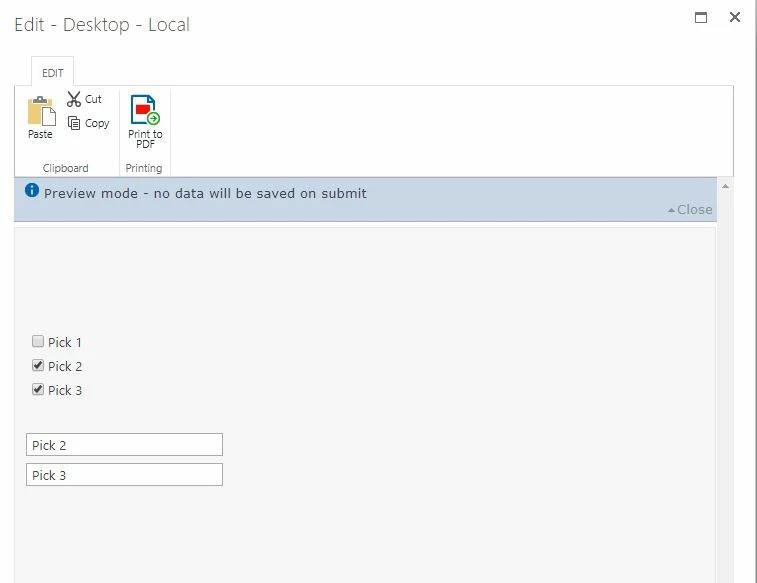
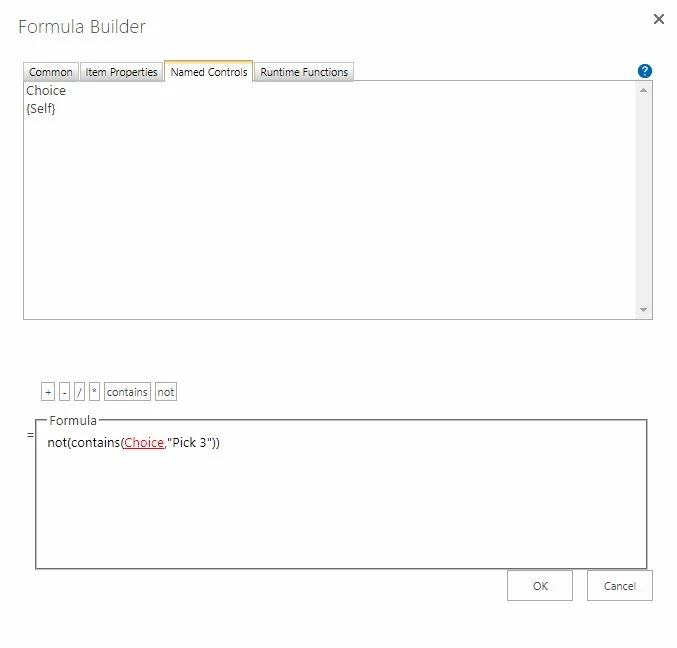
Yes, use the Not and Contains rule.  

4480i6B42B10B0E5BF99D.jpg 

Here is an example of the rule I used

4481i1AA546590E7A25FF.jpg

Choice is the name of my multi-select choice control. You'd need to place this rule on each check box and select "Hide" within the rule.

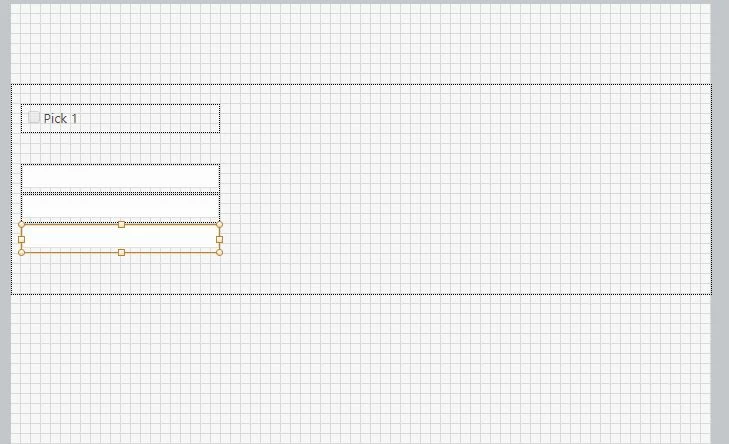
Here is the actual form.

4482i0AE037150833BC98.jpg

Hope this helps


Simon Muntz
Nintex Partner
Forum|alt.badge.img+23
  • Nintex Partner
  • September 12, 2019
Thanks Brian,

I stand corrected. I could never get this to work and thought it was either not possible or a bug but I never tried using a contains() runtime function.