Nintex Community Menu Bar

Missing Views icons in K2 Designer

  • April 29, 2014
  • 16 replies
  • 29 views

Forum|alt.badge.img+16

Hi,


Recently installed K2 Designer, but when we created a Table and then try to get a view, there is no VIEW icons within k2 Deisgner, can anyone help? All i see is the Edit, Delete and Save As icons when a Table is selected.


There is no "Design a new View" or "Generate a View" icons options



16 replies

Forum|alt.badge.img+5
  • Nintex Partner
  • April 29, 2014

Hi, Sharpharp


Can you please confirm with me the following:


  • Which K2 smartforms version are you currently using?
  • Which browsers are you using?


Regards


Julia


Forum|alt.badge.img+16
  • Author
  • Scout
  • April 29, 2014

Hello Julie,


Thank you for your reply, we only carried out the Smart forms install last week, using the latest download on the k2 website Smartforms v1.0.6, we also installed the Smartforms Control Pack v1.0 -Before Smartforms, we made sure that the latest version of K2 BlackPearl v4.6.7 was installed.


I have tried with Internet Explorer v10 and also Firefox v17.0.7 and it is the same in both browsers -no generate or design view buttons


Happy to try any other suggestions


Forum|alt.badge.img+5
  • Nintex Partner
  • April 29, 2014

Hi, Sharpharp1


  • Where did you create your table?


  • Are you trying to generate a view? or create a view?
  • Do you mind uploading screenshots of your table.


Regards


Julia


Forum|alt.badge.img+16
  • Author
  • Scout
  • April 29, 2014

Hi,


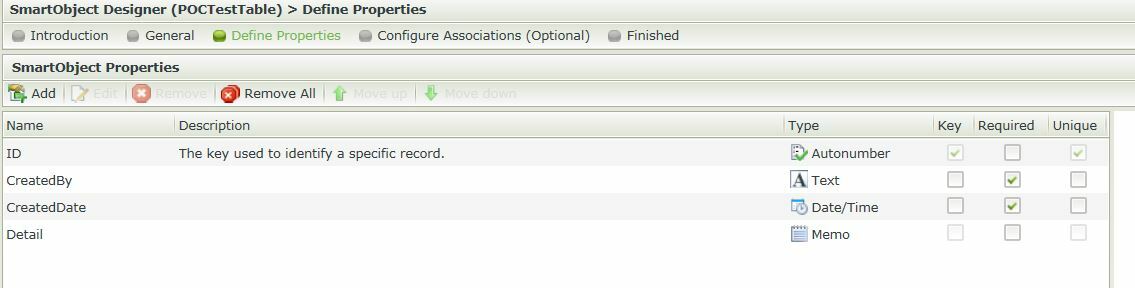
The table was created under All Items in a folder called Testing. I've blotted out the other folders on purpose in the pic below.

But as you can see on the right, only three options exist, should be some Create/Generate View buttons /icons there...


11442iC43C7452AA1EABBC.jpg


Also, when i do a next on the table (wizard), i get an error: "InitializeError 2105 An error has occurred"


Thanks,


Forum|alt.badge.img+5
  • Nintex Partner
  • April 29, 2014

Hi, Sharpharp1


Please see the suggestions below:


  • Refreshing the webpage;


  • clear the browser history / cache and restart the browser
  • Perform iis reset


Note: if the above suggestions won't work re-run the K2 SmartForms Setup Manager


Kind Regards


Julia


Forum|alt.badge.img+16
  • April 29, 2014

Hi,


Can you try to login to the K2 designer with a different account, perhaps 'K2service account'.


Does the issue still occcur?


Forum|alt.badge.img+5
  • Nintex Partner
  • April 30, 2014

Hi, Sharpharp1


To follow up on this post, are you able to see the missing views icons that were missing from K2 Designer?


Regards


Julia


Forum|alt.badge.img
  • April 30, 2014

I've tried with different Browsers, IE, Firefox and Chrome, on a Local PC and on the actual BlackPearl itself and still don't get the View icons.


Also carried out an IIS Reset, Ran Smartforms Manager again,which completed without errors.

I also updated the version of Silverlight from 4 to 5 (latest one)


Logged into Designer  as the K2ServiceAccount and still can't see any icons for the Views....


Any ideas what else it could be?


Forum|alt.badge.img+16
  • Author
  • Scout
  • April 30, 2014

Apologies for any confusion, I am using a colleagues PC for posting as well (above message)


Forum|alt.badge.img+6

Hi,


Have you tried running a repair from the K2 installation media?


Regards


Forum|alt.badge.img+16
  • Author
  • Scout
  • April 30, 2014

Just tried Repair using Smartforms Setup Manager, same result


Forum|alt.badge.img+5
  • Nintex Partner
  • April 30, 2014

Hi, Sharpharp1


I would suggest you log a support ticket to investigate further on this issue.


Regards


Julia


Forum|alt.badge.img+5
  • Nintex Partner
  • May 2, 2014

Hi, Sharpharp1


This behaviour has happened to others as well, please make sure of the following:


  • Have you selected the right license key?
  • Make sure you have a License for both “Runtime” and "Design time"


Regards


Julia


Forum|alt.badge.img+16
  • Author
  • Scout
  • May 2, 2014

Hi,


Support said the same thing, put the our correct developer license in and it now works.

Onward into the world of K2 smartforms now :)


Thank you!


Forum|alt.badge.img+5
  • Nintex Partner
  • May 5, 2014

Hi, Sharpharp1


I'm glad you managed to fix the issue you had with "Missing View icons in K2 Designer".


Regards


Julia


Forum|alt.badge.img
  • November 11, 2016

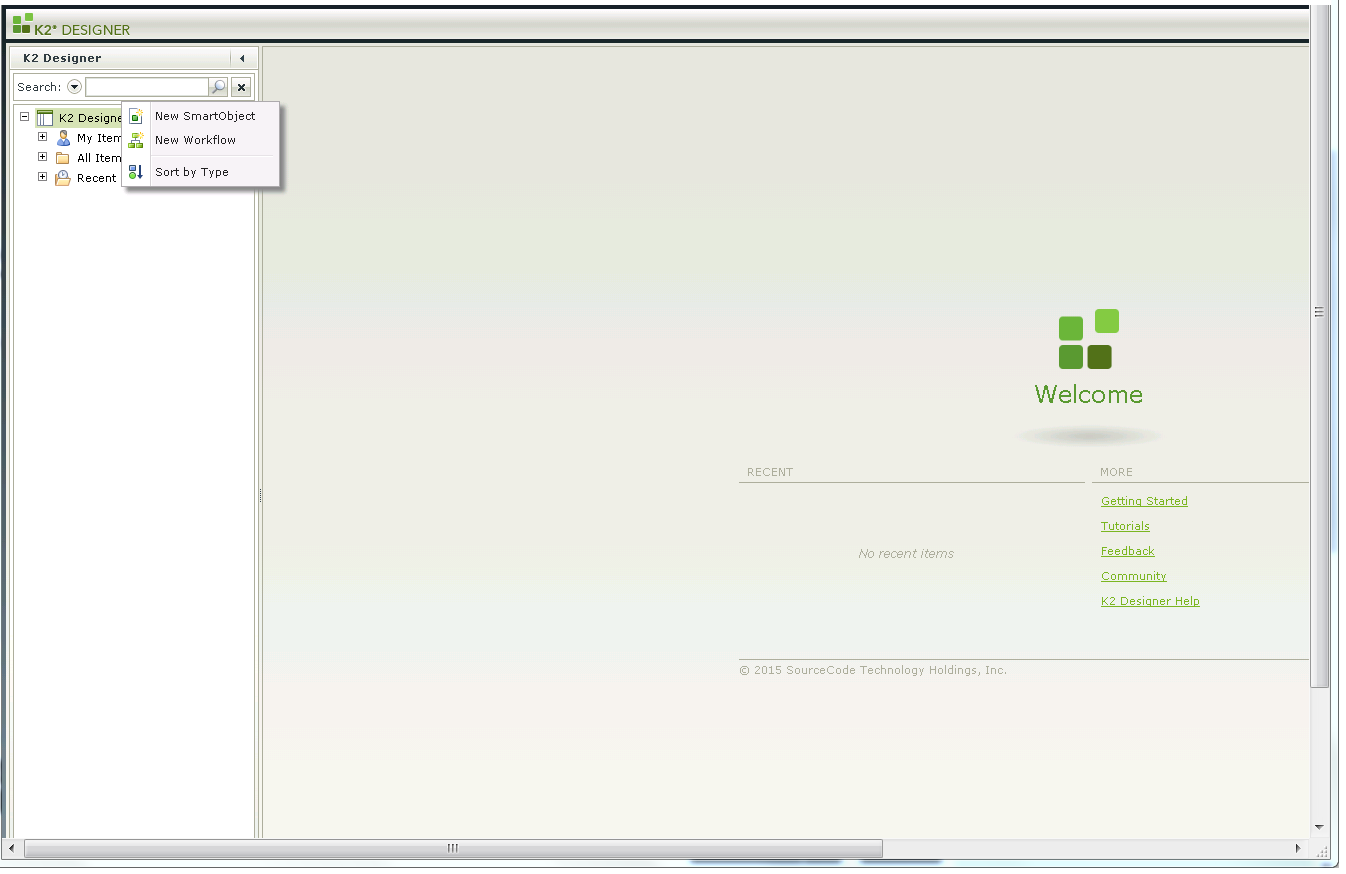
how to know the correct license key... i have devloper license and while installing smartform i have given runtime license. but still i am not able to open, or create anything but SmartObject, please help me out of this , you can check the snapshot in attachment


12758i33936380CE4F8BD5.png