

Nintex Community Menu Bar

list view control Search sharepoint 2013

  • July 28, 2020
  • 3 replies
  • 15 views

Forum|alt.badge.img+1

I found multiple post on this but unfortunately not able to fix my problem.


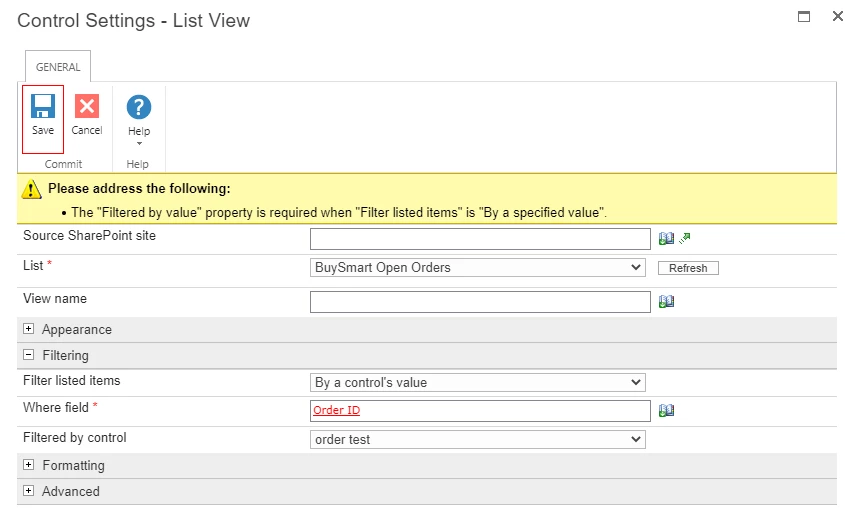
I want to search records in the list view control through a single text control. I followed one of the post but by following that no search results are appearing. Below is the settings of my list view control.


Order text under filtered by control is the single text control.
 

8508i44A52336DE4CDD7A.png


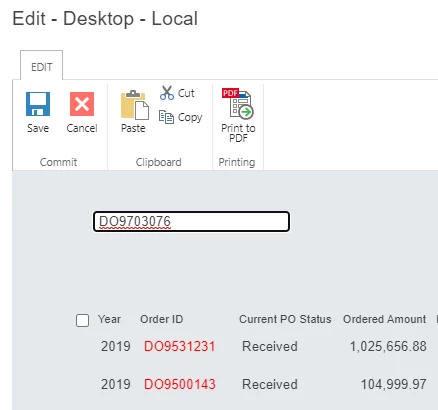
After inputting the search value it won't show any results in the below and....
8509iFCE250BA66A7524C.png


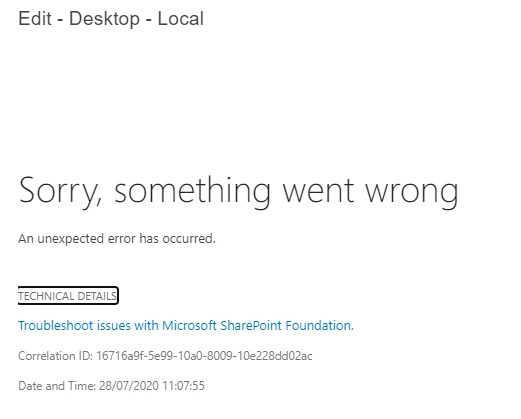
after some time the below screen comes..
 

8510i5500DC1F5EA40A53.png


Please 


3 replies

Simon Muntz
Nintex Partner
Forum|alt.badge.img+23
  • Nintex Partner
  • July 29, 2020
Hi,

When you look for the correlation ID in your ULS logs what is the actual error?

Forum|alt.badge.img+1
  • Author
  • July 29, 2020
Sorry, can you please advise how to get this correlation ID in the ULS logs?

Forum|alt.badge.img+4

reproduce the error and get the correlation ID and log onto either app or front end server and run the below powershell command in the SharePoint management shell


Merge-splogfile -path c:log.txt -correlation INSERT CORRELATION ID HERE


Once finished you will find a log file in the c drive you can open it with text editor or prefarably a ULS log viewer




