Nintex Community Menu Bar

List form webpart

  • April 3, 2019
  • 10 replies
  • 36 views

Forum|alt.badge.img+3

Hello,

I am on Forms for Sharepoint 2016 version : 4.3.2.0


1) List Form webpart added to Wiki Page --> Works
2) List Form webpart added to List form Page --> Works
3) List Form webpart added to Webpart Page --> Results in a blank page that can't be recovered. Have to deleted the List form webpart via ?Contents=1 to recover the webpart page.

 is this an known issue with list form webpart on webpart page ?? with no FIX yet?


Thanks

10 replies

Forum|alt.badge.img+17
  • May 29, 2019

Are you using the Nintex Forms web part or the standard SharePoint List Web part. Can you provide a screenshot?


Forum|alt.badge.img+3
  • Author
  • November 11, 2019

Hi,

Sorry for my delay. I am using Nintex forms webpart.  Under Categories >> click Nintex Forms >> List Form.

Results in complete blank page uneditable. so screenshot wont be of any use.

you can try adding nintex form configuring (Mode: new, list name and content type) in a webpart page. Once clicked ok.. webpart page goes blank.


Thank you for your assistance.

regards,


Simon Muntz
Nintex Partner
Forum|alt.badge.img+23
  • Nintex Partner
  • November 12, 2019
Hi,

I just tested this functionality with the latest build of Nintex forms 2016 4.5.1.2 and the web part behaved as expected.

Forum|alt.badge.img+3
  • Author
  • December 17, 2019
Hi,

Was that a webpart page where you have added Nintex forms webpart?

Simon Muntz
Nintex Partner
Forum|alt.badge.img+23
  • Nintex Partner
  • December 17, 2019

Yes I used a WebPart Page.  See attached vid of my replication.


Forum|alt.badge.img+3
  • Author
  • February 11, 2020

Hi,

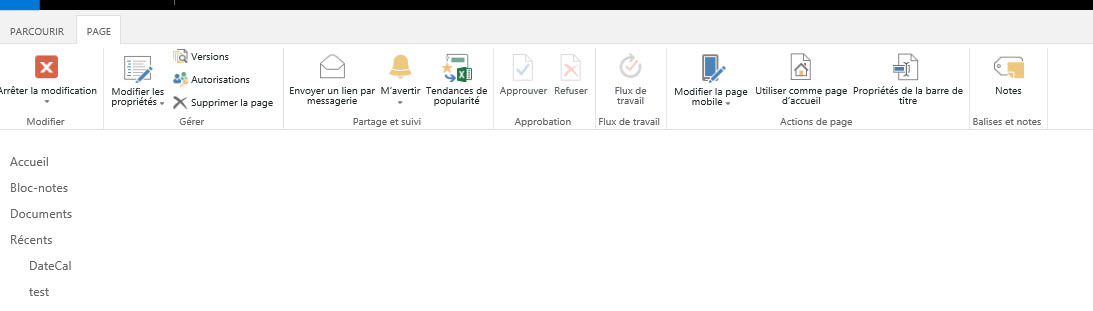
My configuration settings are exactly same as in your video.. but as soon as i click apply.. page results blank. the only change wt i see is Content Type update.. instead of "item" ..in my case its "Élément".. Do you think those french accents causing issue?


Thanks


6427iF0C96857BD4979DB.jpg


Simon Muntz
Nintex Partner
Forum|alt.badge.img+23
  • Nintex Partner
  • February 11, 2020
It's possible the special characters are causing an issue. Do you see the issue if you do not use special characters?

Forum|alt.badge.img+3
  • Author
  • February 12, 2020

Hi,

I did try with content type without special characters.  it results same(Black page)


Forum|alt.badge.img+3
  • Author
  • February 21, 2020

Hi SimonMuntz,

The attached vid of replication. did you try in On-premises or O365 Sharepoint?

My problem is with On-premises.

Thanks


Simon Muntz
Nintex Partner
Forum|alt.badge.img+23
  • Nintex Partner
  • February 23, 2020
As you can see on the video when I choose the webpart from the categories you see the Nintex Workflow 2016 category so yes I tested on 2016 on-premise.