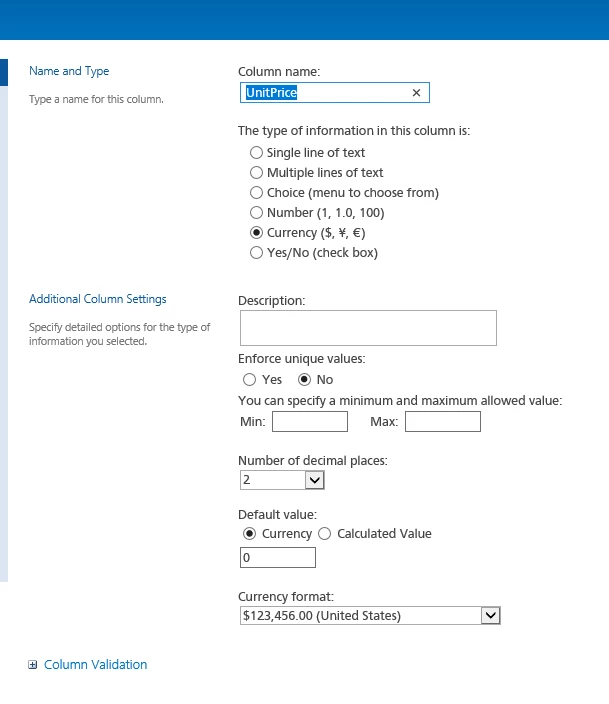
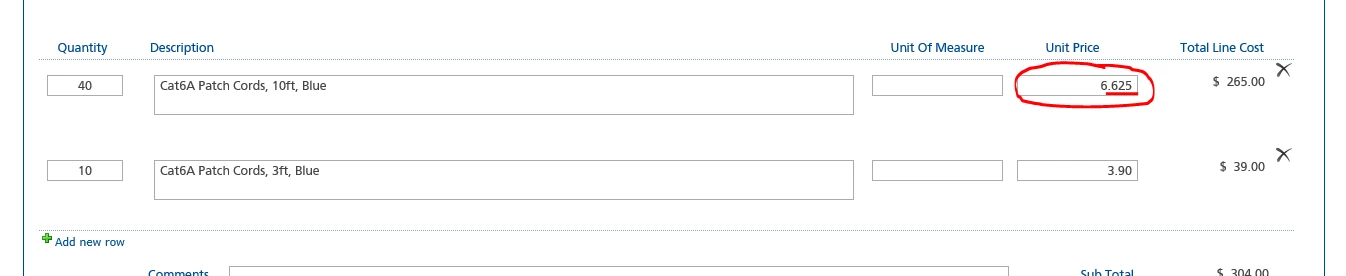
I have a currency field, in a purchase requistion form, being used in a repeating section. I have restricted the field to only have 2 digits past the decimal in the SharePoint list, but that rule is not following through. The field still allows a user to enter 3 digits past the decimal point, which in turn, is rounding up to the nearest dollar, which in turn, displays the incorrect total line cost.
How do I restrict the field, on the form, to only allow 2 digits past the decimal point?