

Hello, I want to change background-color of form controls which are single/multiple line textbox by using Formating feature which is included in the their control setting windows.
I would like to change background-color of Employee ID(single line textbox), Expenses(multi line textbox), Destination City(single line textbox) from white to specified color in Fig2.
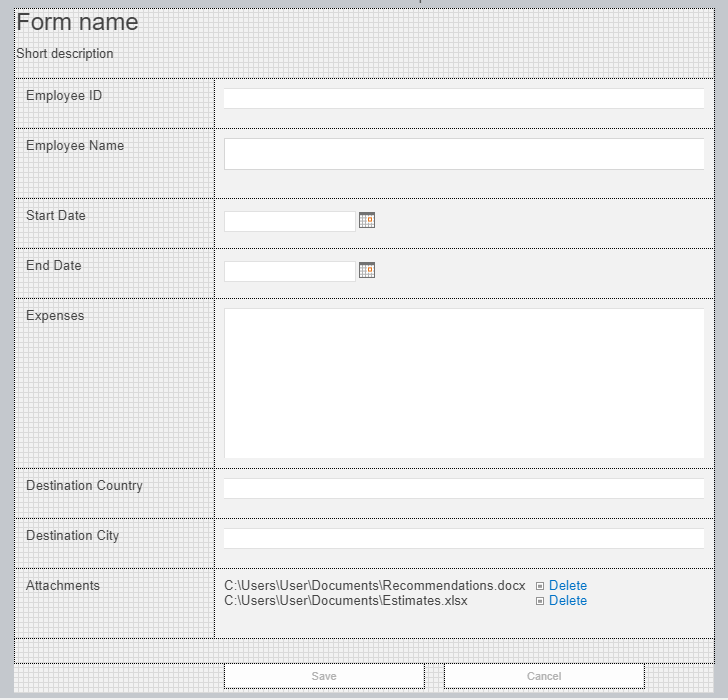
1-Fig1 is the Nintex form in the designer.
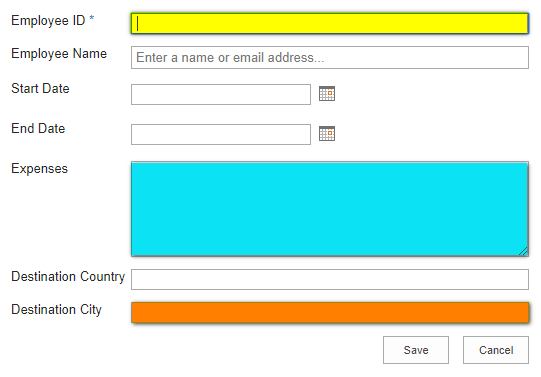
fig2 is from new item window.
Note: I would like to use Formating feature which is included by Control Settings window for each Nintex form controls.
Thank you for your help :)
