



Nintex Community Menu Bar

Hiding multiple fields with 1 rule

  • August 18, 2020
  • 4 replies
  • 27 views

Forum|alt.badge.img+5

Hi, I would like to hide a bunch (40) field when they're empty in displayMode. If possible I would rather not create 40 separate rules to do so. 


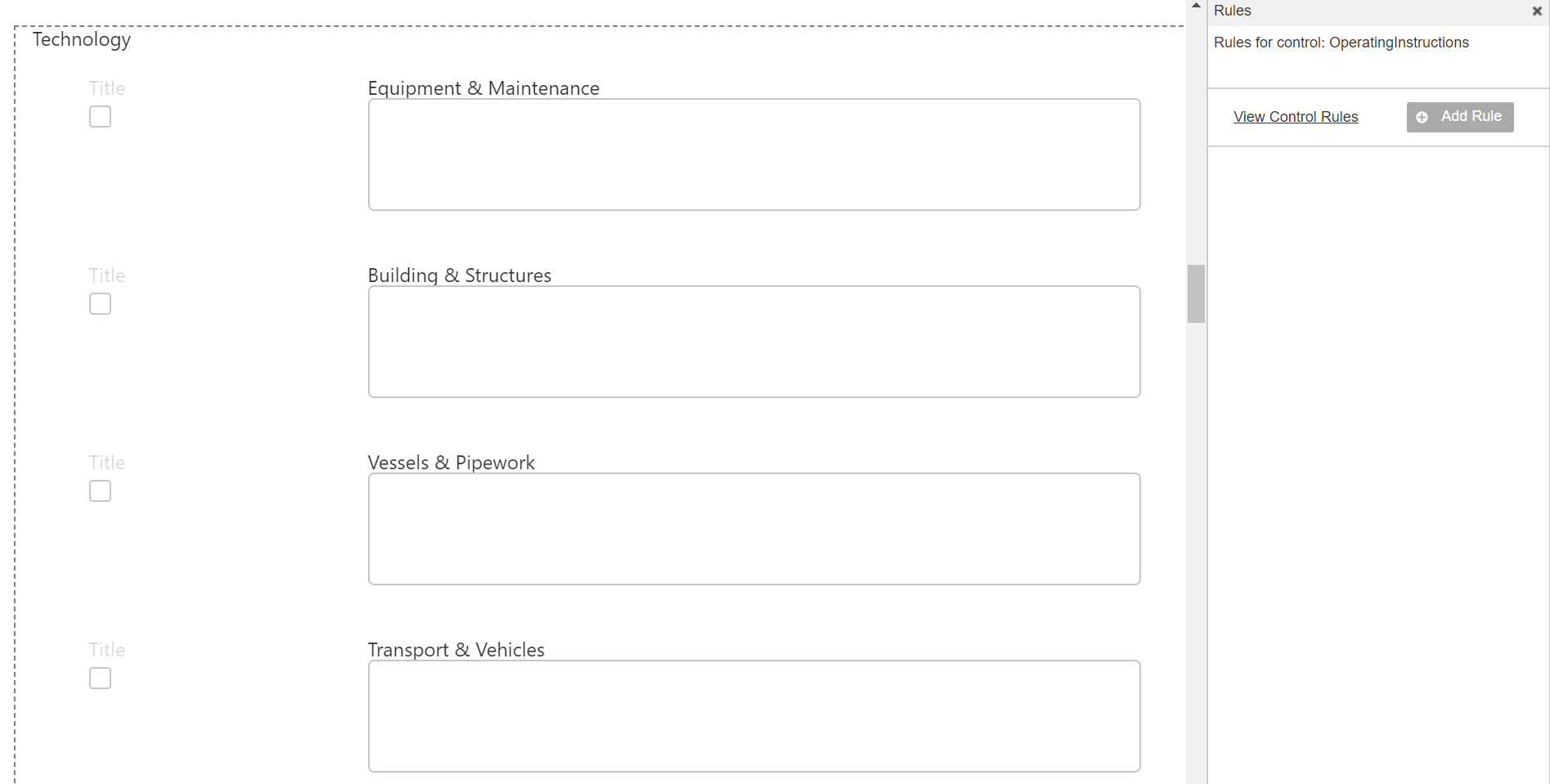
So I would like to use an expression: Hide when '=and(Is Display Mode,!{current_field})' something like this. And apply the rules to all fields. 
 

8729i75001E4BCF125C88.png


Is there a way to do this?


Thank you!

 

4 replies

Simon Muntz
Nintex Partner
Forum|alt.badge.img+23
  • Nintex Partner
  • August 19, 2020
Hi

Set the rules view to show all rules.
Then on the form hold Ctrl and select the controls you want to include in the rule. Once done go to the rule and click the elipse where a dropdown will appear that gives you the option to Add to selected controls.

Forum|alt.badge.img+5
  • Author
  • Nintex Partner
  • August 19, 2020

Hi @SimonMuntz thank you.

But what I need is a formula that covers the hiding of the fields. 


I need "Equipment & Maintenance" to be hidden when "Equipment & Maintenance" is empty and "Building & Structures" when "Building & Structures" is empty, etc


When I use my current rules, for example the first. Then "Equipment & Maintenance" will also hide when "Building & Structures" is empty, and that shouldn't be the case.


Hope it clarifies. 


Simon Muntz
Nintex Partner
Forum|alt.badge.img+23
  • Nintex Partner
  • August 20, 2020
Thank you for your clarification.

The one rule that will work for all controls is:
and({Common:IsDisplayMode},isNullOrEmpty({Self}))

Forum|alt.badge.img+5
  • Author
  • Nintex Partner
  • August 20, 2020
{Self}! Thats it! Thank you
