

Nintex Community Menu Bar

Forms broken - FormDesigner error

  • February 20, 2019
  • 5 replies
  • 21 views

Forum|alt.badge.img+1

Hi Guys,

i hope you can help me, i am really frustrated.

I have the problem that i cant open the FormDesigner from one of my Lists.

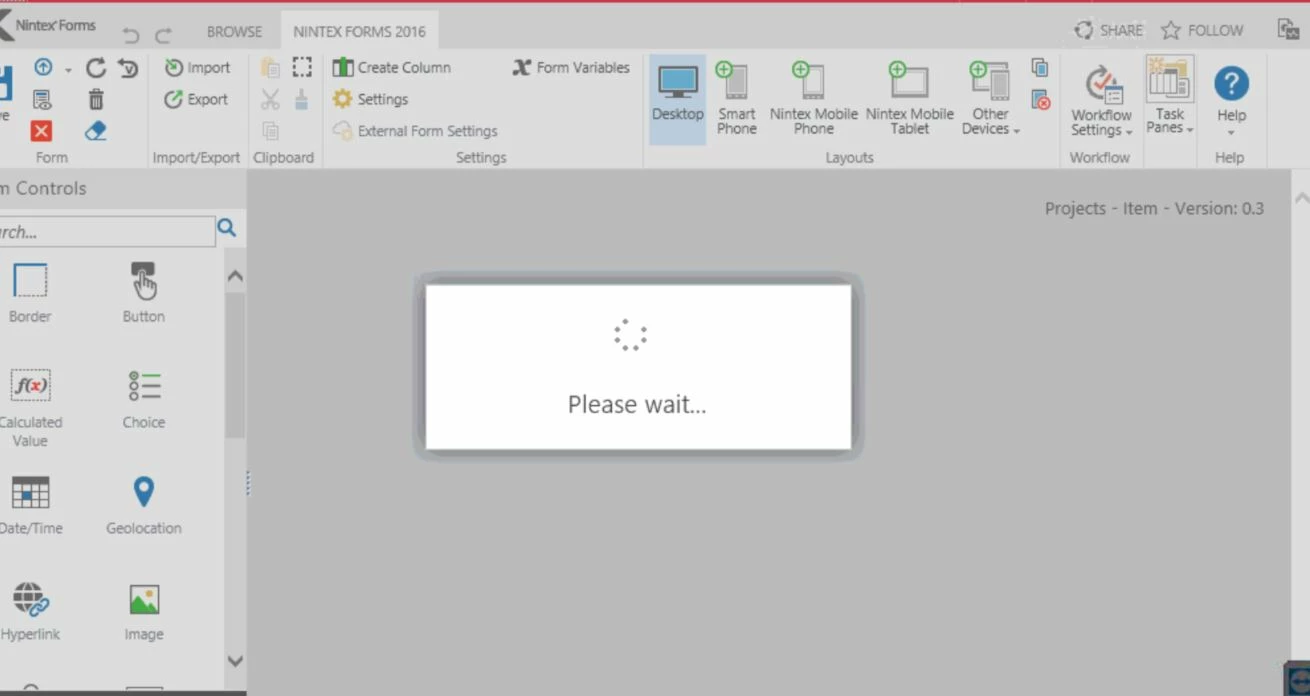
When i click on it, it seems the formular loads but the loading-screen never ends.


Like this:
125iB376DDBC35213FA7.jpg


I allready searched the .aspx-file itself, because i thought when i find and delete it, i can create some new.
I searched with SharePoint Designer 2013 -> under "All Items" -> NintexForms -> but couldn't find the .aspx-file with the ID from the List.

I allready dissabled and enabled the Nintex-Feature in Site-Collection-Features.


Is there any chance to remove the mapping from list to formular? or something like that?

Many thanks in advance!


Greetings,

Leon

 

5 replies

Forum|alt.badge.img+17
  • February 20, 2019

This issue may be similar to a few other post on the community. May I recommend trying to export and import the form. 


Do you know if there is javascript or some code on the form preventing it from opening?

Also attempt to open it within another browser to see if something was cached or set preventing it from rendering now.


Forum|alt.badge.img+1
  • Author
  • February 21, 2019

The problem is, that i am not able to export/import it because i cant open the Designer..


I know there is something in the Script part, but dont know what.

Already tried another browser. Without success.


Forum|alt.badge.img+1
  • Author
  • February 26, 2019

Nobody can help me??


Forum|alt.badge.img+14
  • Scholar
  • March 8, 2019

try to open developer console and set a breakpoint in the code you where you expect there is a problem. once the execution breaks, try to change actual values of variables so that it jumps out of cycle.

you may want to watch network traffic to see whether it's not looping in some request from server.


if do not succeed with above you may try to export form with a webservice call

https://help.nintex.com/en-US/sdks/sdk2013/#FormSDK/Topics/SDK_NF_API_REF_GetFormXml.htm%3FTocPath%3DNintex%2520Software%2520Development%2520Kit%7CNintex%2520Forms%25202013%2520Software%2520Development%2520Kit%7CNintex%2520Forms%25202013%2520SDK%2520Reference%7CWeb%2520Services%2520Reference%7C_____3


Forum|alt.badge.img+17
  • March 8, 2019
If this is still a pressing issue. I know a few people have solved this before but cannot find it. I'm not one to push people directly to support, but this may be a good case where you create a support case to see what may be happening.
