

We are having an issue when importing the renewed Nintex Forms and workflows 2016 enterprise licenses.
We are getting the following error:
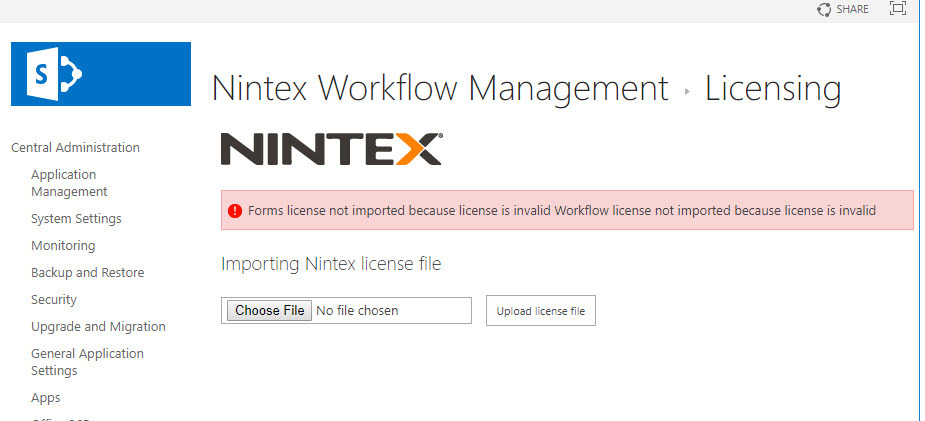
we have tried the following:
After importing the license, the page temporarily shows the new correct expiry date for 2020 and the server names. All looks correct. once we perform an IIS reset, the date reverts back to the old expiry date. As if it is cached somewhere and couldn't commit after the IIS reset.
And yes, we have tried all this:
- Contacting licensing team and re-issuing the license files.
- Getting other license files for forms and workflows seperatly instead of the combined file.
- Checking the box to import forms first then workflows - and workflows first then forms.
- we tried to import prod license to dev.. for giggles... same error.
- We tried with an elevated personal user permissions and also with the farm account.
- we have to make sure DEV is working perfectly before applying Prod, so the option to try the Prod license to eliminate if it is an environment issue is not an option... it is a policy.
- We contacted Nintex support team... and waiting..
Any pointers to what is happenning in this environment and what kind of issues or something in the logs we can look for !! will be greatly appreciated.
Thanks Community


