Nintex Community Menu Bar

Form Height Too Short at Runtime for SharePoint 2013 Onsite

  • August 19, 2020
  • 2 replies
  • 6 views

Forum|alt.badge.img+2

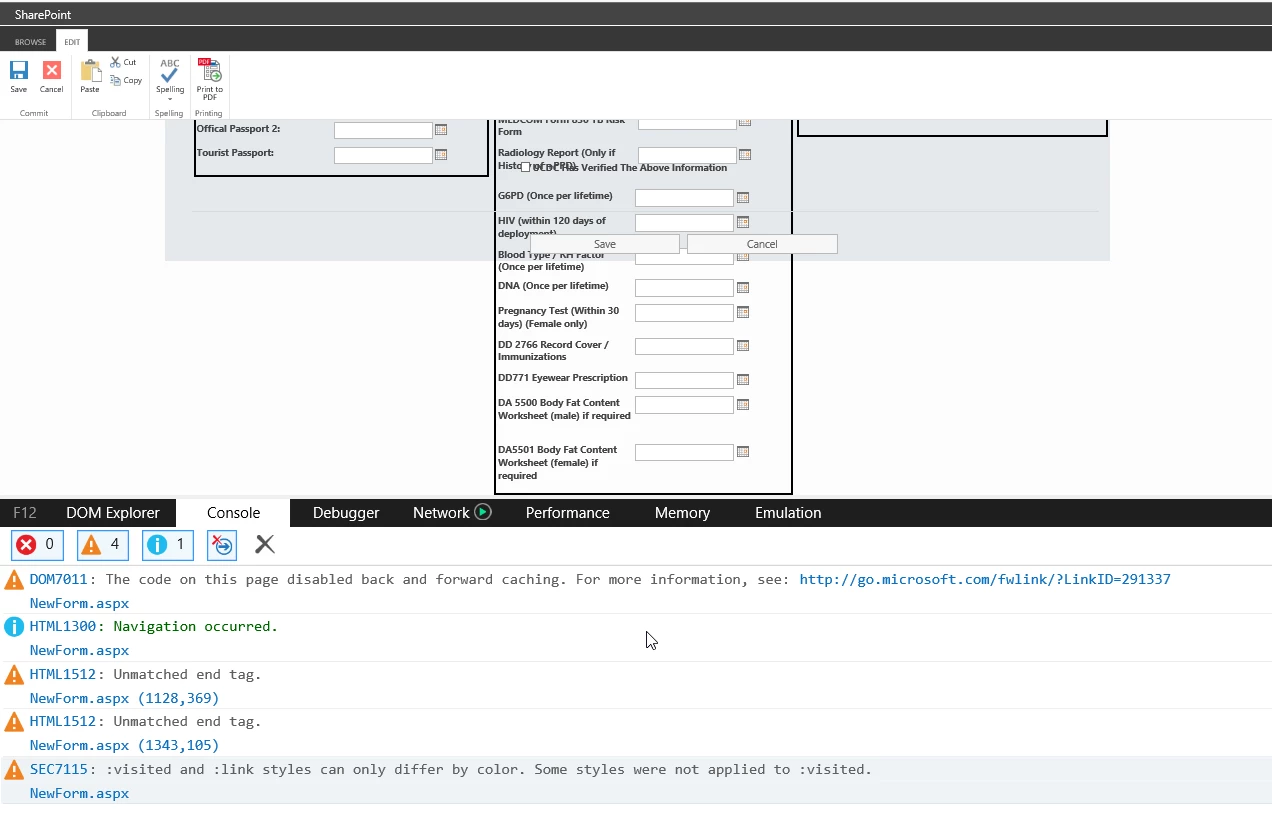
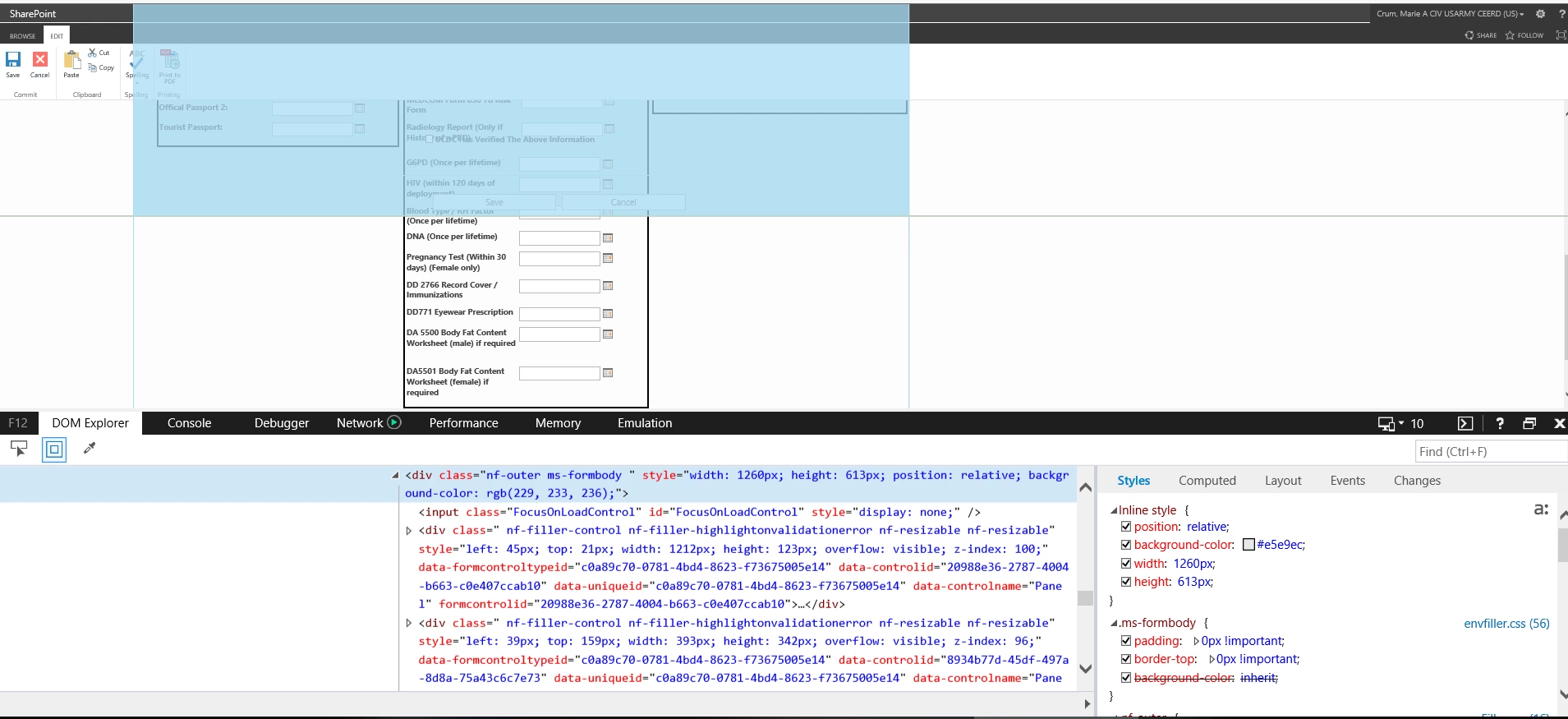
I have three (3) panels side by side. Each panel has rules to hide individual items based on a dropdown selection. Each label and control has its own rule and none of the controls overlap or touch the panel border. Everything looks good until I run it. The height of the form changes to 613px and ignores the panel with a height larger than that. The save and cancel buttons also cover the panel. I used developer tools to check for errors and there none. There are four (4) warnings. 

Does anyone know what is happening to the form? 
8736i29E5652838BB54E5.png


8737i7FEE2DEEAAFB7045.png


2 replies

Simon Muntz
Nintex Partner
Forum|alt.badge.img+23
  • Nintex Partner
  • August 20, 2020
Hi,

Not sure why the form is not resizing as it should. Does adjusting the form height in the form settings resolve the issue?

Forum|alt.badge.img+2
  • Author
  • Rookie
  • August 20, 2020

@SimonMuntz Thank you for the reply. I increased the height of the form from 1600 to 2600 and the overlapping stopped but there is a huge gap between the panels and the save button. I adjust the height to 1900 to get it closer and it looks much better but there is still a large gap between the panels and the buttons after changing the dropdown selection that drives the rules for the controls. I know the customer is going to want this fixed and not understand why I cannot. Do you have any other suggestions?