



Hi Community,
we're using Chrome (Version 77.0.3865.90)
Sometimes when we Call Nintex Forms from a SharePoint-Site, (for example rightclick to the document --> "properties") the browser won't load nintex forms correctly and we get this screen: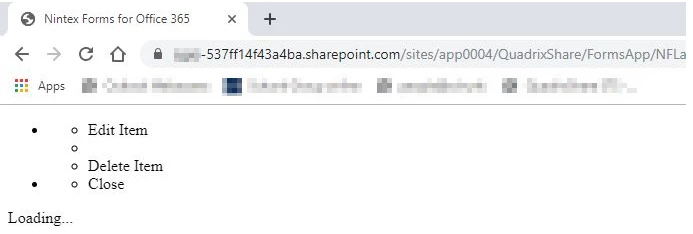
Nothing happens then. If we try the same call in Internet Explorer, it works without problems and the Nintex Form will be loaded. This problem occurs only sometimes. Most of the time it works fine with Chrome as well. But, for example, my colleague has got a new notebook some days ago and with this notebook and the same chrome version (always with win10), he still gets always the screen from the screenshot and with IE he has no problems.
Do you know this?! What can we do? Chrome is our company-standard browser.
Thanks in advance!

