Nintex Community Menu Bar

Edit workflow link missing - unable to edit workflow

  • July 16, 2019
  • 9 replies
  • 23 views

Forum|alt.badge.img+3

Hi,

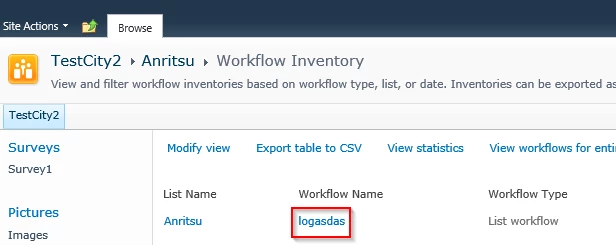
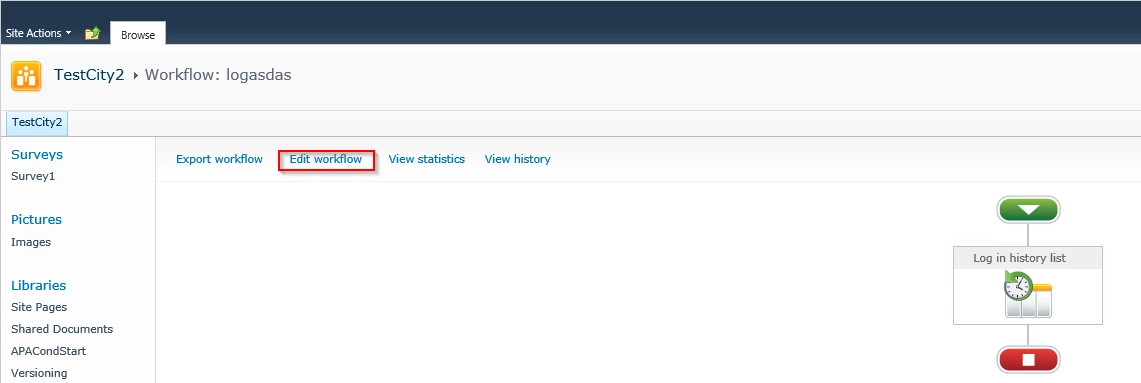
why on this particular workflow is the 'export workflow', 'edit workflow' and 'view history' links not available? I need to edit this one but for the life of me cant work out how to do so?? Please help!!


I am using Sharepoint 2010 if that helps? I am not trying to edit in shaarepoint designer as i know you cant edit nintex in SP designer and visa versa.3150i6184FA655F57D575.png
9 replies

Simon Muntz
Nintex Partner
Forum|alt.badge.img+23
  • Nintex Partner
  • July 16, 2019

Hi,


Navigate to the list where the workflow is published and click on the List tab > Workflow Settings > Manage Workflows with Nintex Workflow.

You will be able to select your workflow and then you will get the option to edit it.

3151iBCA4553E11203B51.png

3153iD0B83E4A2076AF9D.png

3152iFE5E2F0E14A737DF.png


Second option is to navigate to your list and go to workflow settings again but this time go to create a workflow with Nintex workflow.  Once in the designer click open from the ribbon and select the workflow you want to edit.


Forum|alt.badge.img+3

Hi, thanks for the response, however as the screenshot shows, the 'edit workflow' link is not available?


Simon Muntz
Nintex Partner
Forum|alt.badge.img+23
  • Nintex Partner
  • July 16, 2019

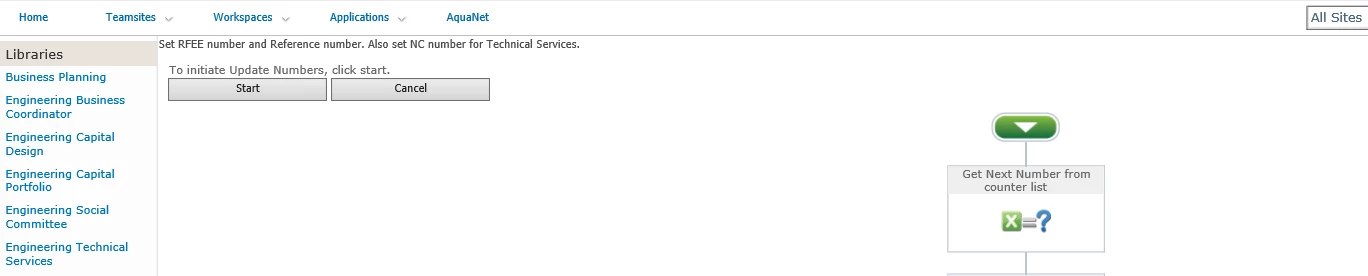
It appears that you are on the start workflow screen and not where I have advised to navigate to.


Forum|alt.badge.img+3
When I navigate to the 'manage workflow' screen the workflow doesn't appear in the list? this is the only place I can see the workflow?

Simon Muntz
Nintex Partner
Forum|alt.badge.img+23
  • Nintex Partner
  • July 16, 2019
Try the second option I mentioned:
Second option is to navigate to your list and go to workflow settings again but this time go to create a workflow with Nintex workflow. Once in the designer click open from the ribbon and select the workflow you want to edit.

Forum|alt.badge.img+3
It's not there either?

Simon Muntz
Nintex Partner
Forum|alt.badge.img+23
  • Nintex Partner
  • July 16, 2019
You are either looking at the wrong list or its a site workflow.

Forum|alt.badge.img+3
It's definitely the right list, it's the only list that uses that workflow... thanks for your help though...

Simon Muntz
Nintex Partner
Forum|alt.badge.img+23
  • Nintex Partner
  • July 16, 2019
If you have a support contract with Nintex or you are trialing the product I suggest you contact Nintex for further support. If you can start the workfow as per your initial screenshot then the workflow can be recovered for editing. support@nintex.com