

Nintex Community Menu Bar

Dropdown validation hover highlight after Migration from 2010 to 2016:

  • December 12, 2019
  • 3 replies
  • 15 views

Forum|alt.badge.img+1

Hi ,


I am Lokeshwar i was working on migration of SharePoint from 2010 to 2016.


We have some Nintex forms which is migrated from SP2010 to SP2016.


Observation in 2016 : If there is required field validation for dropdown then without filling anything when you click on save  then it shows hover highlight in red color on parent div of dropdown control instead of select.
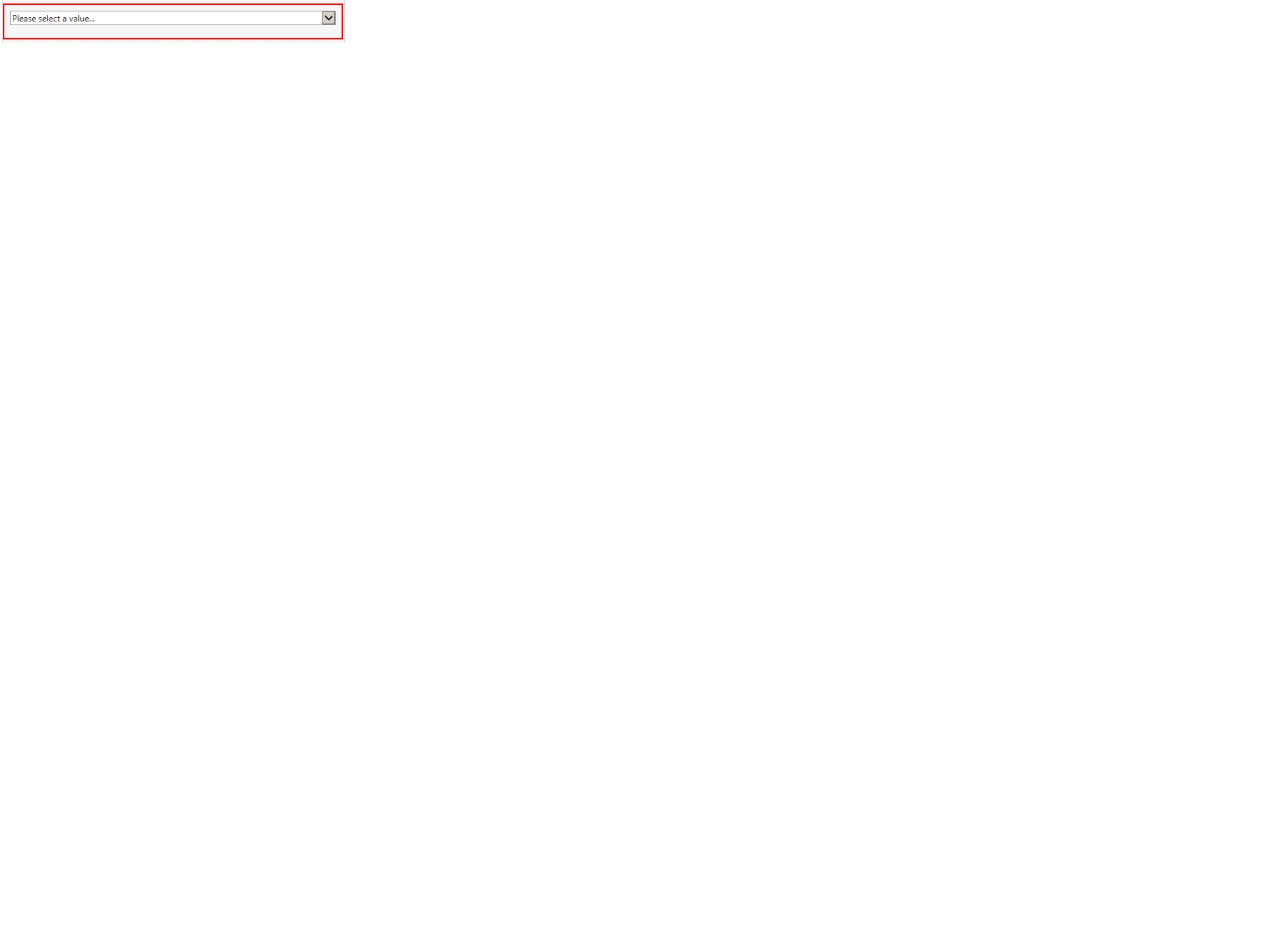
5916iB3176D1F0A197AAD.png

Whereas in SharePoint 2010 we have hover highlight in red color for dropdown control for required field validation.

Added attachments for reference .


Please help me out to understand if this is default behavior in SP2016 or do we have any fix to make it hover for select instead of parent div of dropdown control in SP2016.




3 replies

Simon Muntz
Nintex Partner
Forum|alt.badge.img+23
  • Nintex Partner
  • December 13, 2019
Hi,
I tested this behavior in 2016 and 2010 and they both behaved like your 2010 screen shot.
Do you have any CSS applied to the control?

Forum|alt.badge.img+1
  • Author
  • December 17, 2019

Hi Simon,


We tried for different site where we dont have any custom CSS .Even then we have this issue.


Regards,

Lokeshwar Singh R


Simon Muntz
Nintex Partner
Forum|alt.badge.img+23
  • Nintex Partner
  • December 17, 2019
Hi,
I meant is there any custom CSS in the form?

