Hi community!
I'm a new user to Nintex Workflows in SharePoint 2013.
I'm creating a workflow for renaming documents based on some of its properties.
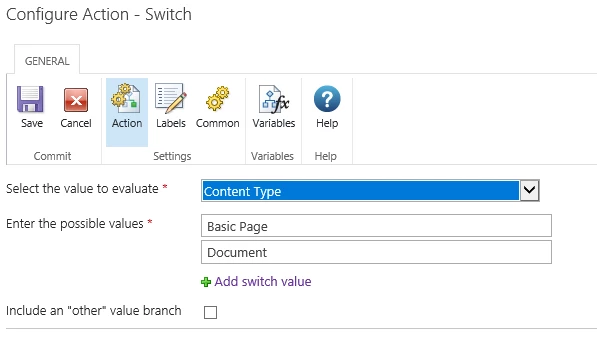
But I can't seem to go further than step 1, the first two characters of the document name will be based on its document type, for example:
If the user when uplaoding the docuemnt to the library selects "Approval Checklist" as the Document Type then the two first letters of the file name will be "AC".
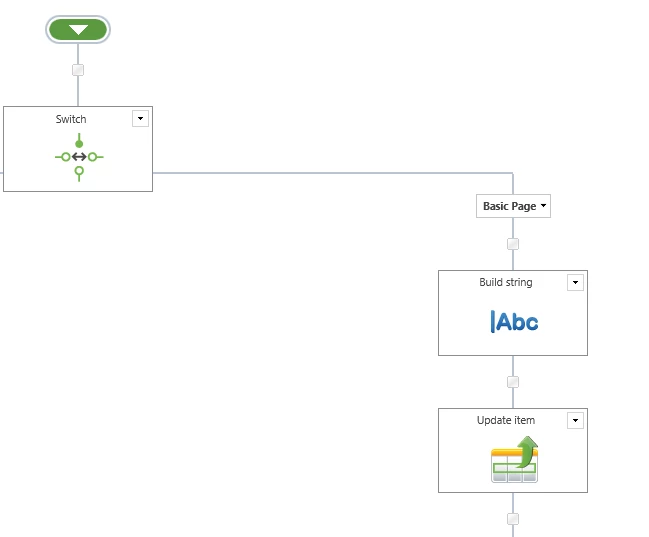
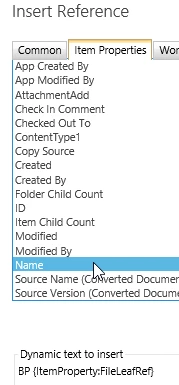
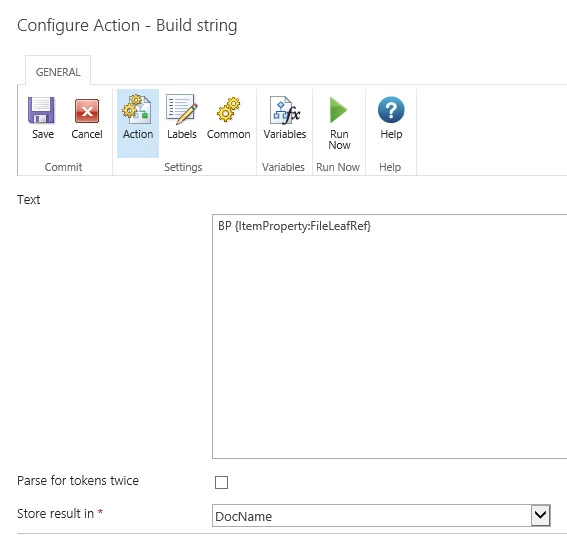
Currently I'm just testing, and I use a Build String and a Update Item in the workflow designer, inside the Build String I put something like:
=if({ItemProperty:DocumentType}="Approval Checklist","AC","null")
And then the Update Item is supposed to change the current's item Name field to a Workflow variable where the value from the Build String block is saved.
Is it possibel to use this kind of syntax inside Build String?
Or what should I do?