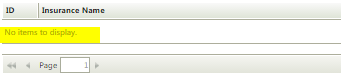

As far as I know, you can't directly edit the "No items to display" message in the list view. What you can try is to add a condition and rule to hide the view and display a custom message in a label in the parent form.
For e.g.
1. Create a aggregate data label to count the number of rows in the label.
2. In the parent form, create a label and display your custom message.
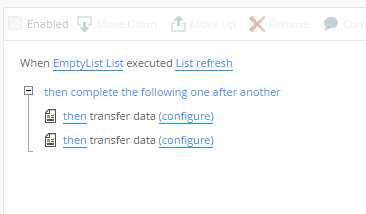
3. During Form Initialise, set a condition to check if row count is zero.
If yes, Hide the view and show your custom message label and if not, vice versa.
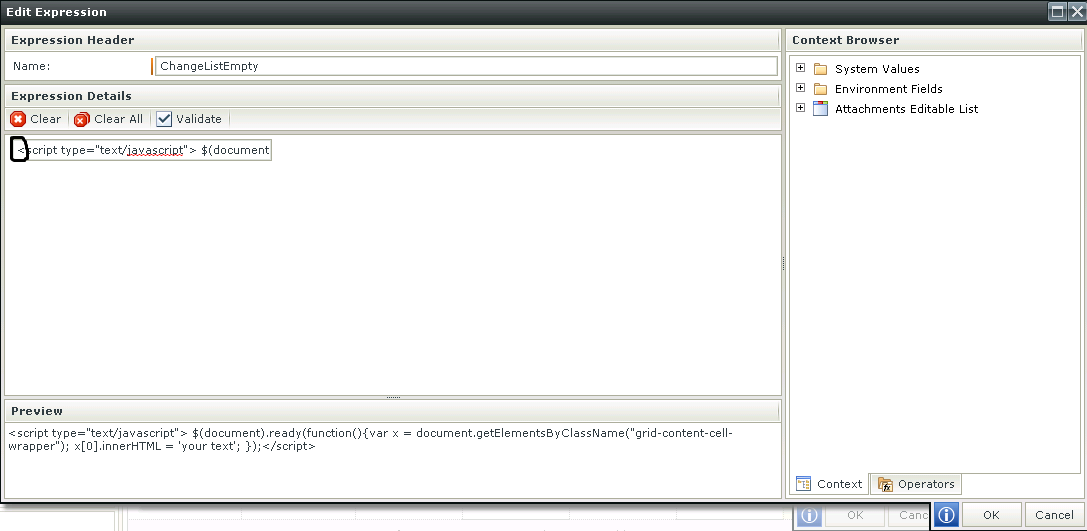
It is working for me when I just run the View, however, when I run the form that the view is on, the default text displays. How else can we tweak the javascript so that we can directly reference the view by name?