I am a Nintex Newbi so I apologize if this question is simple.
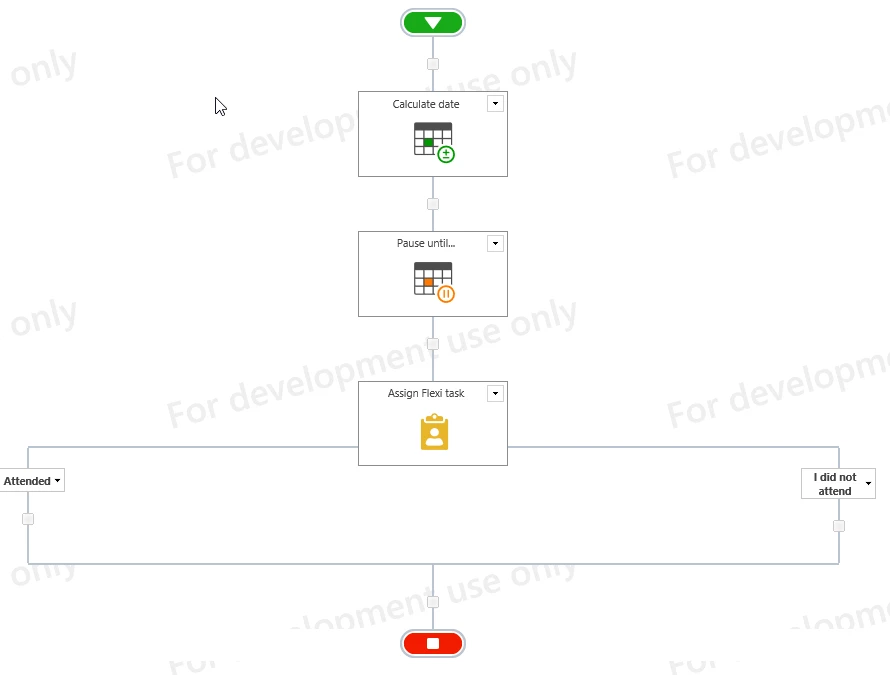
I am building a workflow based on a SharePoint list for people to submit requests to attend an off site seminar. After all approvals have been obtained management wants a form to go to the employee for them after the seminar date has passed to confim they attended the conference. I was thinking of adding a Flexi-task and change the response to "I attended" and "I did not attend" and then enter comments why.
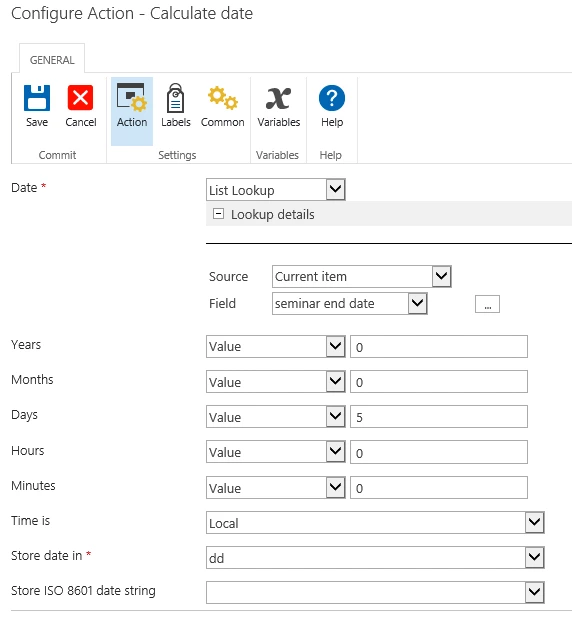
The list has a field for seminar end date. I am not sure how to set it up to send the task 5 days after the seminar end date (that was selected by the user). Any help would be greatly appreciated. I was thinking maybe to play aroudn with add time to date but unsure how to connect it to the seminar end date.
Thank You in advance