



Primary Action: Call a SharePoint web service
Note: The exact behavior may vary depending on factors such as permissions, library settings, and potential changes to the SharePoint Online REST API by Microsoft.
Step 1
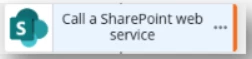
Add a Call a SharePoint web service onto the canvas.
Step 2
Configure the action.
URL Example: https://contoso.sharepoint.com/sites/yoursite/_api/web/lists/getbytitle('Documents')/items(1)/File
Request type: HTTP Get
Request headers should Populate automatically, if missing use the below:
Accept: application/json;odata=verbose
Content-Type: application/json;odata=verbose
Output
Result :
Add or select the appropriate variable
Example:
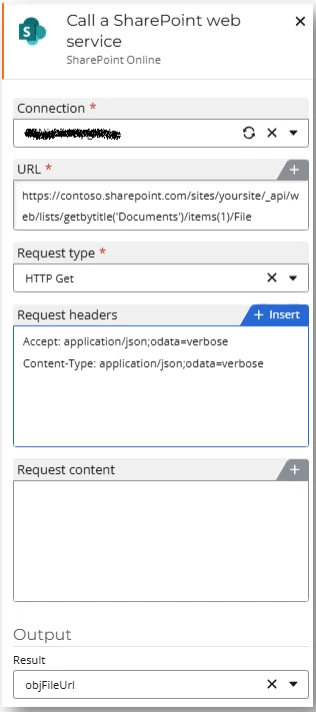
* items(1), the one can be replaced by the start event variable ID.
Step 3
Add a Query JSON onto the canvas

Configure the action
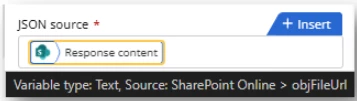
JSON source:
Select the “Response content” from the variable created previously:
JSONPath expression:
$.d.LinkingUrl
Example:
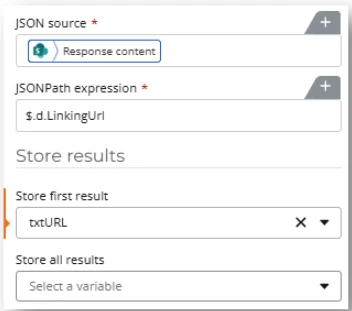
The URL (Variable) can then be used in other actions like Send an Email.