




Topic
How to add or change a Nintex Promapp Document Approver for a Group
Instructions
- Right click on the group you would like to add an approver for
- Select the Edit Stakeholders option
- Select the edit pencil beside the Document Approvers Option
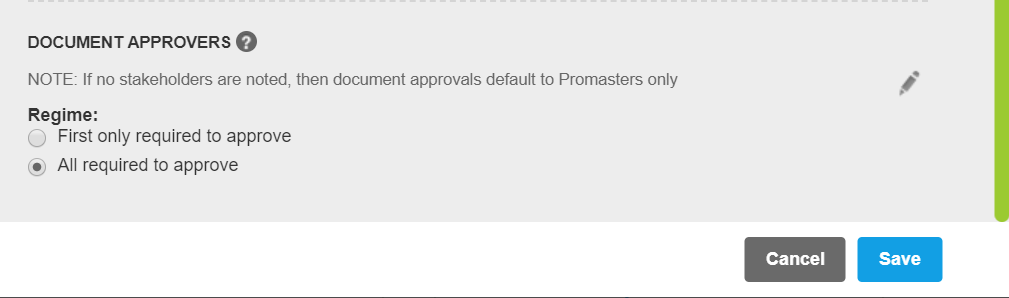
- Start typing a Nintex Promapp User's name or a Role/responsibility name in the box provided & select an option from the drop down list
- Select Save