
Nintex Community Menu Bar
Solved

Generate Excel Document from Repeating Section

  • November 26, 2025
  • 3 replies
  • 25 views

poirisop
Forum|alt.badge.img+4

My workflow is pretty simple:

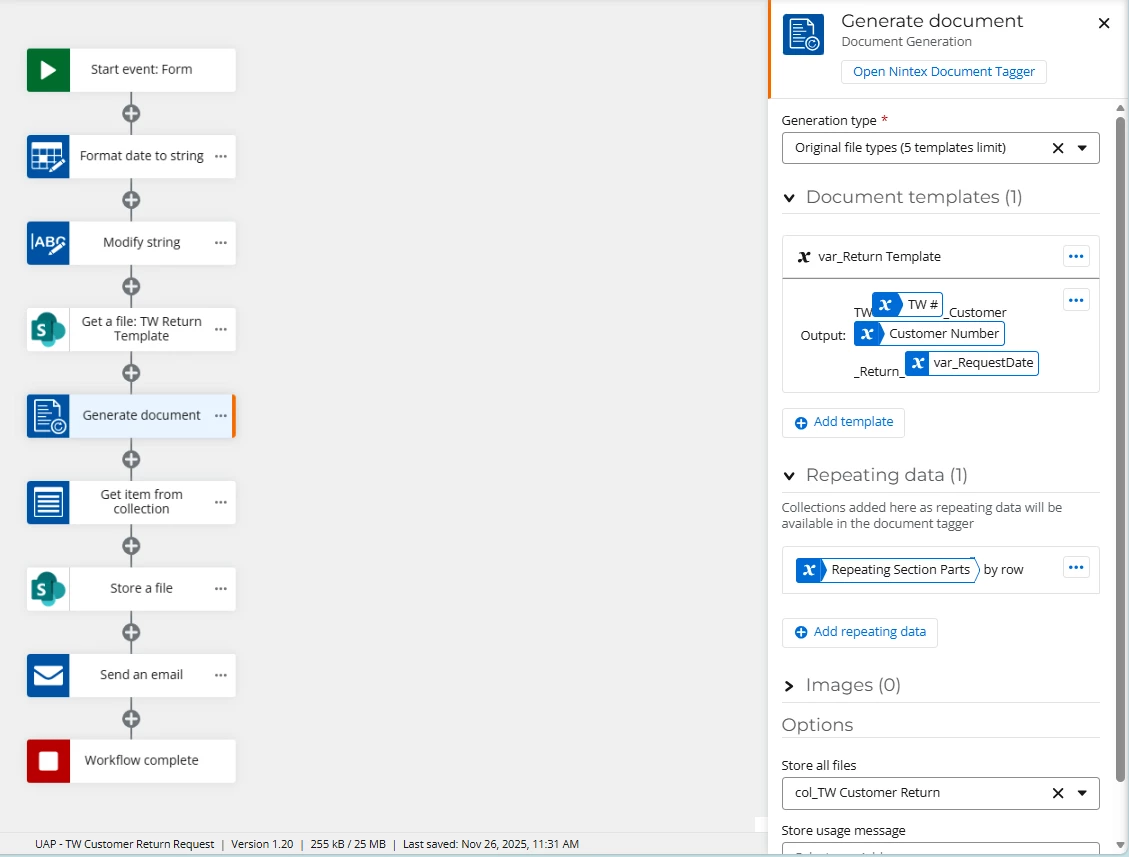
I have a starting form with a repeating section. My goal is to generate an Excel file with the data from the repeating section. When I run the workflow, the Excel file is generated with only one row, corresponding to the data from the first row of the repeating section. How should I proceed to get the other rows? Am I missing a loop? See attach, my template and the generated file.

 

Best answer by rickdemarco

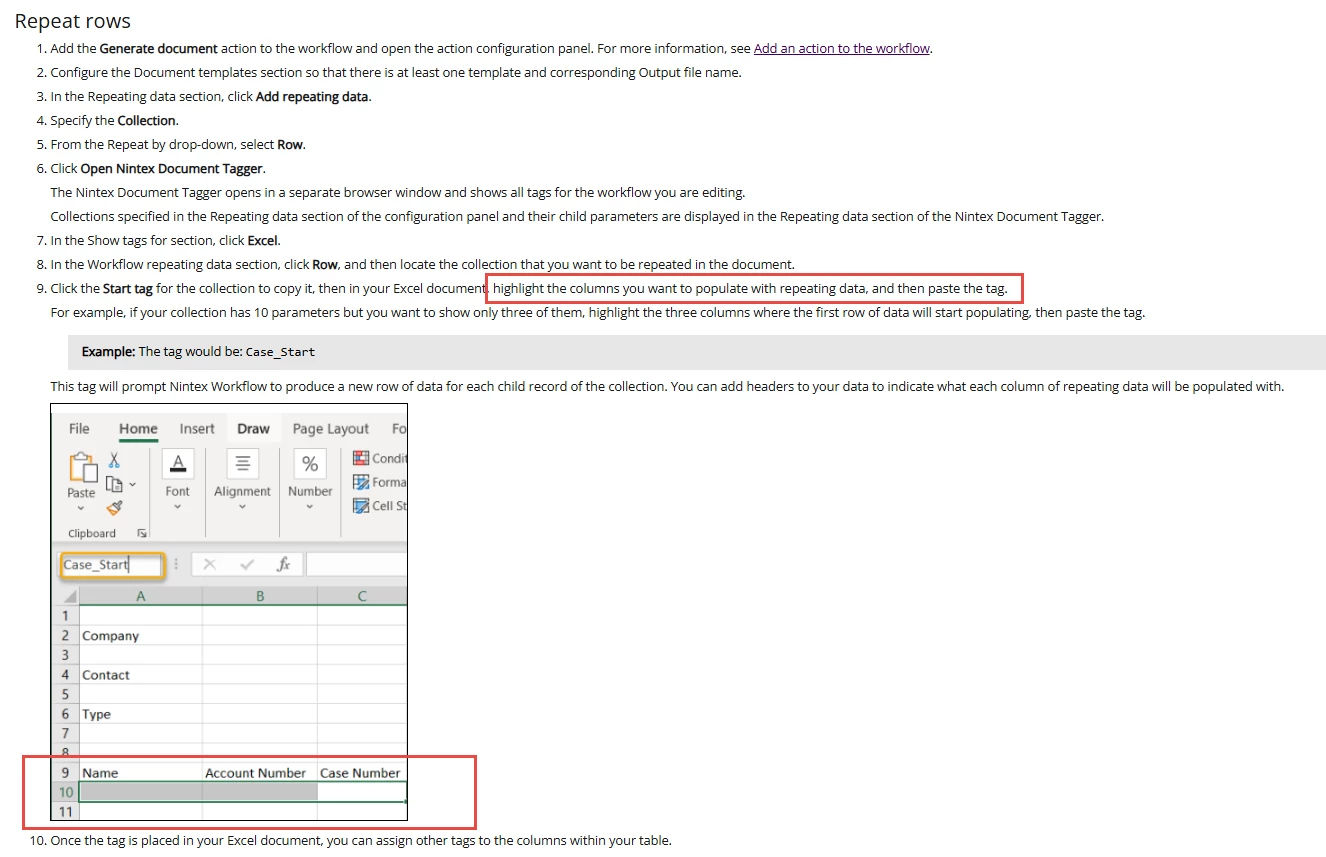
@poirisop  It looks likethe workflow is configured correctly, maybe it’s the way you configured the tags in excel, here is an example you could follow (make sure you use the start tag of the RS collection)  https://help.nintex.com/en-us/nwc/content/designer/Actions/GenerateDocument-RepeatDataMSExcel.htm

3 replies

rickdemarco
Nintex Employee
Forum|alt.badge.img+8
  • Nintex Employee
  • Answer
  • November 27, 2025

@poirisop  It looks likethe workflow is configured correctly, maybe it’s the way you configured the tags in excel, here is an example you could follow (make sure you use the start tag of the RS collection)  https://help.nintex.com/en-us/nwc/content/designer/Actions/GenerateDocument-RepeatDataMSExcel.htm


poirisop
Forum|alt.badge.img+4
  • Author
  • Rookie
  • November 27, 2025

I redid my template from scratch, following the instructions, and I still only have one line in the generated Excel file. The first line of my repeating section. The other lines never appear.

It is not clear if I have to highlith the whole column by clicking on the letter A, or only the firt row as shown in the picture


poirisop
Forum|alt.badge.img+4
  • Author
  • Rookie
  • November 27, 2025

Finally, I managed to get it working. It was my "start tag" that was incorrect.