Topic
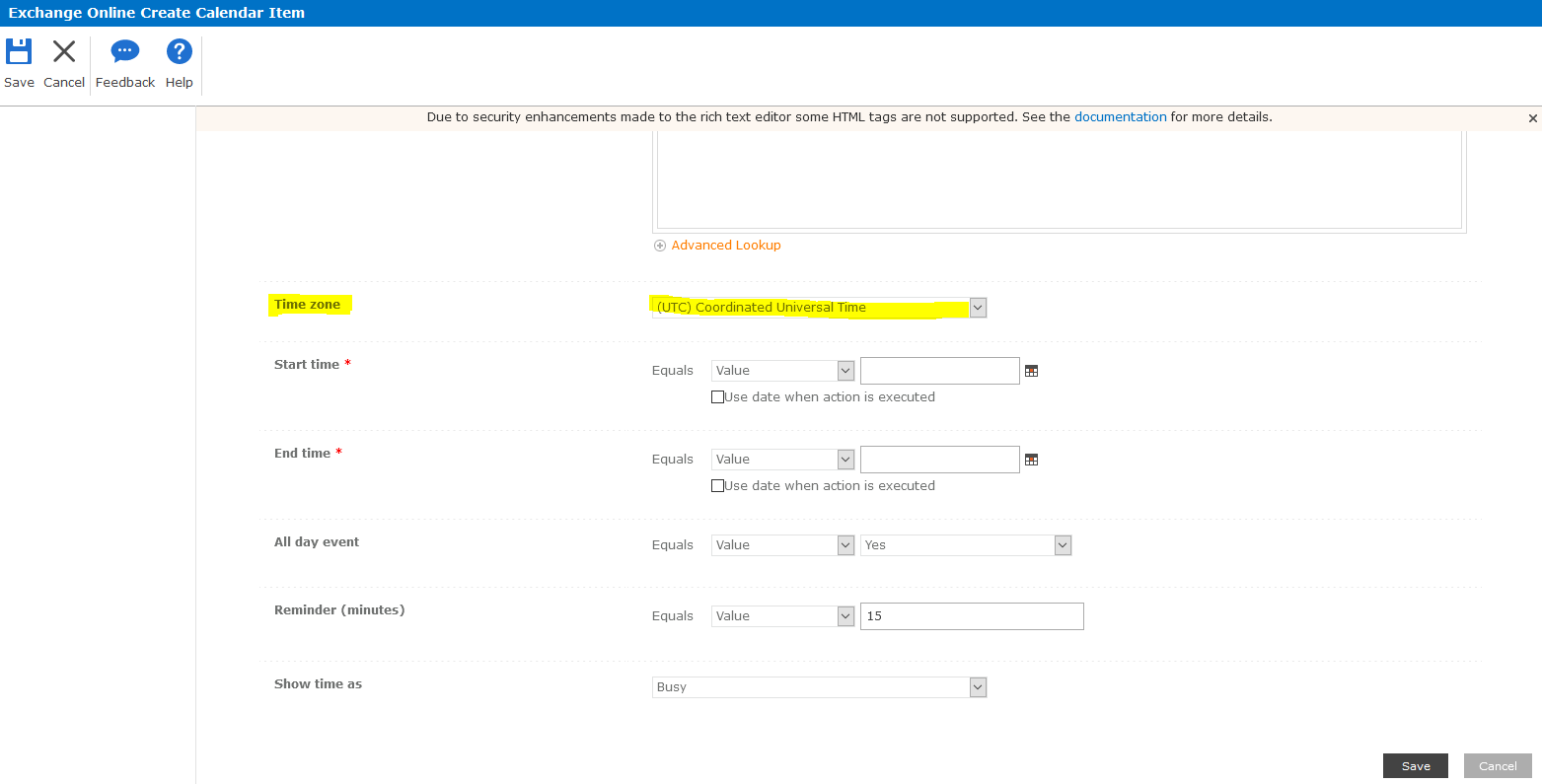
When using the Exchange Online Create Calendar Item action, the item is not being created at the desired time on the calendar. The default value is Coordinated Universal Time (UTC).
Instructions
Open the configuration for the Exchange Online Create Calendar Item action
Locate the 'Time zone' setting
Select the desired time zone from the dropdown menu.