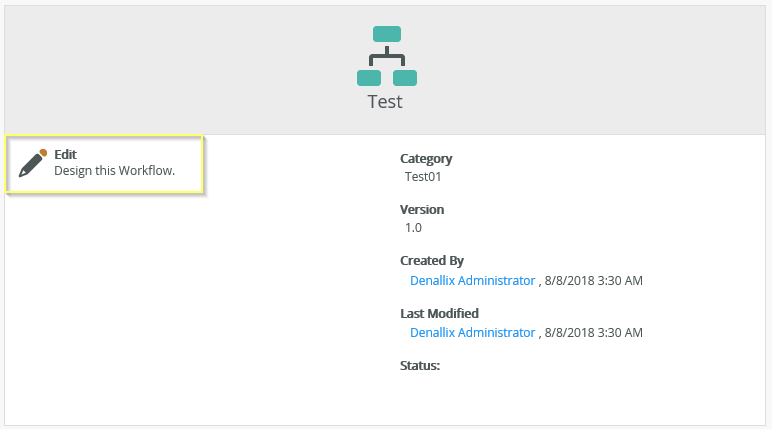
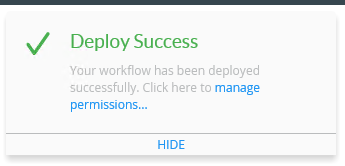
K2 HTML5: "The line 'DefaultLine 21' needs to be connected to an Activity" error appears
kbt152201
PRODUCTK2 Five
BASED ONK2 Five (all)
This article was created in response to a support issue logged with K2. The content may include typographical errors and may be revised at any time without notice. This article is not considered official documentation for K2 software and is provided "as is" with no warranties.
Issue
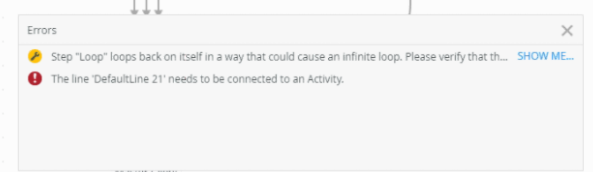
"The line 'DefaultLine 21' needs to be connected to an Activity" error appears:
Symptoms
This is caused by orphaned values in the HTML5 json schema. To test this, please run the following SQL script:
USE [K2] --todo:Change to K2 DB name
GO
SELECT [P].[Name], [P].[JsonId], [C].[Id], [C].[SessionId] FROM [Designer].[Process] AS [P]
INNER JOIN [Designer].[CollabData] AS [C]
ON [P].[JsonId] = [C].[SessionId]
WHERE [P].[Name] = 'TestTest' --todo:Change to workflow full name
AND [C].[SessionId] = [C].[Id]
GO
SELECT [P].[Name], [P].[JsonId], [C].[Id], [C].[SessionId] FROM [Designer].[Process] AS [P]
INNER JOIN [Designer].[CollabData] AS [C]
ON [P].[JsonId] = [C].[SessionId]
WHERE [P].[Name] = 'TestTest' --todo:Change to workflow full name
AND [C].[SessionId] = [C].[Id]
Resolution
If you deployed recently, and made very minimal changes (or no changes), open K2 Designer and navigate to your workflow.
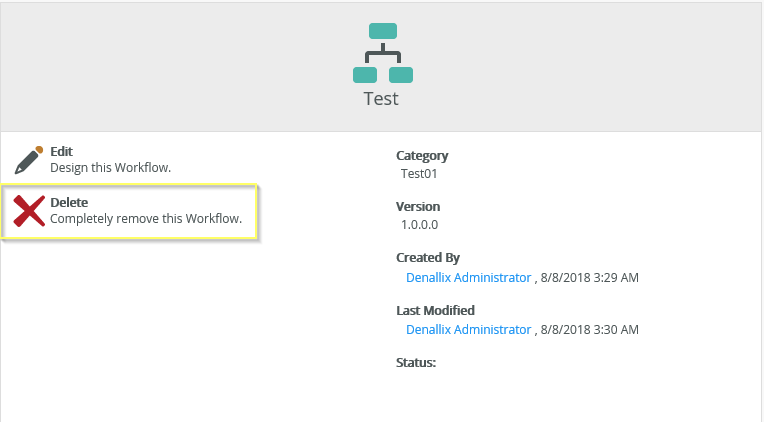
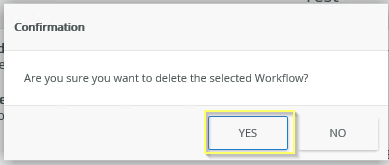
Click on "Delete" and select YES on the confirmation:
Note: The icon of the workflow will change after the delete:
Edit the workflow using the K2 Designer and deploy again.