



Issue
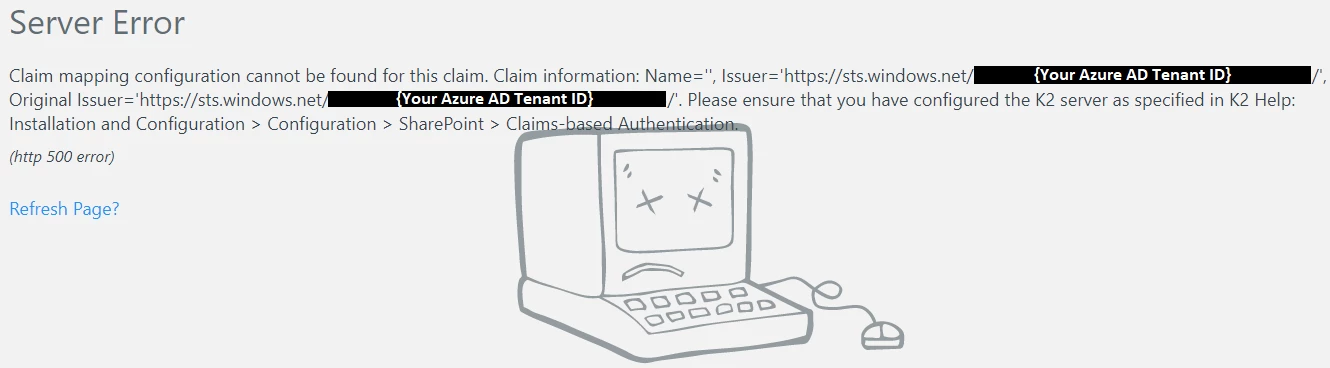
After manually setting up Azure Active Directory so that AAD users can login to K2, the users are presented with the following error after entering their credentials:
Error Code
Claim mapping configuration cannot be found for this claim. Claim information: Name='', Issuer='https://sts.windows.net/{AZURE_AD_TENANTID}/', Original Issuer='https://sts.windows.net/{AZURE_AD_TENANTID}/'. Please ensure that you have configured the K2 server as specified in K2 Help: Installation and Configuration > Configuration > SharePoint > Claims-based Authentication
Resolution
The issue can be resolved by updating the claim mapping for AAD. Update the Identity > Claim Type value to be 'http://schemas.xmlsoap.org/ws/2005/05/identity/claims/nameidentifier'.