



Issue
Guest Users in Azure Active Directory receive the following error when logging in to K2 sites via AAD:
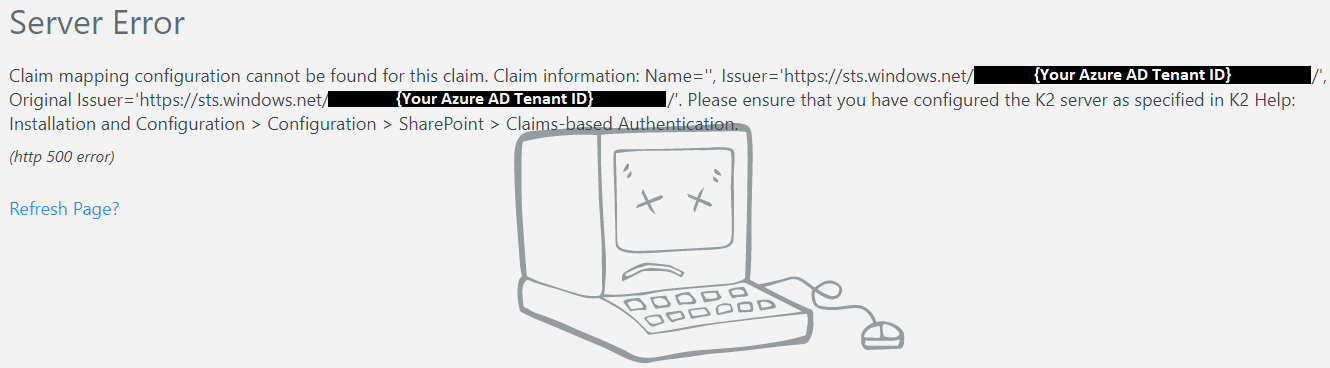
Error Code
Claim mapping configuration cannot be found for this claim. Claim information: Name='', Issuer='https://sts.windows.net/{Your Azure AD Tenant ID}/', Original Issuer='https://sts.windows.net/{Your Azure AD Tenant ID}/'. Please ensure that you have configured the K2 server as specified in K2 Help: Installation and Configuration > Configuration > SharePoint > Claims-based Authentication
Resolution
Add a new claim for the AAD label by following the steps below:
- Open the K2 Management Site and expand Authentication > Claims > Claims.
- Click New on the Security Label view.
- Select your Azure Active Directory label from the Security Label dropdown.
- Select your Azure Active Directory Issuer from the dropdown.
- Check the Claim Type info box.
- Leave the Name Identity Issuer text box empty.
- Enter the User Token Identifier: i:0#.f|membership.
- Enter the Group Token Identifier: c:0-.f|rolemanager.
- For the Identity Provider > Original Issuer text box enter the Original Issuer value for AAD: https://sts.windows.net/{YourTenantID}/
- For the Identity Provider > Claim Type text box enter http://schemas.microsoft.com/identity/claims/tenantid
- For the Identity Provider > Claim Value text box enter your Tenant ID for AAD
- For the Identity > Original Issuer text box enter the Original Issuer value for AAD: https://sts.windows.net/{YourTenantID}/
- For the Identity > Claim Type text box enter the Claim Type value for AAD: http://schemas.xmlsoap.org/ws/2005/05/identity/claims/emailaddress
- Click on OK.