Nintex Community Menu Bar
Question

Take action based on email response - SmartAction

  • May 15, 2026
  • 3 replies
  • 9 views

Forum|alt.badge.img

Hi everyone. This is for my project. The scenario is the e-form will send out to the user and user will response through email outlook. That response (eg. Approve/decline) will determine the next progress in the workflow. Is there any possibility that the workflow or K2 five able to do such scenario? If can how can I setup in the workflow to receive the answer from outlook so that it will proceed to the next step?

I just heard about smartAction that able to solve my problem. But how can I configure that smartAction since I dont have it in the K2 management. This is a new feature for me, so a bit confuses.


3 replies

Forum|alt.badge.img+7
  • Nintex Partner
  • May 15, 2026

Hi, SmartActions isn't exactly a hot new feature.
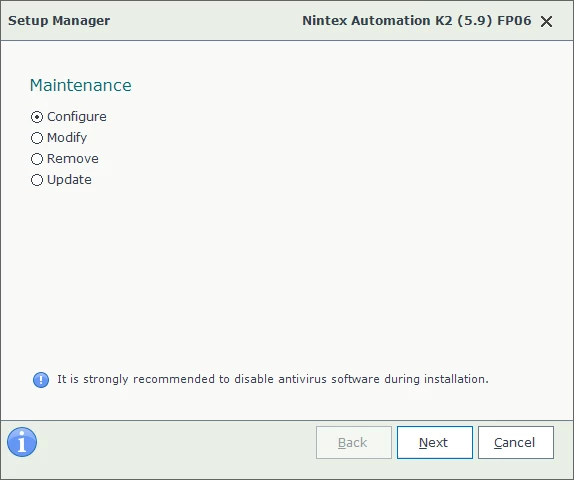
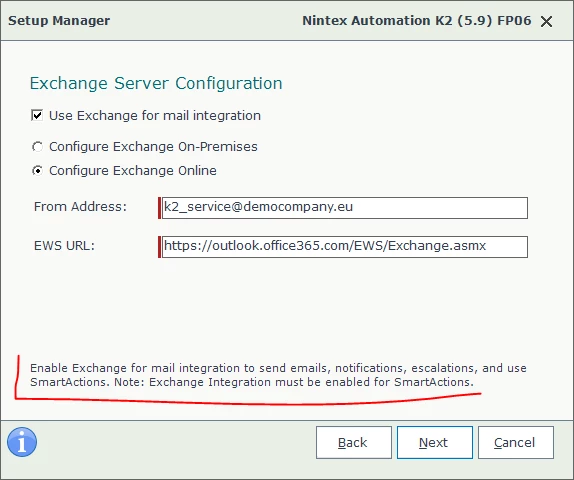
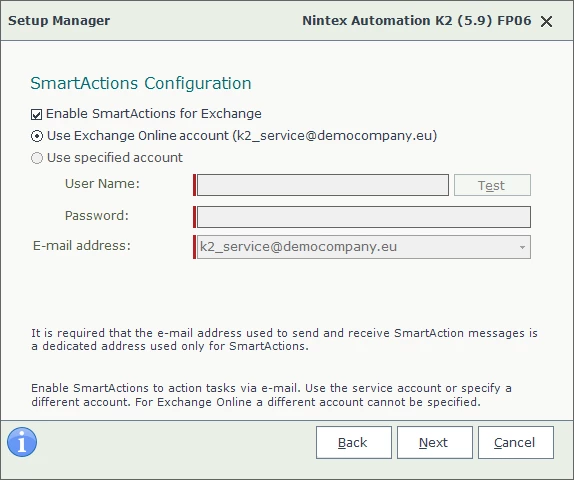
This is not a feature that can be configured in K2 Management. It's configured during installation or reconfiguration using the K2 Setup Manager; see SmartActions incoming e-mail configuration. This requires integration with Microsoft Exchange (on-premises or online); the K2 Server account has its own separate mailbox. Other useful links may include SmartActions and Customizing SmartActions.

Take a look; I think this will help.


Forum|alt.badge.img

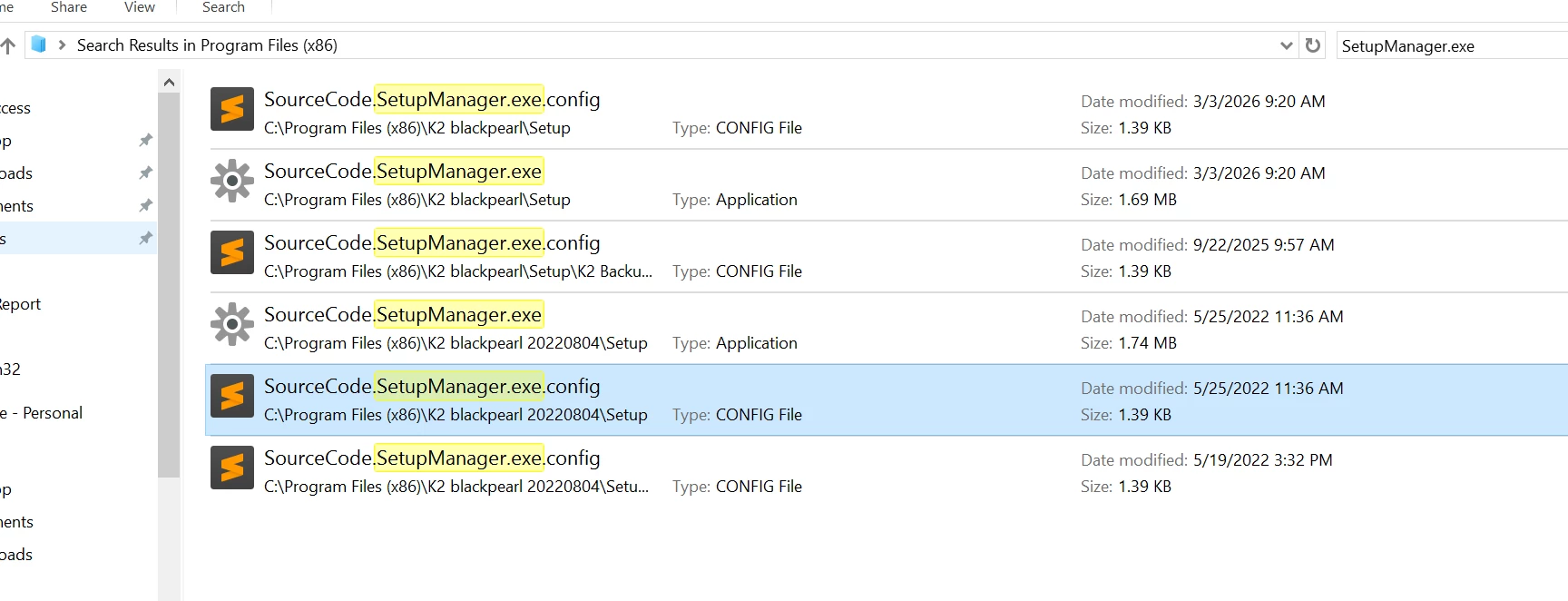
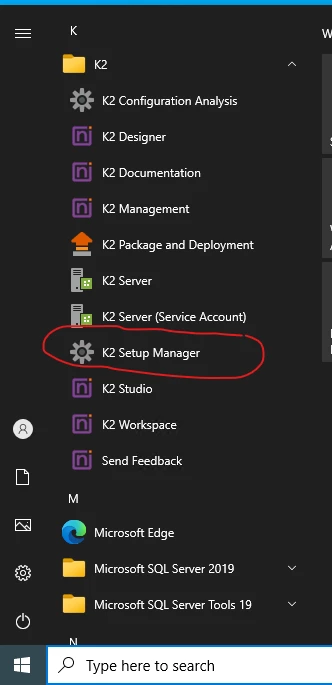
I have found the way which need to enable the smartActions. However, I cannot search for K2 setup manager in K2 server to enable it. Where can I find it?


Forum|alt.badge.img+7
  • Nintex Partner
  • May 15, 2026

K2 Setup Manager is an application you'll find in the Start Menu. However, in my opinion, the reconfiguration should ideally be performed under the account under which K2 was installed, and after reconfiguration, you'll need to reapply the latest Fix Pack. And in some environments, the reconfiguration can take over an hour, so be careful.