

Nintex Community Menu Bar
Solved

PDF Converter error

  • Apr 15, 2025 11:39 AM UTC
  • 5 replies
  • 188 views
  • Translate All

Forum|alt.badge.img+3

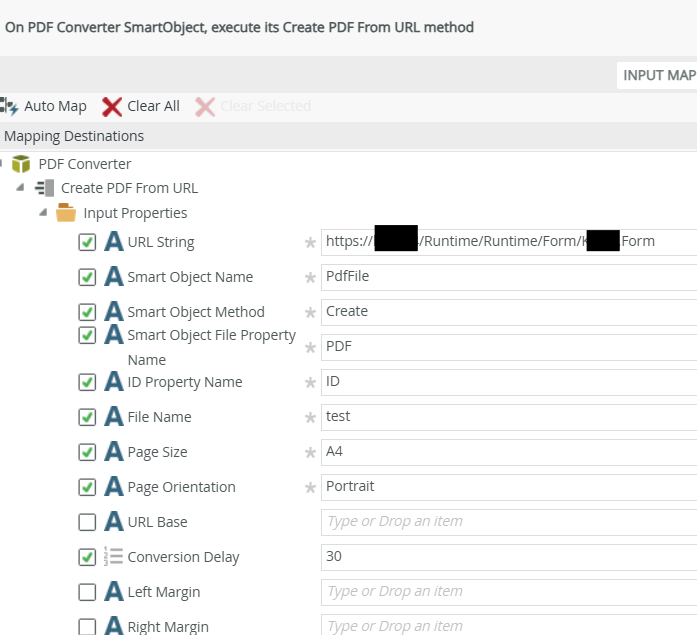
I’m unable to generate the pdf using the smart object - pdf converter.
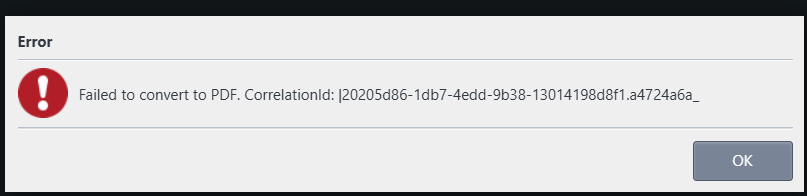
Error below is from the log:
[2025-04-15 19:35:04][ERR][Host:][App:SourceCode.PdfConverter.Api][CID:][SID:][Path:/api/v1.0/convert][Src:SourceCode.PdfConverter.Api.Middleware.ExceptionHandler]: System.AggregateException: One or more errors occurred. (Load_Error (-200) - ERR_CERT_COMMON_NAME_INVALID)
 ---> System.Exception: Load_Error (-200) - ERR_CERT_COMMON_NAME_INVALID
   at SourceCode.PdfConverter.Api.Converter.CefPdfConverter.LoadPage(ChromiumWebBrowser browser, Action`3 loadAction, String urlOrHtml, String baseUrl)
   at SourceCode.PdfConverter.Api.Converter.CefPdfConverter.GetPdfBytes(Action`3 loadAction, Func`2 readyAction, String urlOrHtml, String baseUrl)
   at SourceCode.PdfConverter.Api.Converter.CefPdfConverter.GetPdfBytesFromUrl(String url, String baseUrl)
   --- End of inner exception stack trace ---


Best answer by yennyenn

I manage to fix this by generating ssl cert for internal IP(Cert generated from local CA server)

View original

5 replies

Forum|alt.badge.img+11
  • Nintex Employee
  • Apr 15, 2025 3:01 PM UTC

Base on the error, it looks to be a certificate related:

ERR_CERT_COMMON_NAME_INVALID

Are you using a self-signed certificate?

Is the certificate from a trusted certificate authority?

Does the Common Name/Subject Alternative Names cover the binding/url that you are using to load the SmartForms?

If you browse to that same URL outside of the K2 server, does your browser indicate any certificate issue?

Translate

Forum|alt.badge.img+3
  • Author
  • Nintex Partner
  • Apr 18, 2025 6:40 AM UTC

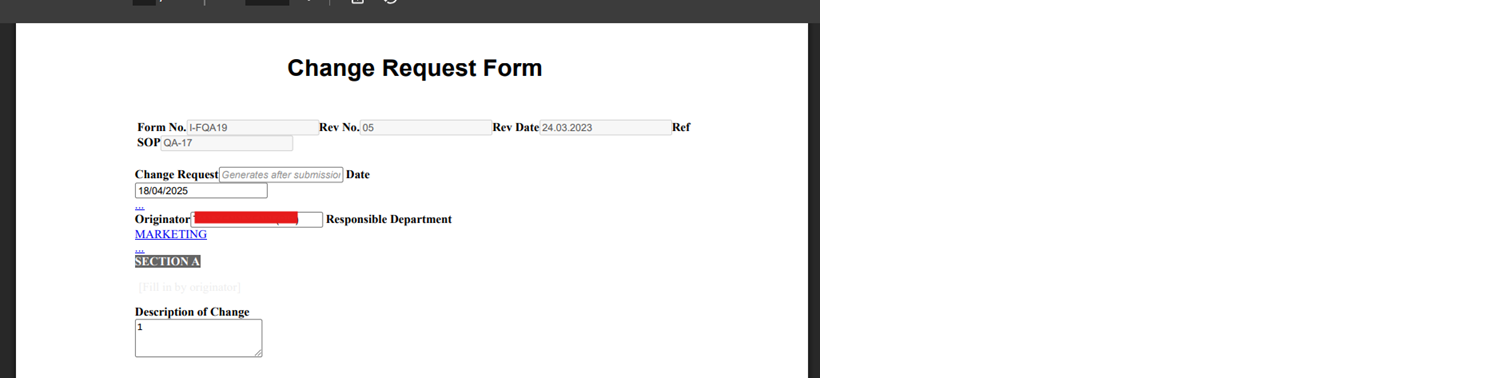
I tried another alternative using Save As PDF. However the pdf output was not ideal and weird. 

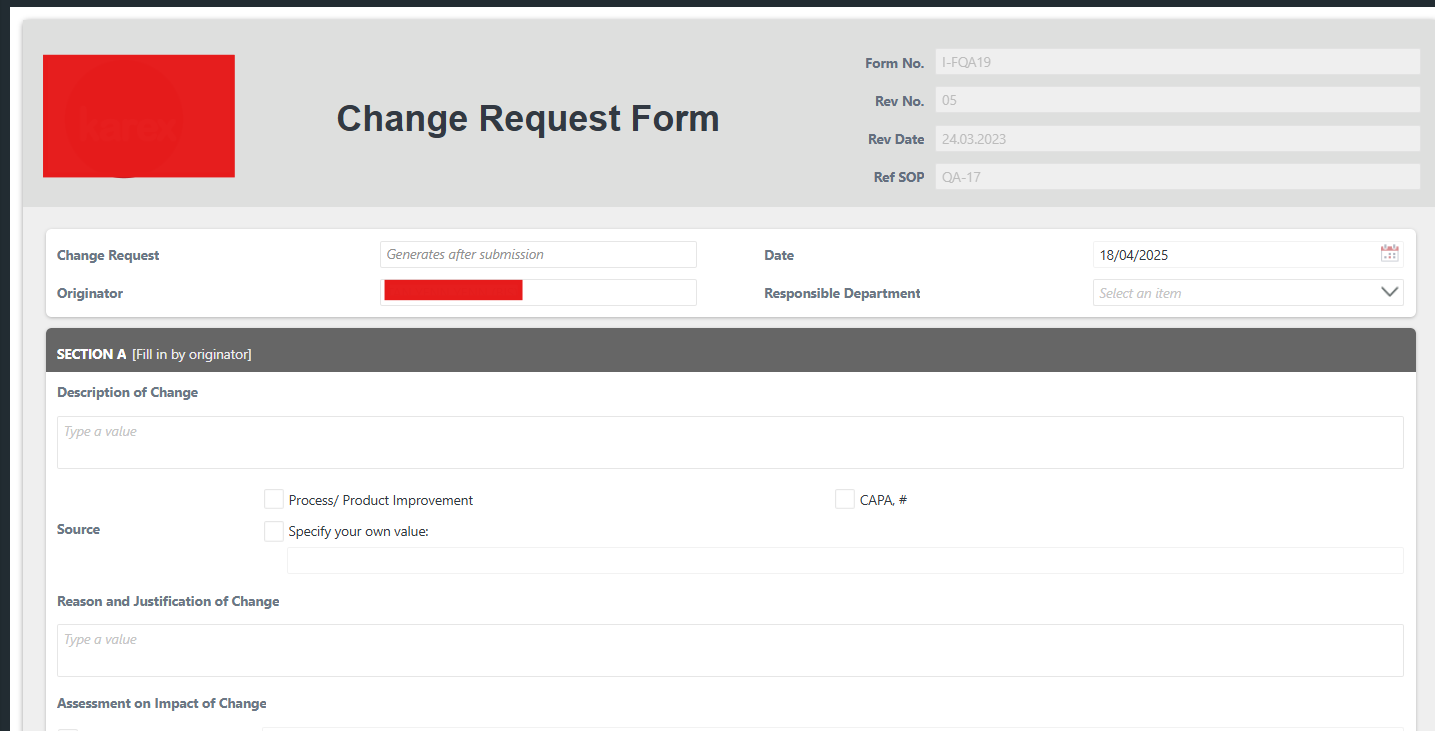
Below is my form:

This is using K2 5.8. Is this issue related to Fix pack 10? 


Translate

Forum|alt.badge.img+11
  • Nintex Employee
  • Apr 18, 2025 2:17 PM UTC

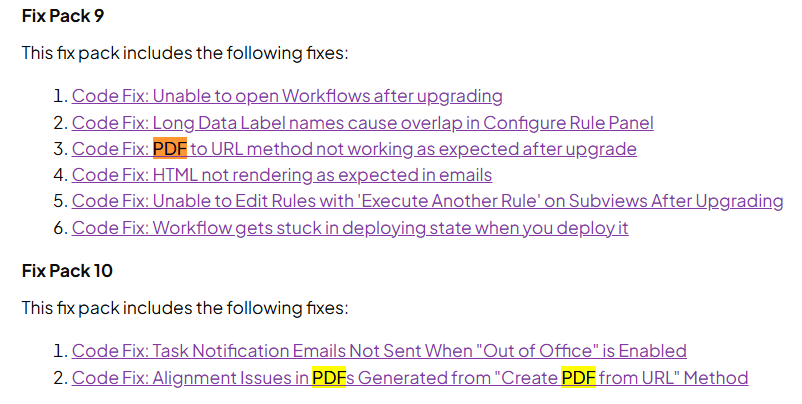
It looks like there were 2 code fixes relating to the PDF Converter functionality.

I would apply the latest fix pack and retest afterwards.

Make sure to create a K2 VM snapshot and K2 database backup in case you need to roll back.

Translate

Forum|alt.badge.img+3
  • Author
  • Nintex Partner
  • Apr 22, 2025 5:56 AM UTC

I’ve downloaded latest Fix Pack 13, however the output of Save as PDF is the same. 

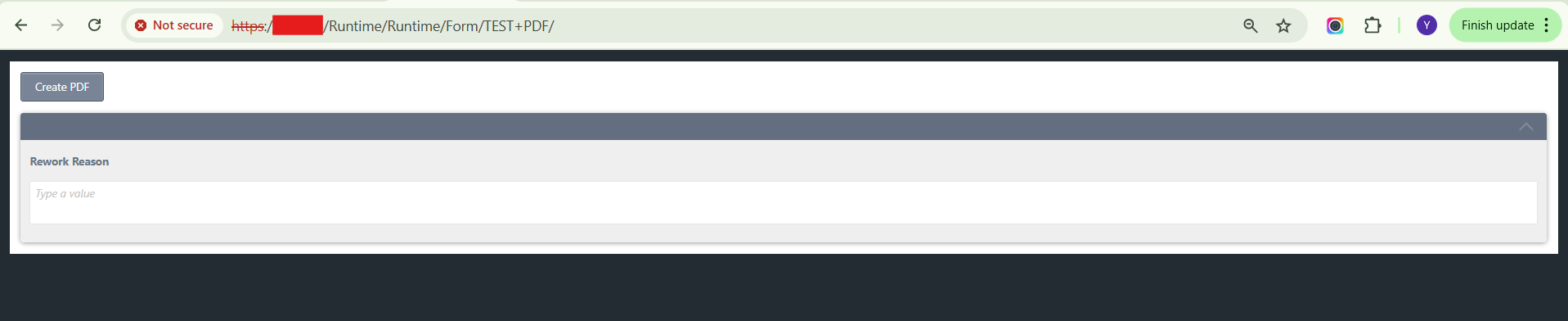
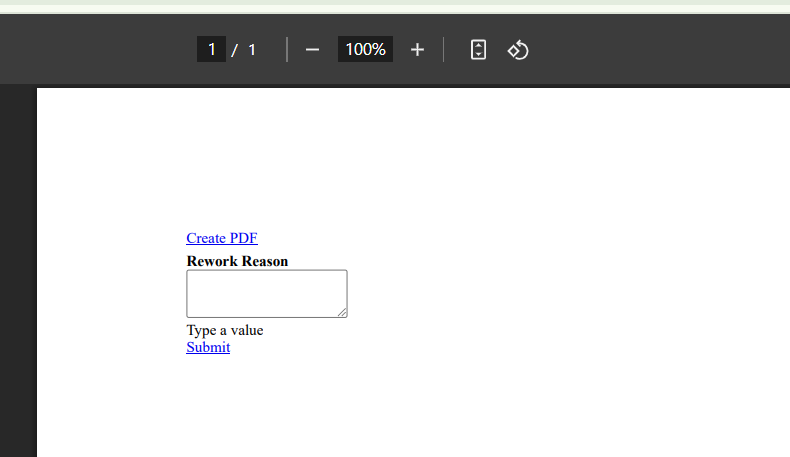
Below is a simple form created to test it. 


Here’s the output: 


Have tried different theme, it doesnt work as well. 

Translate

Forum|alt.badge.img+3
  • Author
  • Nintex Partner
  • Answer
  • Apr 22, 2025 6:51 AM UTC

I manage to fix this by generating ssl cert for internal IP(Cert generated from local CA server)

Translate