Nintex Community Menu Bar
Question

K2 Five create a string in a loop from SharePoint items

  • January 21, 2026
  • 5 replies
  • 32 views

Forum|alt.badge.img+1

Hello guys,

I tried to build a string within a K2 Five workflow loop. I use the join operator, but it’s not working so fair. Maybe you can help me.


e.g. my titles are: Test1; Test2; Test3 and those should be conntected in a string. Like this: Test1-Test1-Test3


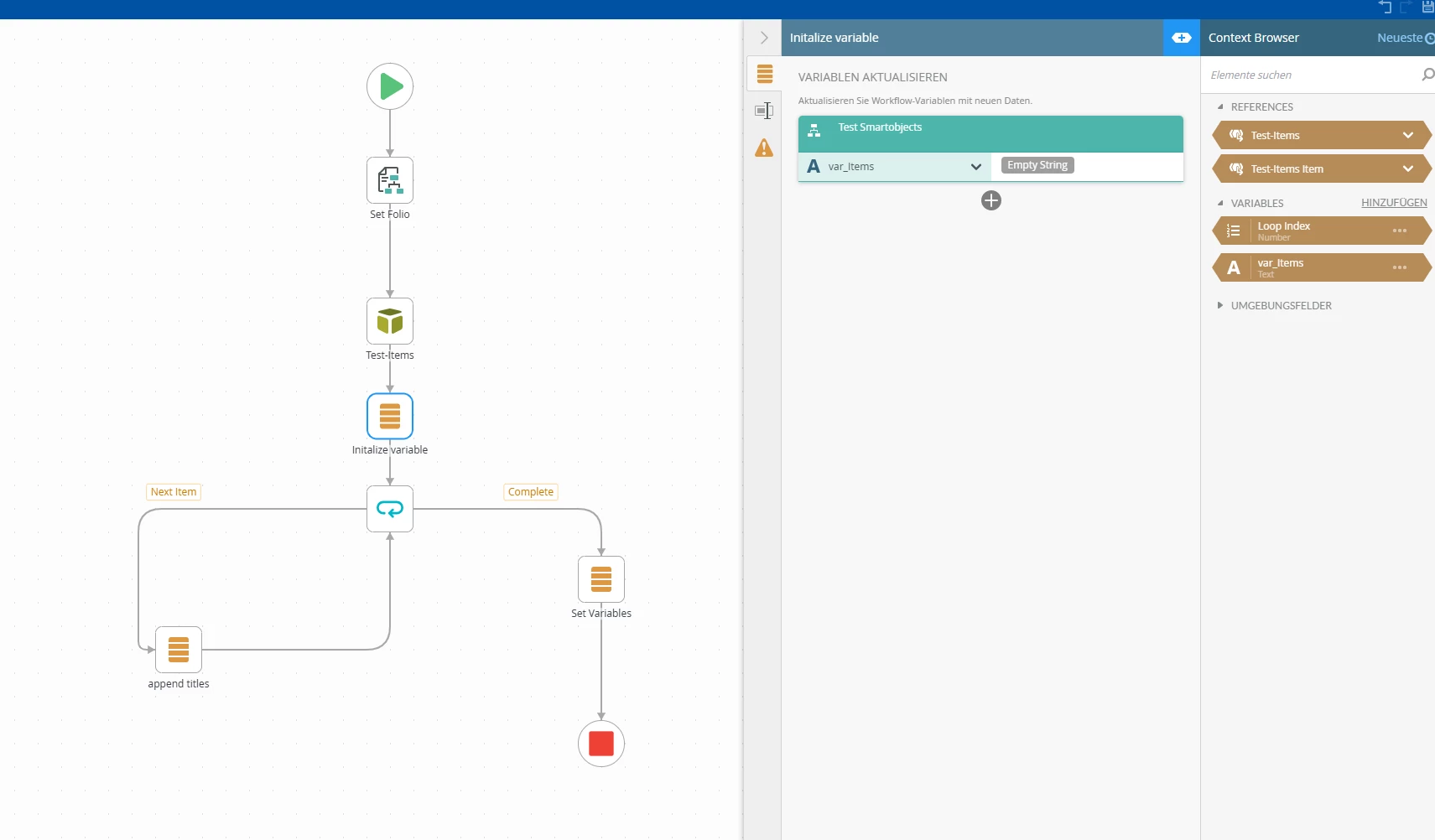
Here are the screenshots:
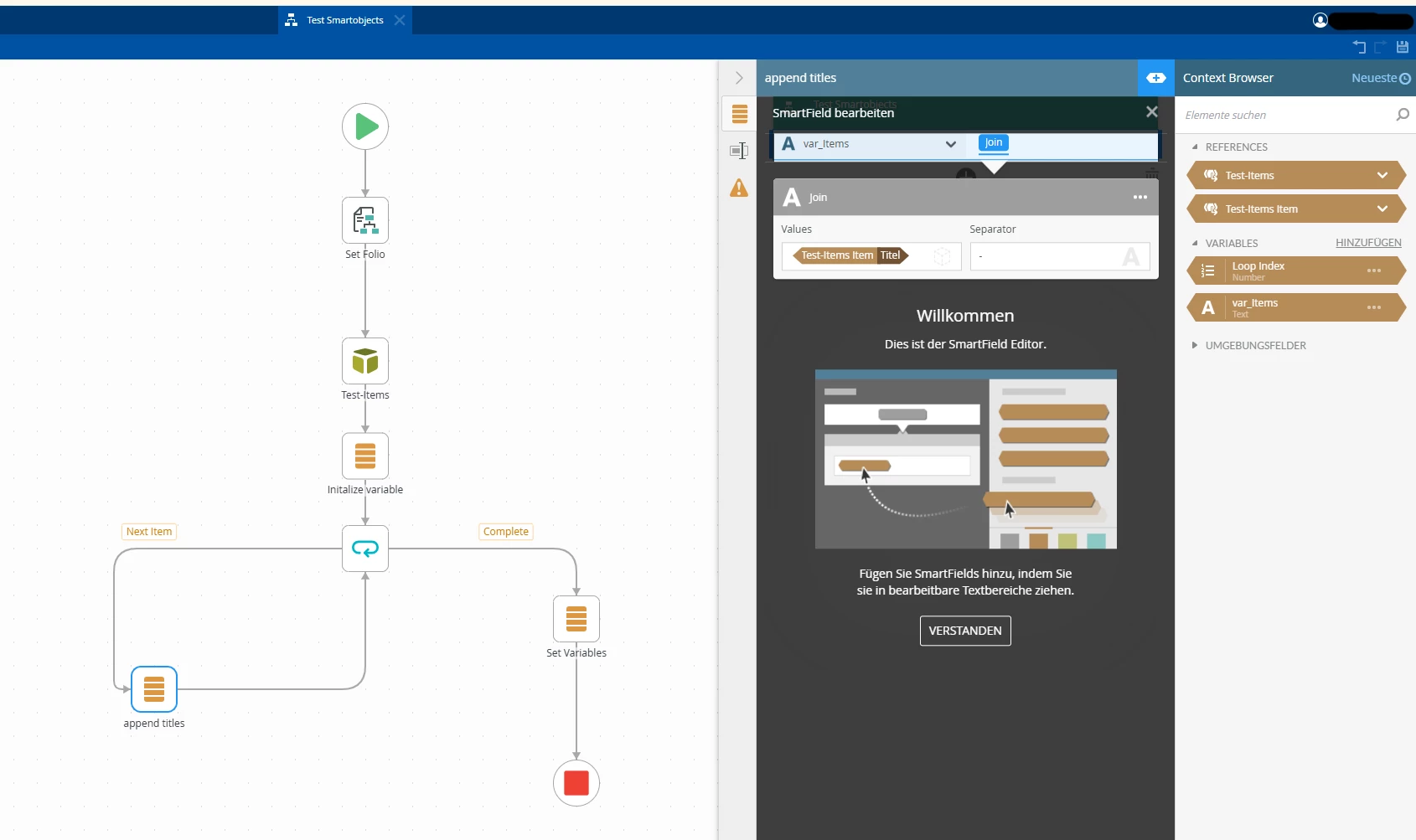
 

I don’t know where my error is.


Best regards

Matthias



5 replies

Forum|alt.badge.img+4
  • Scholar
  • January 21, 2026

Just update your “append title” on the loop with a BASIC > Set Variables setting the value of the variable var_items to:

var_items-[Test-Items Item Titel]

where [Test-Items Item Titel] is the field from the current list item.


ScottCaseIT
Forum|alt.badge.img+2
  • Novice
  • January 21, 2026

Good morning,

To put a fine point on this, the Join function is designed to take a list of items, so you pass in a property from a List SmartObject (in this case, the SharePoint SmartObject Title property), and the Join will concatenate that listed property with the separator of your choosing, so you don’t need to use a Loop.

You can read more about the inline functions here: Context Browser Functions

Now, if, for whatever reason, that approach doesn’t work, then the loop approach would be viable. The loop will create an item reference for the current item you are working with on your loop that you could then use in a set variable step to manually concatenate your values.


Forum|alt.badge.img+1

Hello ovs,

so I don’t need the join operator. Is that correct?

I get all the Titles in one string, but I want to add a separator like Text1;Text2;Text3. How can I do that?


Best regards

Matthias


ScottCaseIT
Forum|alt.badge.img+2
  • Novice
  • January 22, 2026

Hello ovs,

so I don’t need the join operator. Is that correct?

I get all the Titles in one string, but I want to add a separator like Text1;Text2;Text3. How can I do that?


Best regards

Matthias

This depends on the path you are using. If you are using a Loop, you don’t need the join and you will need to add the separator of your choosing to when you use the Set Variable event to build out your string. You will also need to account for ensuring that you aren’t left with a trailing separator character.

Alternatively, you can skip the loop all together and just the join function with the List Results of your SmartObject directly. 


But you will not use both the Join function and the Loop together.


ScottCaseIT
Forum|alt.badge.img+2
  • Novice
  • January 22, 2026

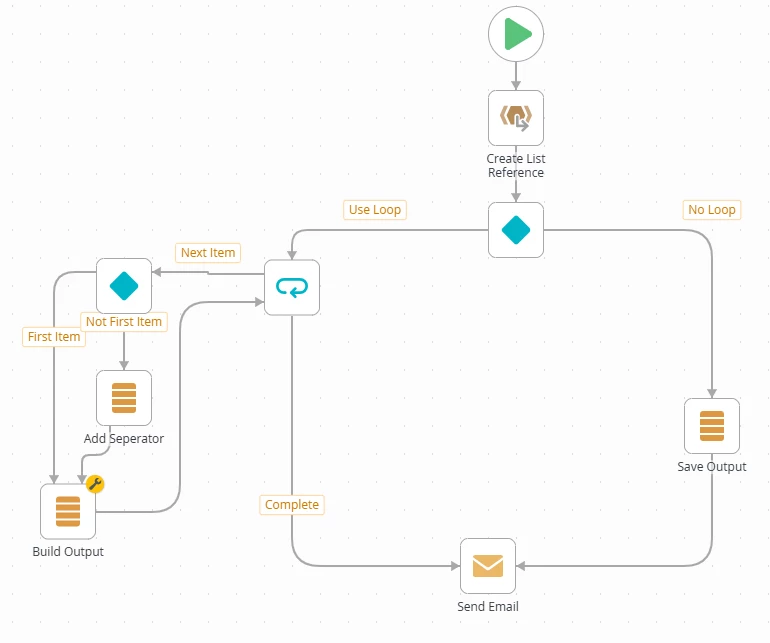
Here is an example workflow using both the Join OR the Loop approaches.

I created a package and uloaded to my GitHub that illustrates how to do what you are asking either using the Join function OR using a loop.

K2-Help-Examples/String Concat Example at main · Case-IT-Solutions/K2-Help-Examples