

Nintex Community Menu Bar
Question

How to find Workflow Timer step name

  • December 4, 2025
  • 1 reply
  • 11 views

Forum|alt.badge.img


I am trying to get what will be the timer step name because I am getting error. If I use Step>Name.

I have checked the DB for Activity table, System Name and Display Name is same ‘Timer’.

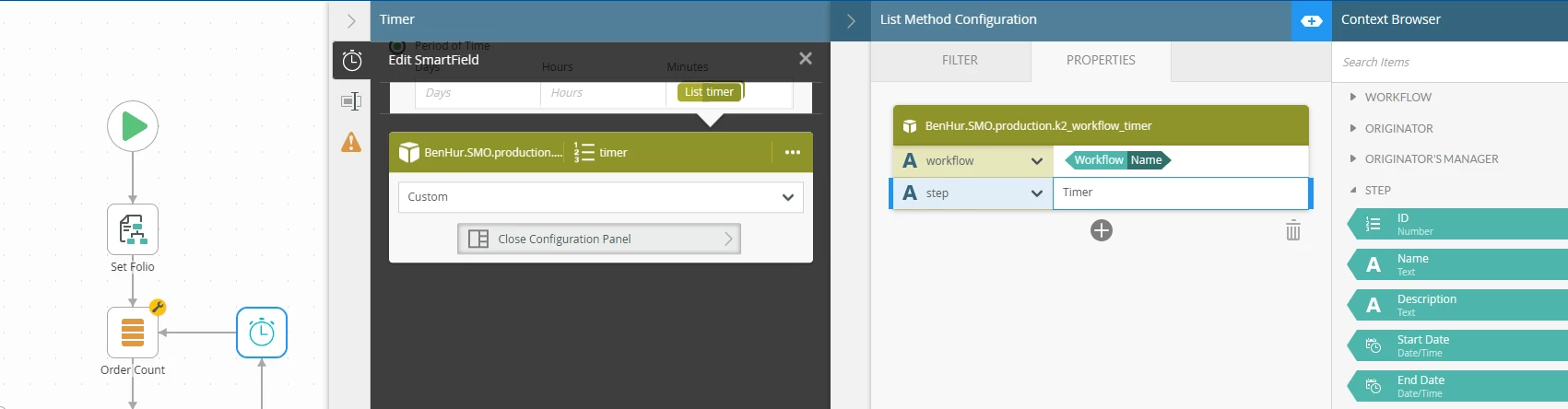
SmartObject property for step should be ‘Timer’ but it still not getting the value
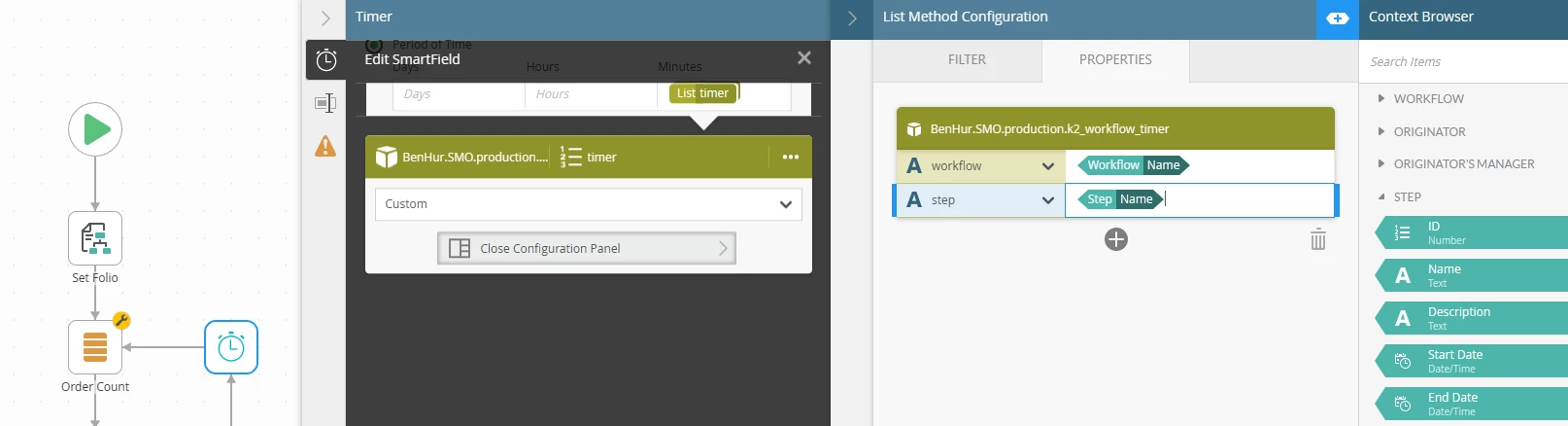
 

If I use hard coded value replacing the Step>Name, then it worked fine.
 

Thanks

1 reply

ScottCaseIT
Forum|alt.badge.img+1
  • Novice
  • December 8, 2025

I’d recommend first giving it a name and display it on the canvas especially if you have more than one timer. In the screenshot you provided there a tab just below that looks like a text box. You can assign what will be a unique name to the timer.

Also, there are two parts to Step names. There is a display name and a system. Which is why it helps to provide a specific name as it will help you differentiate in the db between multiple timers as K2 controls the system names and some K2 UI doesn’t show the display name. 

With regard to your specific issue, Since, you are calling that List method from INSIDE of the timer itself, that property may just not be accessible or have a value in that particular scope. Much like a boot strap paradox type of situation. 

In that case, hard coding would be the way to go.


